The attachment was approved. What can you send after the Agent edits it?
Retain the approved copy and compare material changes so the next decision names a specific deliverable.

Approval attaches to content, while sending often relies on a filename. If editing continues, that filename can point to a changed conclusion, chart or commitment. The recipient and intended use can change as well.
A spelling correction and a new commercial promise should not demand the same review. The useful question is which changes affect the earlier decision, and which exact attachment that decision now permits someone to send.
Set the review scope deliberately
Ask whether the proposed content still meets the original conditions and whether its intended use or recipients have changed. Unchanged content may need a new decision for a different use. A short wording change may alter the strength of a conclusion.
The owner decides between reviewing affected sections and rereading the whole deliverable. The Agent can identify related passages and unresolved questions without treating “formatting only” as self-issued permission.
Compare the approved copy with this working draft. List changes to passages, figures, citations and attachments, with reasons, related material and unresolved effects. Prepare the proposed delivery file list. Do not overwrite the approved copy, decide that approval still applies or send anything externally.
Comparison tools can help with compatible formats. A file hash can check byte equality; it cannot establish a person’s approval or permission for a new use.
Keep the content the reviewer actually saw
Buda Drive retains files across tasks. Its inline editor saves automatically, and the Agent sees the new content when it next reads the file. A persistent path therefore does not by itself identify unchanged content.
Before further edits, save a clearly identified approved copy. Keep the decision context: who accepted which files, whether it covered the body or attachments, the intended use and any conditions. A bare “approved” label loses that information.
If no copy was retained, look for the actual sent attachment, available historical material or a reviewer’s copy. Do not reconstruct the old version from the current draft or ask the Agent to invent a plausible predecessor. Tell the owner which evidence can be recovered.
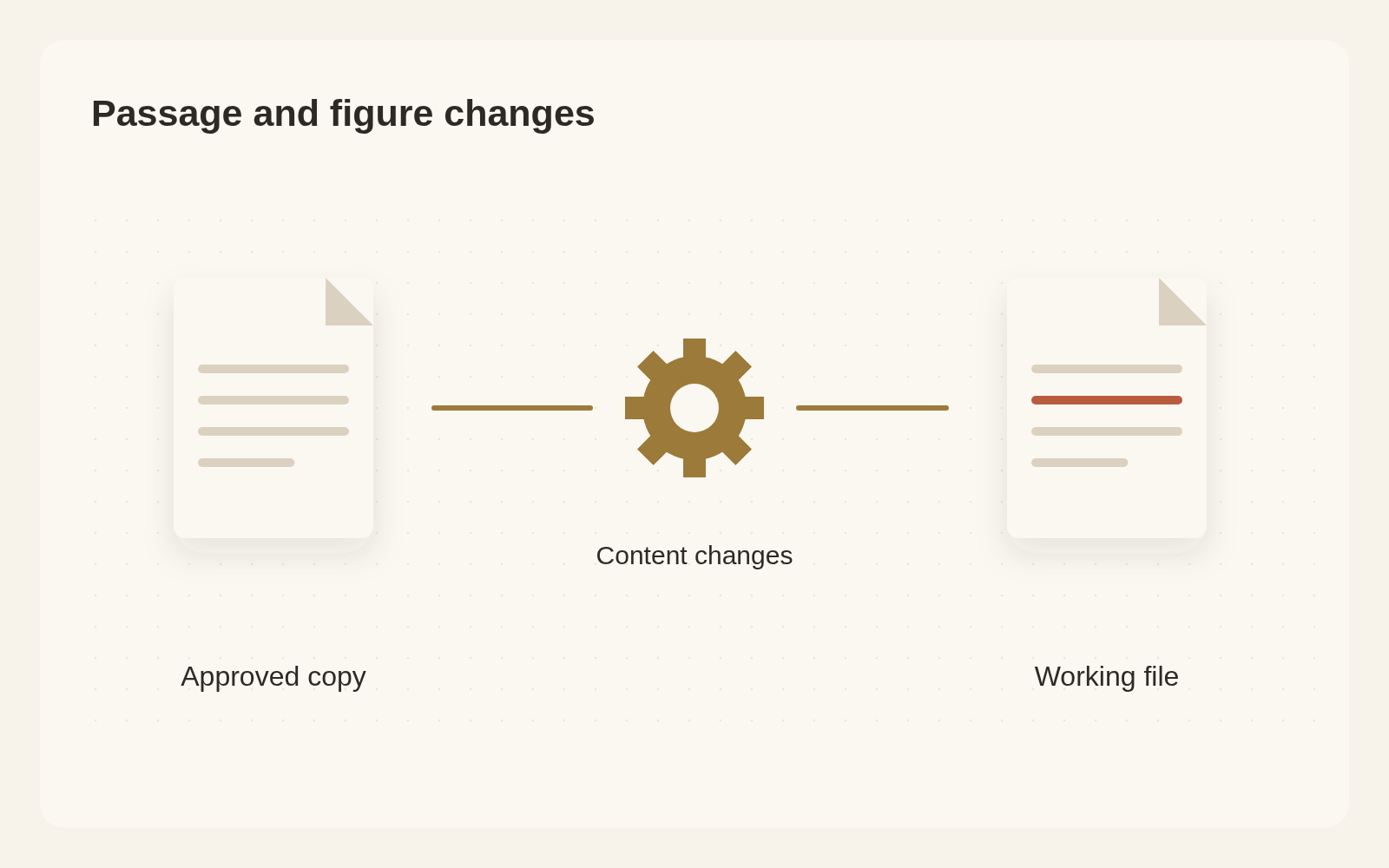
Compare passages, figures and sources
For each change, retain its location, before and after content and reason. Figures need checks on data, labels and interpretation as well as appearance. A change inside a chart can affect an unchanged summary elsewhere.
Organize the comparison by body passages, figures, citations and accompanying files. Separately identify changes to outward commitments, dates, amounts or requested actions. Keep references to the actual source locations. This is a suggested review artifact, not an automated approval feature.
Formatting changes can be grouped, while factual or commitment changes need their implications explained. The Agent helps a reviewer decide where to look; it does not decide that a change is too small to need review.
Make the next decision unambiguous
Provide the approved copy, proposed revision, difference note, affected material and questions together. Identify the actual candidate for sending rather than a collection of files all called final.
The decision should correspond to a specific file set and purpose. If only some changes are accepted, prepare a candidate reflecting that decision and inspect it. Partial acceptance is not acceptance of the full draft. Preserve evidence that conditions attached to a decision have been met.
This is a team review practice. Agents can retain files and organize evidence, while the owner determines the meaning and scope of approval. Do not describe file storage as automatic version locking or an approval invalidation engine.
Which changes should reopen the approval decision?
Classify a change as wording, fact or intended action before calling it an optimization. Wording can change meaning; a new fact can affect charts and conclusions; a changed recipient, price or commitment can exceed the earlier approval. This is a suggested review method, not an automatic Buda approval label.
Show the affected original text, its replacement, the reason and the decision it touches. Follow existing team rules for meaning-preserving edits. Reopen a specific decision when conclusions or commitments change. If the approved content was not retained, a short diff cannot establish that the current file remains approved.
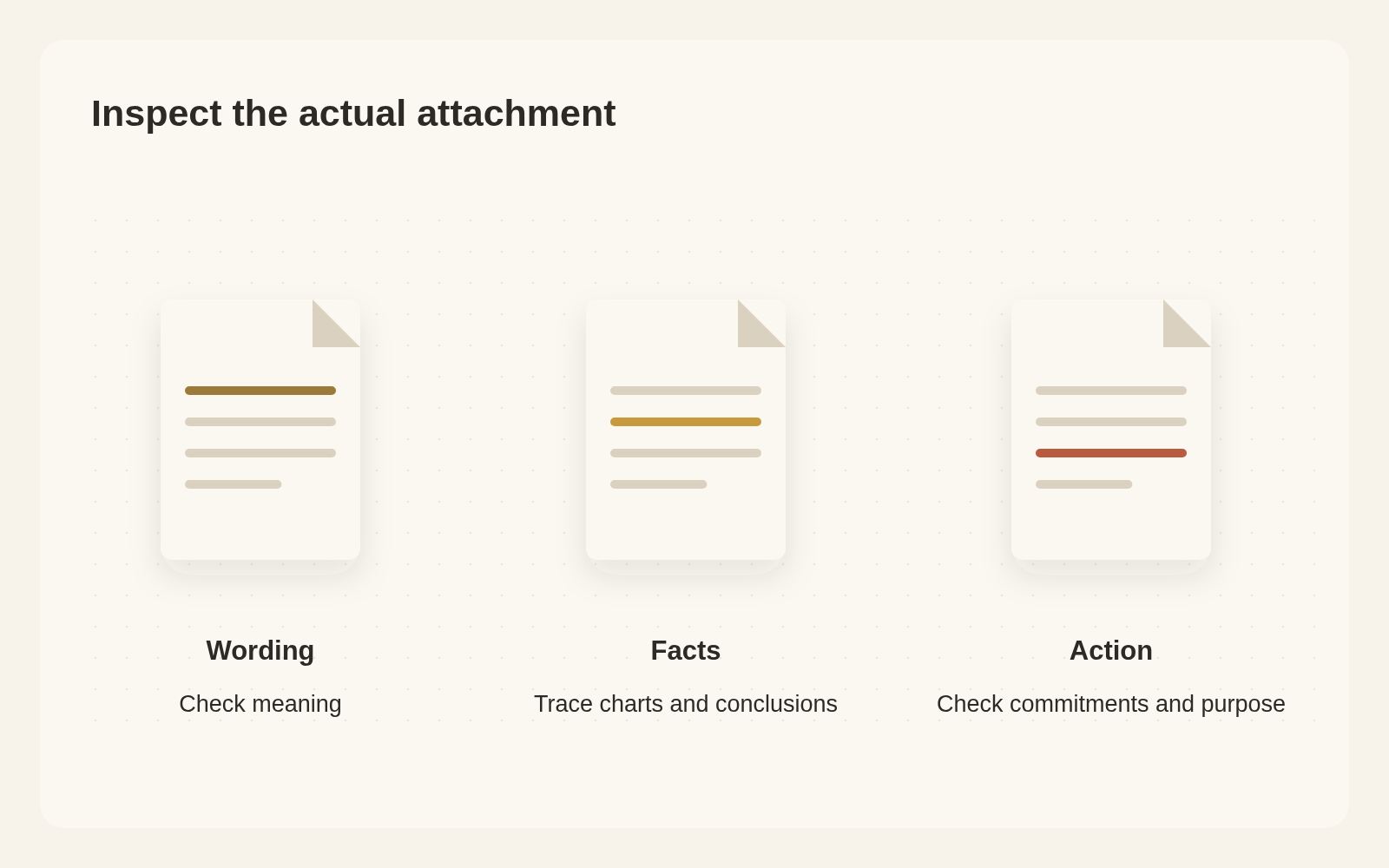
Open the attachment you will actually deliver
Check the final body, figures and file list against the accepted decision. If the source is exported to PDF, inspect that export’s pages, images, links and references too. Checking the source alone does not check the delivered artifact.
For a time-limited share link, confirm its target and the recipient’s intended access conditions. Sending requires its own authorization; retaining a link does not establish delivery or receipt.
Keep the actual delivered version and receipt evidence, and continue editing in a working copy. Drive and Memory can retain materials and an index. Once useful, the method can become a team Skill; public Skills can be found in Buda AI’s Marketplace.
A reliable handoff identifies what was approved, what changed and what was sent. Adding “final” to another filename cannot do that work.