Multiple sessions, one agent: prevent shared Drive file overwrites
Separate candidate outputs from the final write, then verify the combined file.

One session edits a report while another adds research. Both finish, but the final document is missing the first revision. The sessions may have written different replacements to the same path.
In Buda, sessions have separate conversation histories while the same agent retains its persistent Drive. Separate conversations organize context; separate output paths organize file changes. A useful starting rule is to let parallel tasks produce candidates and give one integration step responsibility for the final file.
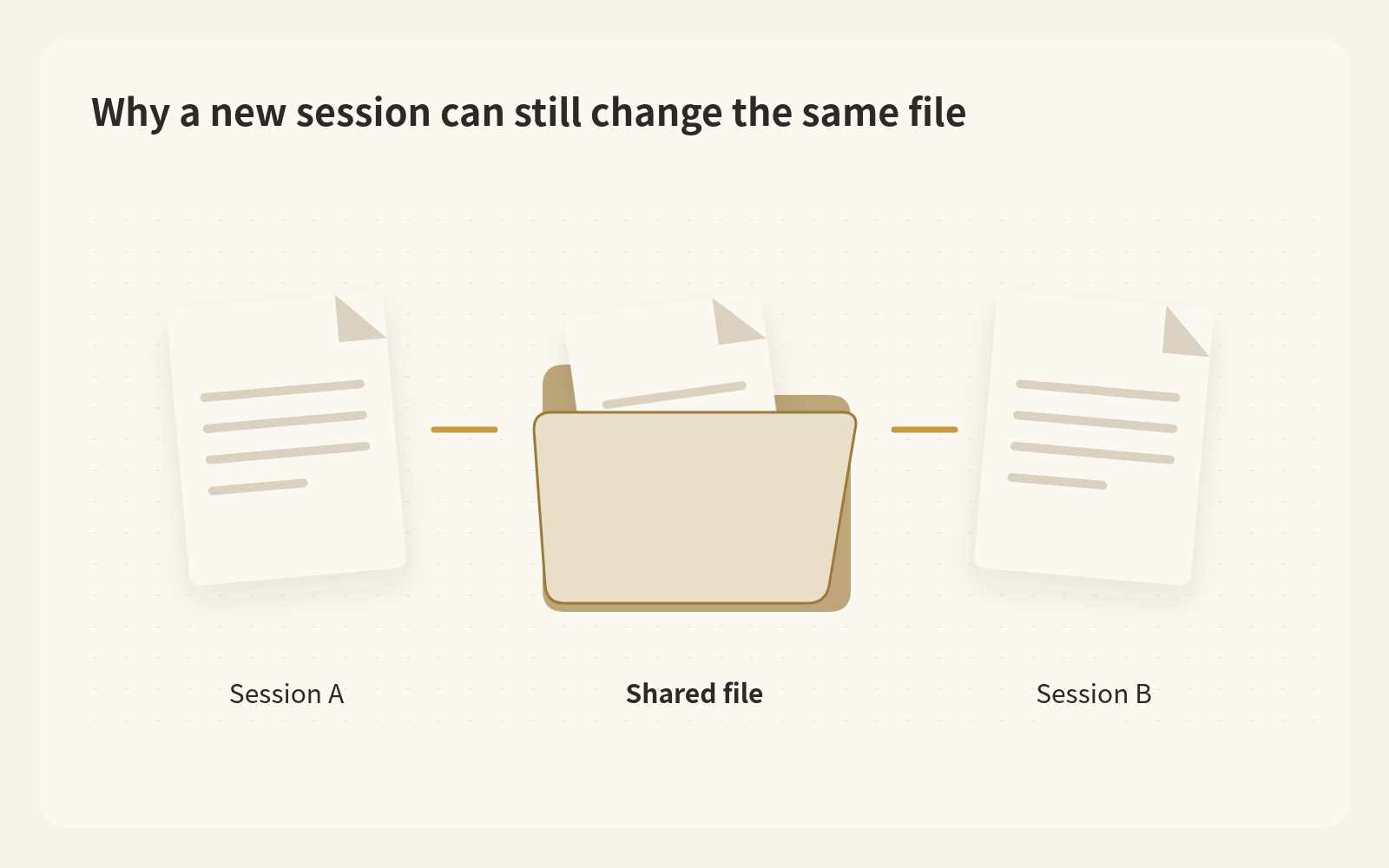
Why a new session can still change the same file
Sessions keep their own messages, tool calls, and artifact history. The agent’s Drive persists across sessions and sandbox restarts. Terminal, Git, and Files access the same file tree. A fresh conversation does not create a separate copy of that tree.
Two sessions can therefore read an earlier document and each prepare a full replacement. The later write may omit changes made by the other session. Session names and completion messages cannot establish which input version was used; inspect the actual paths and file contents.
Assign final-write responsibility before parallel work
Separate approved inputs, task-specific candidates, and the final output. Give each parallel task a distinct directory for its draft, assets, and notes. Reserve updates to the final location for an explicit integration step. Use meaningful project names so temporary candidates do not become ambiguous long-term reference material.
An instruction can be: “Read the specified source, revise this section, and save only in this task’s candidate directory. Leave the final file unchanged. Return the full path, scope of changes, and unresolved questions.” This is an operating convention. A directory name or prompt does not enforce permissions or provide a file lock.
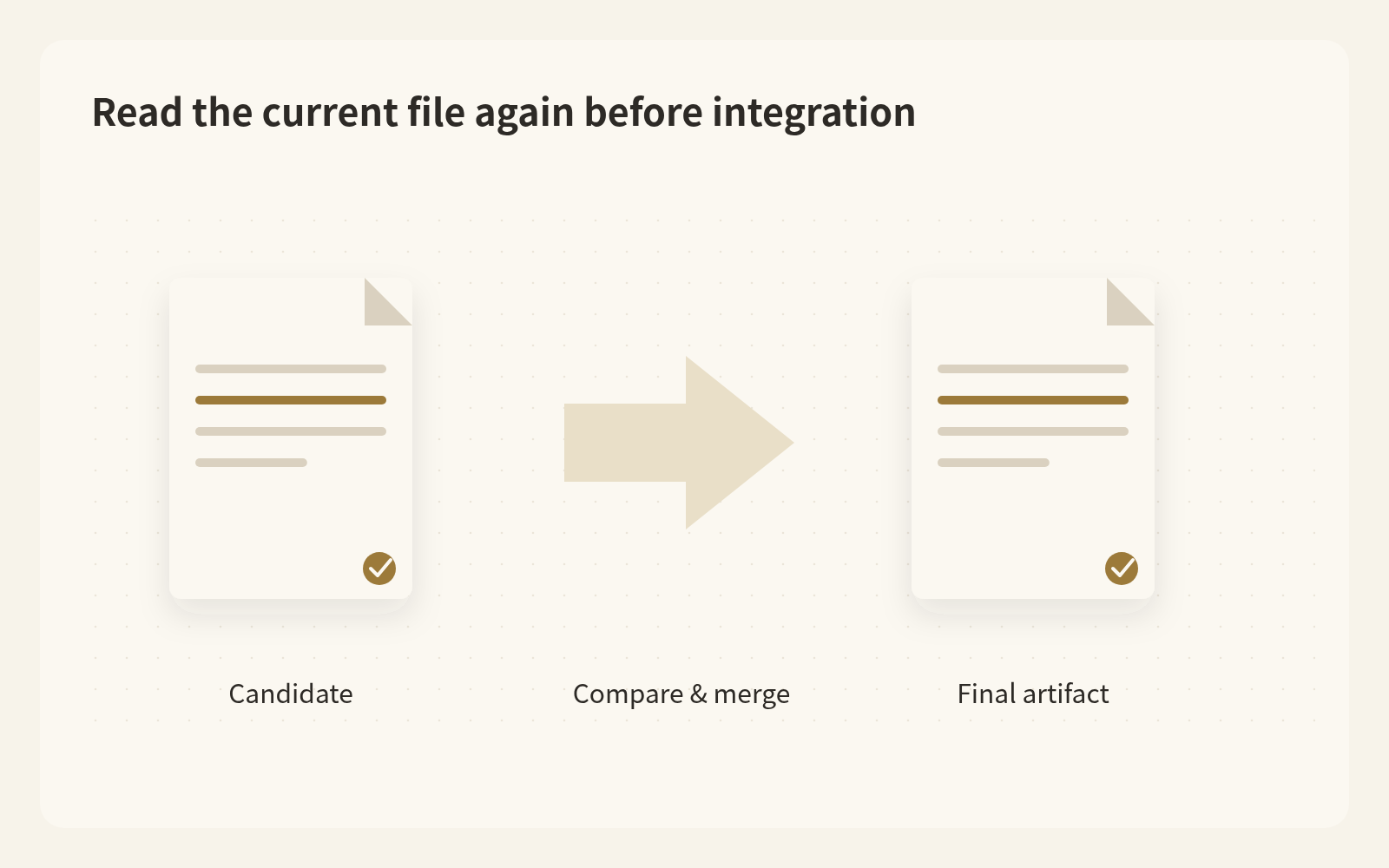
Read the current file again before integration
The integrating session should read the current final document as well as both candidates and their change notes. Compare overlapping edits, incompatible data, and passages one candidate removed while the other expanded. Resolve factual disagreements against sources or ask the responsible person to decide.
Ask it to identify conflicts and compatible changes before updating the final file, preserve the candidates, and return a final diff. If the file changes during review, compare again. An ordinary read followed by a write is not an atomic lock; serialize consequential final writes.
Recover an overwrite without losing later work
Stop the tasks still writing the affected path and preserve the current file and candidates. Inspect tool inputs and outputs, artifact paths, available file history, and relevant Git commits. Drive & Memory describes persistent files, history, and snapshots; recovery still depends on what was actually retained.
Restore an older state into another candidate location first. Compare it with the current file before replacing anything: a whole-file restore may discard valid later edits. If no earlier content is available, name the gap and rebuild from source material rather than claiming recovery.
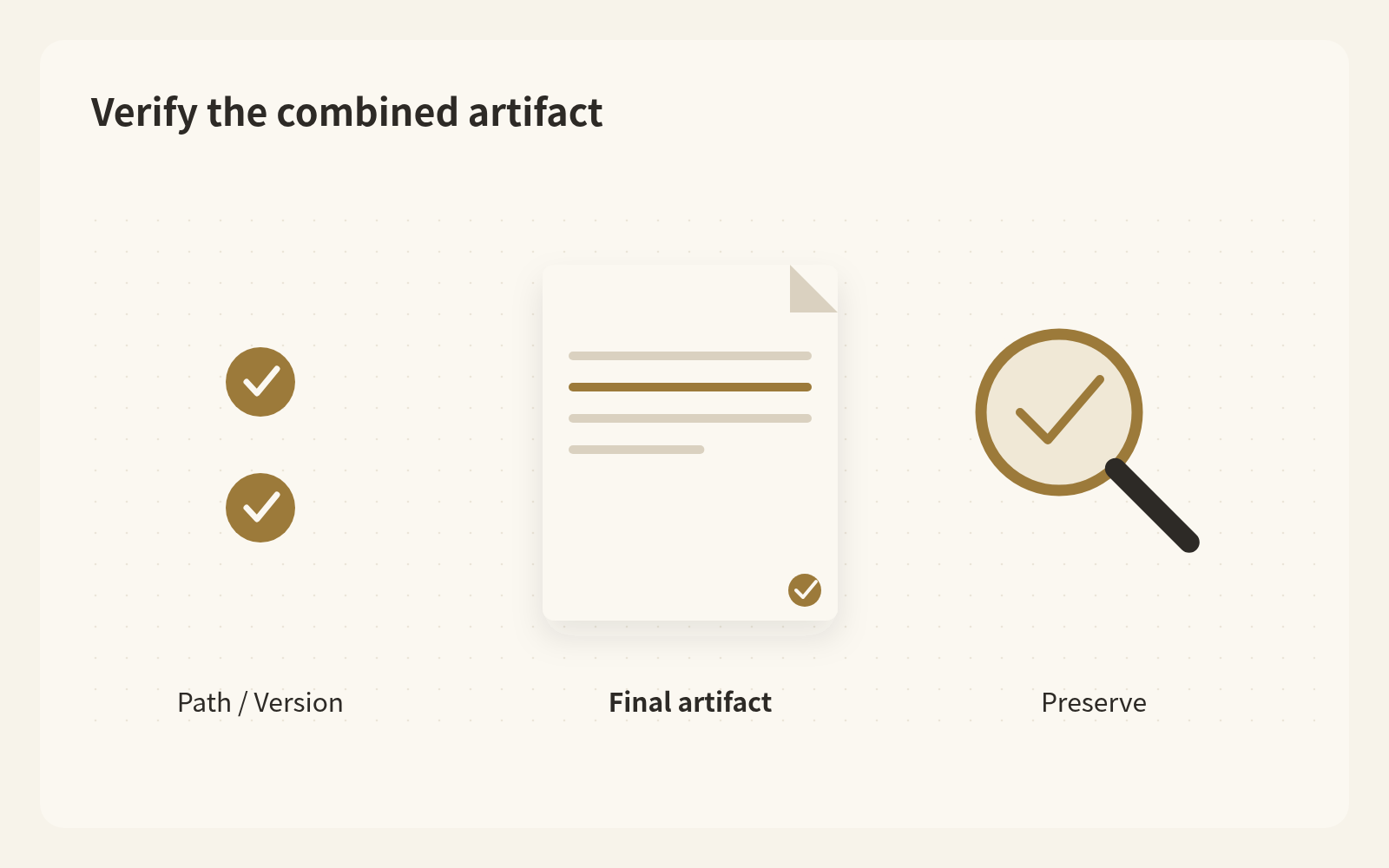
Verify the combined artifact
Open the final path and check that both assignments are represented, sources and images still correspond, and paragraphs were neither lost nor duplicated. Completion messages help locate outputs; they do not replace examining the file.
Keep a handoff note with the final path, candidates used, conflict decisions, and unresolved issues. Future tasks should read that file and note. For code, run the project’s appropriate build and checks; use content-specific acceptance criteria for documents and datasets.
Questions to settle before the next run
Does a new session duplicate Drive? No. Separate session history and persistent agent files are different boundaries. Use explicit candidate paths when independent copies are needed.
Can sessions edit different files? Yes, while checking shared inputs, indexes, and configuration. Verify that their outputs work together. Will a memory rule prevent every overwrite? Store conventions in AGENTS.md, project guidance, or a reusable Skill, but do not treat those files as locks. Begin with distinct candidate directories and one accountable final-write step.