Buda vs Amp: Continue a Development Thread or Run an Ongoing Business Responsibility?
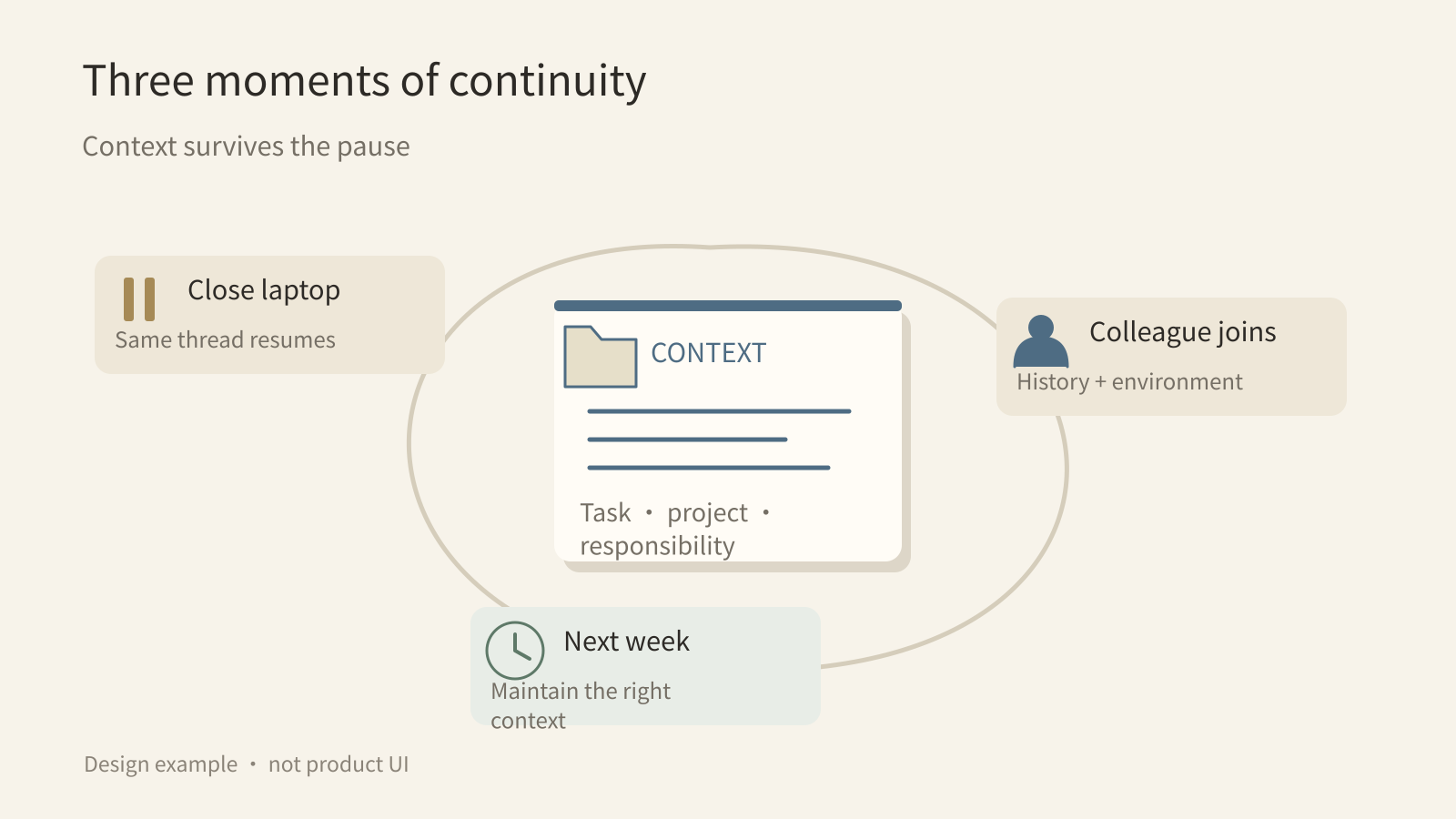
Test continuity at three moments: closing the laptop, handing work to a colleague, and running the task again next week.

Buda vs Amp: Continue a Development Thread or Run an Ongoing Business Responsibility?
“Will the agent keep working after I close my laptop?” no longer distinguishes Amp from Buda. Amp Orbs run on remote machines without using your computer, and its documentation describes preserving the conversation, files, and services when an orb resumes. A useful search for an Amp alternative goes further: who owns the work next, and which context should remain valid?
Amp makes the thread the unit of work, tying a project to code changes, tool calls, and collaboration. Buda organizes responsibilities around persistent agent workspaces. One is a natural fit for following a development task through its history; the other is designed around agents that keep materials and reusable procedures for different business roles. The overlap is real, so cloud access is not an honest dividing line.
Moment one: the laptop closes
Amp says every orb thread gets a fresh, isolated environment with its code, plugins, development tools, and originating context. Agents can install dependencies, run an application, launch browsers, and test changes. Users can inspect Changes, Files, and Terminal rather than relying only on a final message.
An orb pauses after the agent finishes and interaction stops; on a later prompt, the documentation says conversation, files, and services remain in place. The same thread is available through web, CLI, Mac, and iOS apps. Buda also executes in the cloud, with persistent Drive storage and visible files, browser, terminal, and Git.
Not keeping a local laptop awake is therefore a shared possibility. Compare where the environment belongs: Amp organizes it around the thread and project; Buda around the agent and its ongoing materials.
Moment two: a colleague takes over
An Amp thread records prompts, replies, tool calls, and file changes. Teams can share threads, reference existing ones, and bring colleagues into live work. Workspaces include shared projects, configuration, Skills, MCP, and billing. Treating Amp as a tool for an isolated individual would be inaccurate.
For a code investigation, this is a useful handoff unit. A colleague can inspect a diff, terminal activity, and reproduction evidence before continuing. The environment and its work history travel together with the task.
Thread visibility does not decide what the next person may do externally. Reading a result, changing files, shipping code, and promising a fix are separate boundaries. Buda needs those rules too; visibility of an agent’s output is not blanket authorization.
Moment three: the task returns next week
Amp already documents Automations. A schedule and prompt are saved on the current thread; the agent retains its history when triggered, and an orb resumes when execution needs its environment. Event-driven Orbs are also documented. The comparison cannot claim that Amp lacks recurring work.
Ask what the next run should inherit. A slow-query investigation may reuse project setup, thread history, and code tools. A cross-functional weekly report may need a maintained source list, previous verification decisions, output standards, several reviewers, and a reusable process. This is a context-ownership choice, not a contest over one schedule button.
In Buda, research, content, and support agents can keep ongoing materials separately. Stable steps become Skills; explicit recurring tasks become Automations. Teams can search for and install Skills in the Buda AI Marketplace, then adapt acceptance rules. A persistent responsibility does not make every subsequent action pre-approved.
Test two deliverables, not a feature checklist
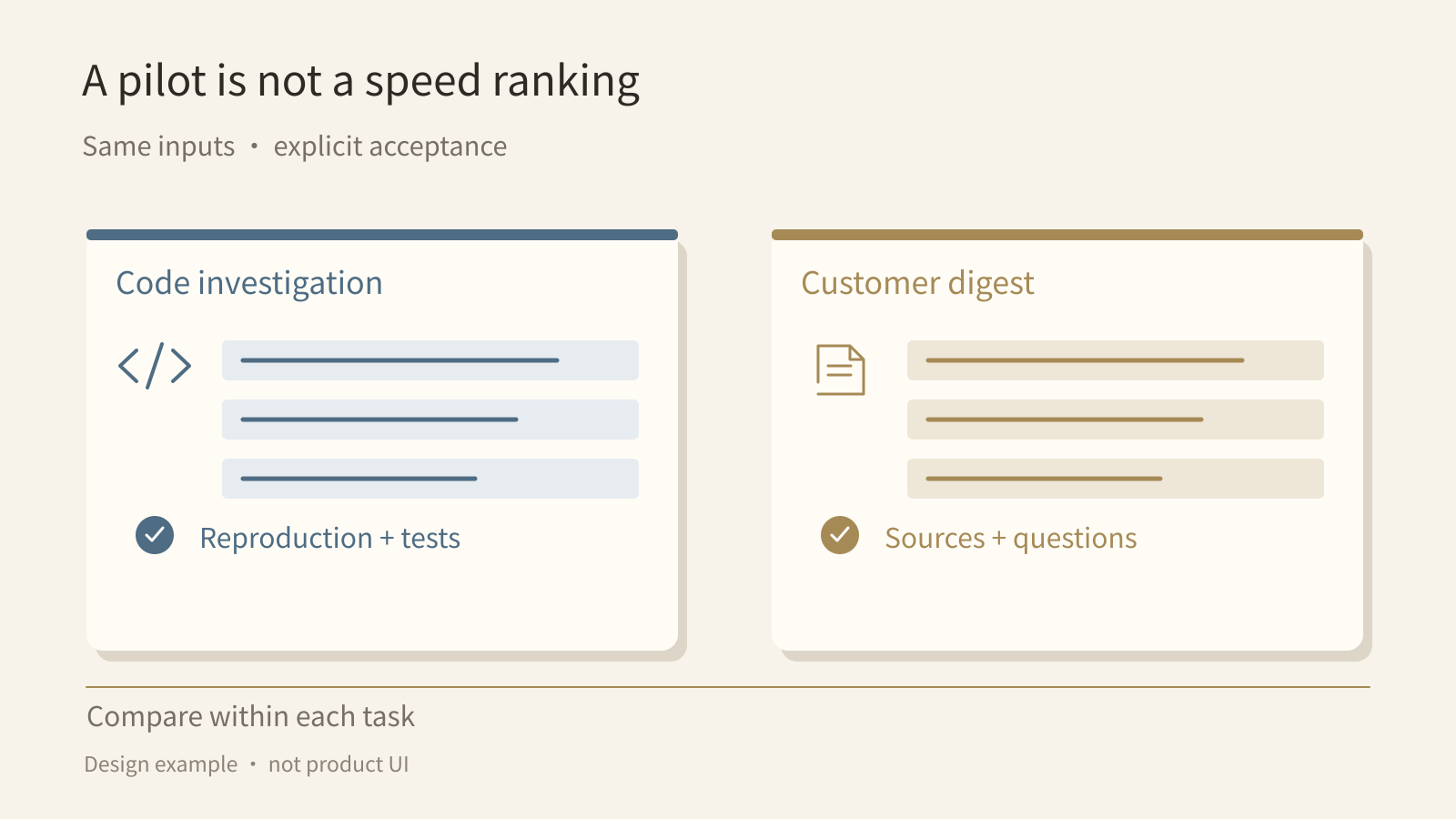
One pilot deliverable can be a development investigation: project code, reproduction steps, inspectable changes, checks, and a proposed next action. Another can be a customer-issue digest: approved customer material, traceable sources, conclusions for a business owner, and questions needing human follow-up.
These are proposed evaluation scenarios, not claimed hands-on results. Give comparable inputs and acceptance criteria within each scenario. Record setup time, missing context, repeated explanations, reviewer effort, and whether the output was accepted. Do not compare coding speed in one product with summarization speed in another.
For a team working mostly within code projects, Amp’s threads, Orbs, and Workspaces deserve a focused trial. For responsibilities across roles and repeated cycles, test whether Buda makes it easier to maintain the right materials and workflow in each agent workspace.
Inventory context before migrating
Separate one-task information, project information, and ongoing business knowledge. Assign who can read, change, and approve each part. Keep valuable code threads and reproduction evidence; a single summary should not replace the record needed to review a fix.
Likewise, do not migrate a business process by copying an entire chat history. Extract approved inputs, sources, acceptance criteria, failure handling, and unresolved human decisions. Check permissions for secrets and customer data. Cloud execution alone is not a security guarantee.
A first Buda task can be small: ask one agent to draft a weekly report from approved materials, retain sources, and list unresolved issues. Accept the output before deciding what to reuse or schedule. The useful measure is how much explanation the next run avoids, not the number of agents created.
Questions before a pilot
Is an Orb disposable after every pause?
No. Each orb thread begins in a fresh isolated environment, but the documentation says resuming preserves the conversation, files, and services. Fresh creation does not imply clearing it on every pause.
Can Amp run scheduled work?
Yes. An Automation on the current thread can run once or repeat, retaining that thread’s context. Amp also documents event-driven Orbs. Compare workflow and context ownership rather than inventing a lack of scheduling.
Does Amp support team sharing?
Yes. Workspaces hold members, threads, projects, and shared configuration. Check visibility and administrator policies for the real workspace; collaboration does not automatically satisfy every business permission requirement.
Must everything move to Buda?
No. Keep the development threads and environments that are useful. Trial one cross-role business responsibility in Buda, and explicitly design inputs, handoffs, and approvals between systems rather than assuming ready-made interoperability.