Buda vs Continue: Where Should the Work Go After the Code Change?
Follow one customer issue from the accepted patch to documentation and reply.

Buda vs Continue: Where Should the Work Go After the Code Change?
Continue belongs close to the developer's code. Its official documentation introduces an open-source coding assistant for VS Code and JetBrains with Agent, Chat, Edit and Autocomplete modes, alongside a CLI. Developers can customize model selection, rules and tools. That is a substantive engineering workflow, not a generic chat box.
The question for a team is not whether Buda can replace editor autocomplete. It should not try. The purchase decision arises when an engineering change triggers other responsibilities: investigate a customer report, revise a help article, approve a reply, record the release, and repeat the same process next month. Continue's coding surface and Buda's persistent team workspace address different parts of that chain.
Keep the work in the editor when code is the deliverable
A developer needs to find a function, alter several files, check a diff and run tests. The IDE is where they already have the repository and feedback loop. Continue's Agent and Edit workflows meet that person where the work is happening; its model and configuration options matter when an engineering team needs a defined coding setup.
Choose the tools that fit that loop. Compare the actual code patch, tests, developer corrections, supported editor and configuration effort. A long-lived cross-functional workspace would add complexity if the job ends with a verified engineering change. Conversely, one correct patch does not necessarily close a customer-facing incident.
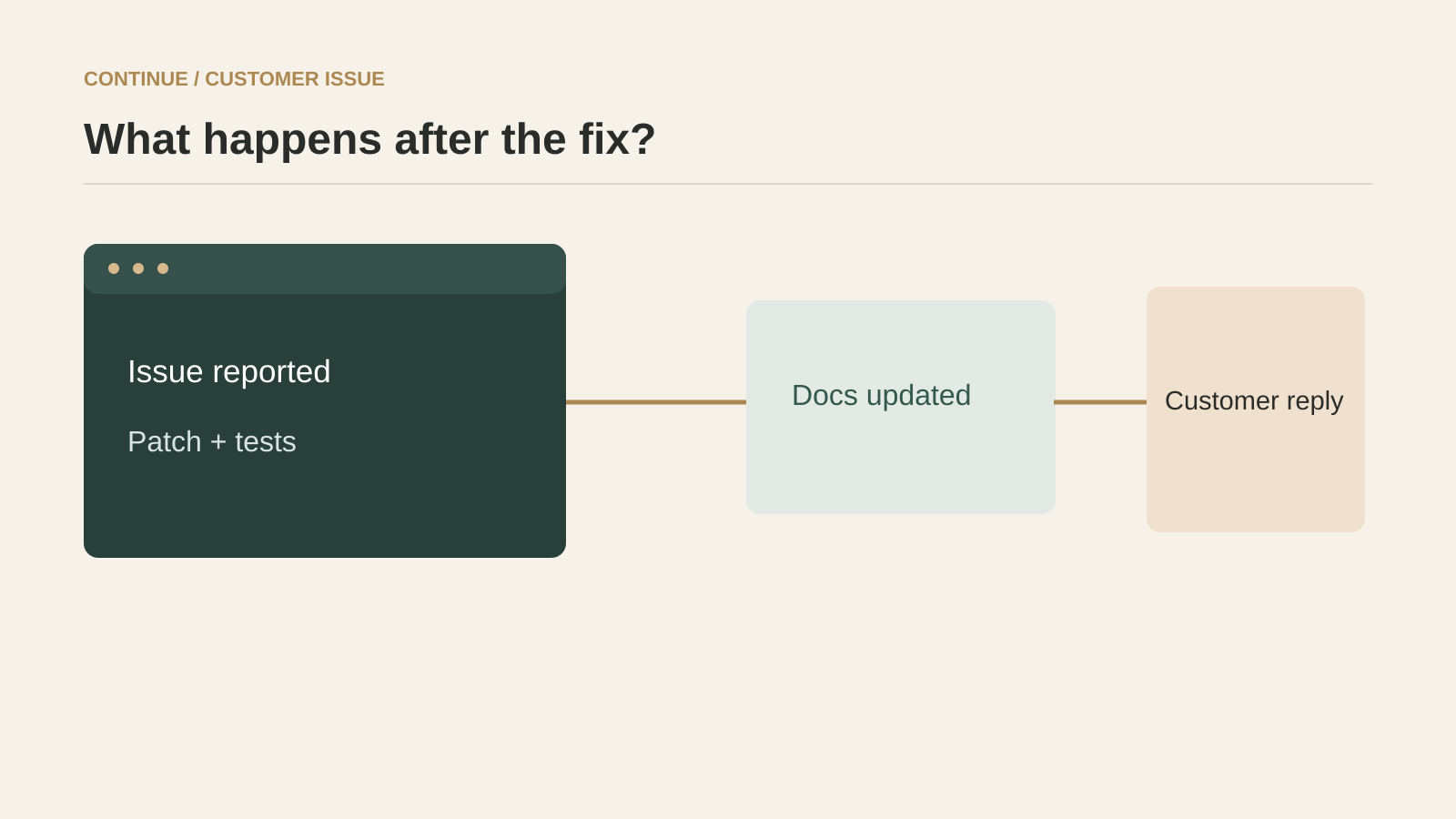
The rest of the incident is a different job
Suppose support receives a defect report. The engineer diagnoses it and ships a code change. Product then needs to confirm behavior, documentation needs an update, and support needs an accurate response. Four different artifacts have to move between people. The final answer needs evidence of the test and release, not a copied fragment of the engineer's private editor chat.
In Buda, named Agents can work within a persistent Space with shared Drive files, task Sessions and visible browser, terminal and Git surfaces. Skills can encode recurring procedures; Automations can schedule them; Channels can bring tasks into the workflow. That arrangement is useful when the unit of work is the accepted end-to-end outcome, not just the patch. It also makes a deliberate handoff possible from an engineering tool. Nothing here establishes that Continue lacks its own remote or cloud workflows; evaluate any such offering from its current product documentation and a real test rather than inferring absence from IDE docs.
A fair handoff test
Take a real support issue with a known reproduction and a document that needs an update. First have an engineer use Continue to diagnose, change code and produce test evidence. Next have a separate owner update the help content and draft the customer response, but give them only the checked artifacts, not the original chat. See whether the code evidence, source material, status and reviewer decision are intelligible.
Now repeat the same incident pattern with new inputs. In the Buda workflow, inspect where each Agent gets context, which tool calls were made, whether the file and test result are accessible, and who reviews the customer-facing artifact. If the team prefers Continue's own cloud or team facilities for some steps, include them in the trial and evaluate the same criteria. The point is to decide where the handoff belongs, not to declare one vendor incapable of doing the other's work.
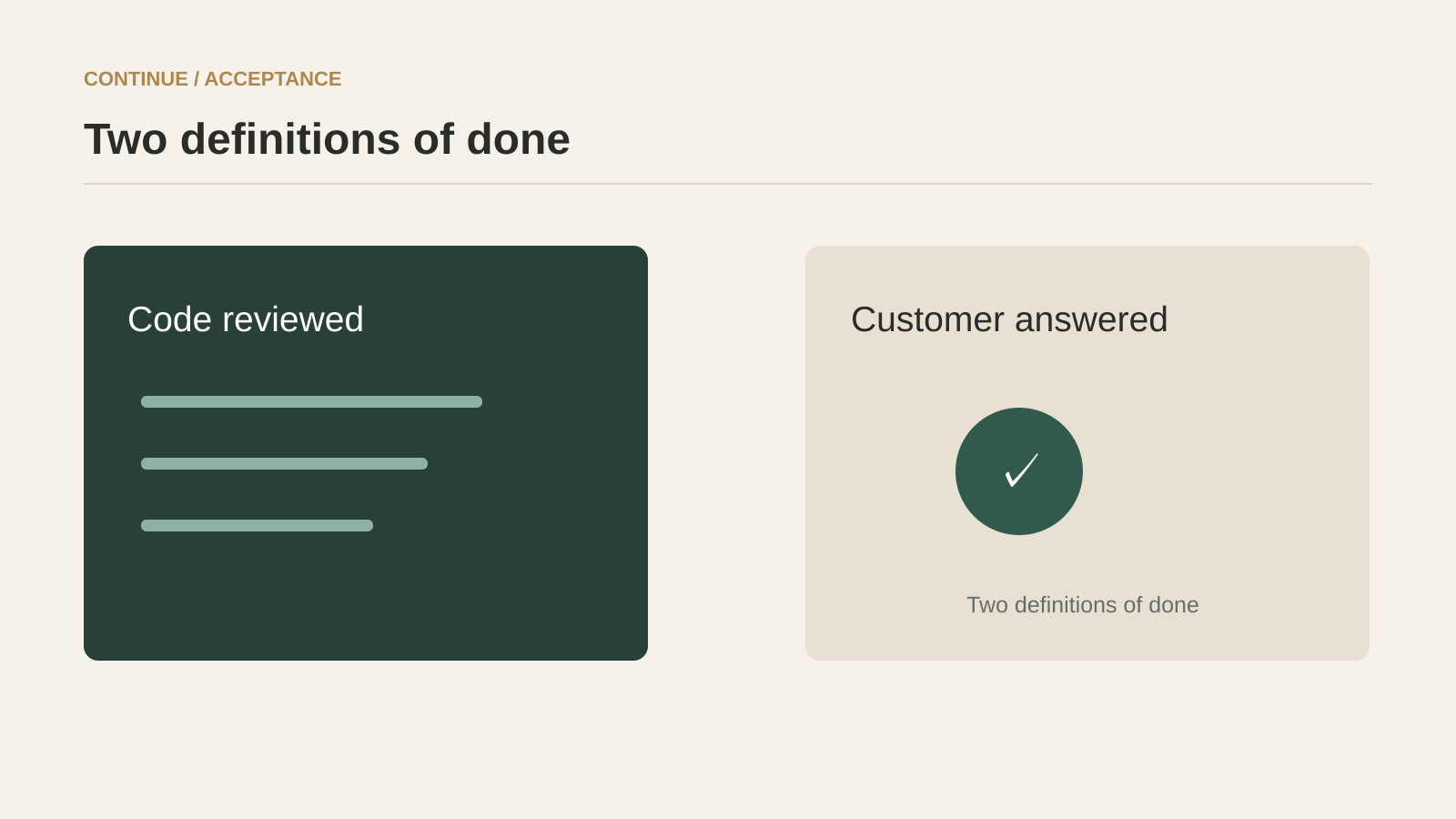
Compare the work objects
| Question | Continue | Buda | Acceptance test |
|---|---|---|---|
| First surface | VS Code / JetBrains and CLI | Space, Agents and Sessions | Where does the task begin? |
| Primary output | Developer-reviewed code or editor assistance | Team-visible task artifact across roles | What is the accepted result? |
| Configuration | Models, rules and tools for coding workflows | Skills and workspace tools for recurring procedures | Can another person repeat the setup? |
| Handoff | Check available team or cloud workflow in the product | Shared Drive, Sessions and artifacts | Can the next owner verify the prior step? |
| Approval | Test code review and tool permissions | Test the review of consequential outputs | Who authorizes the external outcome? |
Continue can remain the preferred development tool even if Buda coordinates the surrounding operation. Buda is not an argument against IDE-native work. A team that mostly writes code and uses existing review and ticket systems may need nothing more. A team with repeated cross-role handoffs should measure the reconstruction and review burden that those systems currently impose.
Questions that change the choice
Does Continue only autocomplete code?
No. Its official documentation describes Agent, Chat, Edit and CLI workflows as well as Autocomplete. Evaluate the actual workflow you intend to adopt, not an old shorthand for an editor plugin.
Is Continue entirely local?
Do not assume that from the IDE documentation. Examine its current remote or cloud options and their access, persistence and review behavior before drawing a product boundary. This article compares the verified IDE and configuration surfaces with Buda's team workspace, not every possible Continue offering.
Should coding stop at a team workspace?
No. Let the coding specialist use the best tool for code. Pass an accepted patch, tests, source context and unresolved questions into the rest of the team process. Make the handoff explicit enough for a new owner to act without reconstructing the original conversation.
Pick the boundary with one customer issue
Use one issue that requires both a code fix and a customer-facing answer. Time the code correction and then separately time the transfer into documentation and review. If nearly all value is in the editor loop, choose Continue for that loop. If the expensive part is coordinating accepted results across people, pilot Buda Agent Workspace for the next stage and keep the engineering handoff inspectable.