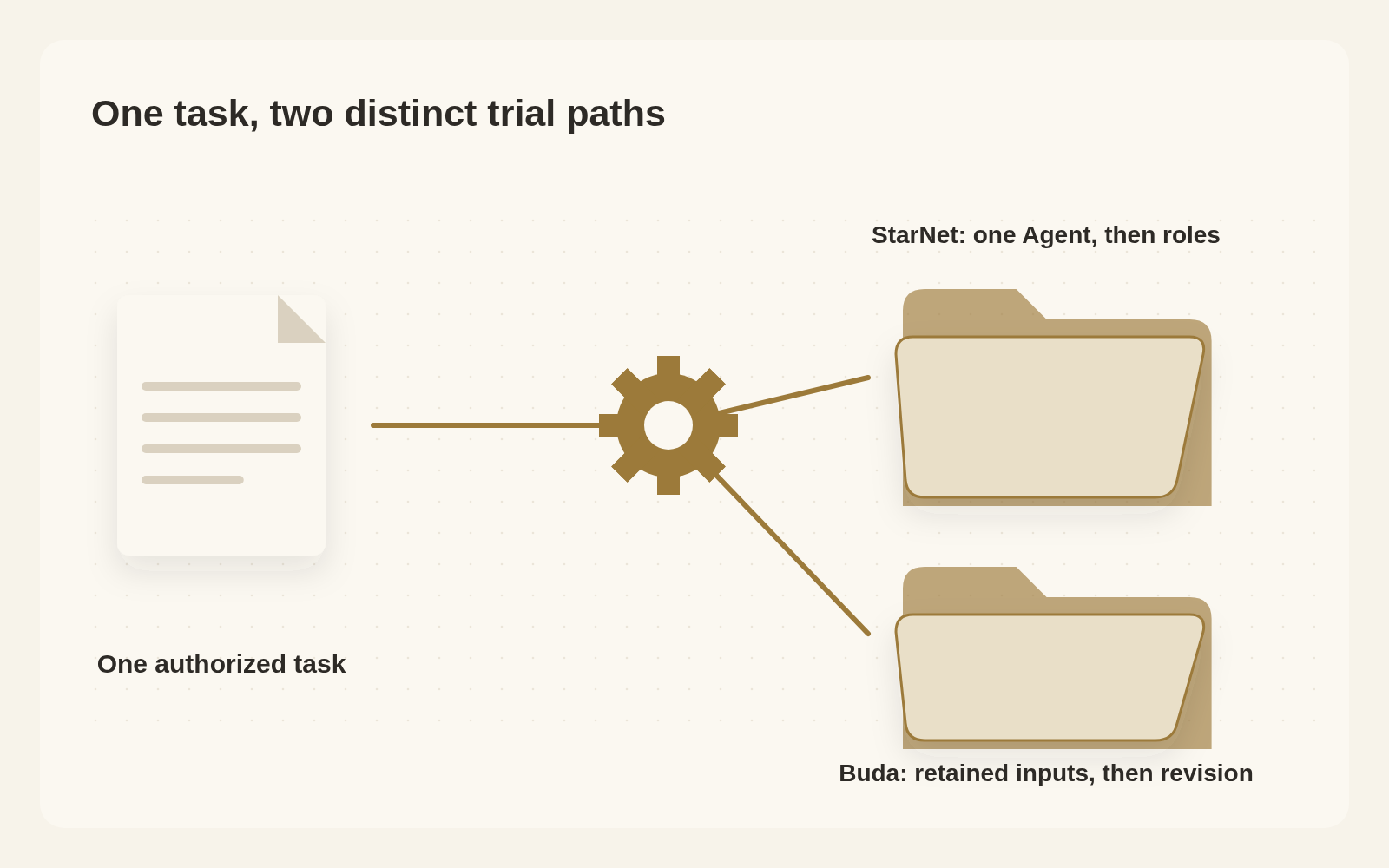
Buda vs StarNet: do you want to manage Agent work or build your own station?
Compare machine responsibility, model connections, visibility and artifact handoff before choosing an environment.

StarNet makes a tempting idea visible: give research, writing and checking to different Agents, then watch the work move along a conveyor. But will that arrangement still help after the demonstration ends?
Daily decisions are less photogenic. Who keeps the machine running? How does a colleague pick up the output? Which bill contains the model spend? Where do you change a pipeline that stops halfway? A comparison that says both products support multiple Agents leaves those buying questions unanswered.
Try StarNet first if you want control of a local harness, your model connections and visual execution lines. Try Buda first if you want to organize continuing Agent work, materials and members through one platform. This is not a simple local-versus-cloud split: Buda can also use your computer through Connector, while StarNet can call remote models. The real choice concerns execution and management responsibilities.
Start with the work you want to remove
| Your priority | First option to evaluate | Benefit and responsibility |
|---|---|---|
| Maintain a local multi-Agent station using existing model credentials or a local model | StarNet | MIT-licensed software and direct control of the local process. You maintain the machine, installation and model setup |
| Visually arrange research, writing and checking into a line | StarNet | Conveyor exposes stages, routing and handoffs. Verify required controls in your installed release |
| Keep Agent materials and recurring work accessible to a team in one Space | Buda | Cloud Agents have separate runtime environments and persistent Drives. Configure each Agent’s connections and access |
| Avoid maintaining an always-on personal computer for everyday tasks | Buda cloud runtime | The platform hosts execution. You still supply authorized inputs, connections and acceptance criteria |
| Work on a particular computer while managing the Agent in Buda | Evaluate Connector | The selected device provides execution. It and the Connector process must remain online |
These are recommendations based on product structure, not measured performance rankings. Compliance, procurement and deployment requirements need their own verification; execution location alone cannot settle them.
StarNet makes a multi-stage job into an inspectable line
StarNet is a local-first agent harness. Its own process runs the Agent loop, tools, routing, schedules, memory and budgets. The pixel station represents that work. Direct chat is available; conveyors are useful when a job should flow through several roles.
The Conveyor guide describes an INBOX, Agent BAYs, an OUTBOX and routing components for filtering, splitting, joining and loops. For someone designing a multi-role workflow, following the path of a job can be more useful than reading several separate conversations. You can see where a stage belongs and change the topology deliberately.
For a research-to-writing-to-checking job, inspect what each stage actually hands over and whether the next Agent can open the files. The guide specifically discusses shared project folders for cross-line file access. Copying a line also does not copy every project directory, trigger or external handoff destination. Those details matter more than a broad “multi-Agent” label.
The tradeoff is ownership of the design. A visible line does not define the researcher’s scope, the writer’s requirements or the checker’s standard for you. If you do not want to maintain those decisions, adding desks will not by itself produce a reliable process.
Keep release evidence separate from the demonstration. The homepage says its station is a scripted replay with no live model running on the page. It labels the stable download v0.15.0 and warns that current-source docs can include later capabilities. Pick one mechanism you need and verify it in the installed version before investing in a larger station.
Evaluate Buda by what remains available for the next task
Buda organizes execution around Agent workspaces. Each cloud Agent has its own runtime and persistent Drive, keeping inputs, scripts and results for later work. Files, browser, Terminal and Git provide ways to inspect work and artifacts; members use a Space to organize and manage Agents.
This addresses a different daily need: the same Agent should continue working with its materials, the person responsible should find previous output, and the next task should not require reconstructing the environment from a chat transcript. A successful method can become a reusable Skill. Search and install reusable Skills in Buda AI’s Marketplace, then adapt them to your requirements.
Buda still requires preparation. Connections and tools are scoped per Agent; sharing a Space does not automatically grant another Agent the same service access. Decide which systems it can read, which actions it may take and who receives the result. Browser, Terminal and Git in paid plans should not be presented as default Free-plan capabilities.
The useful distinction is therefore not that one has multiple Agents and the other has files. It is whether you prefer maintaining a local execution station or organizing continuing work, materials and people through a platform. Both choices require inspecting the actual deliverable.
Local files create three options, not two
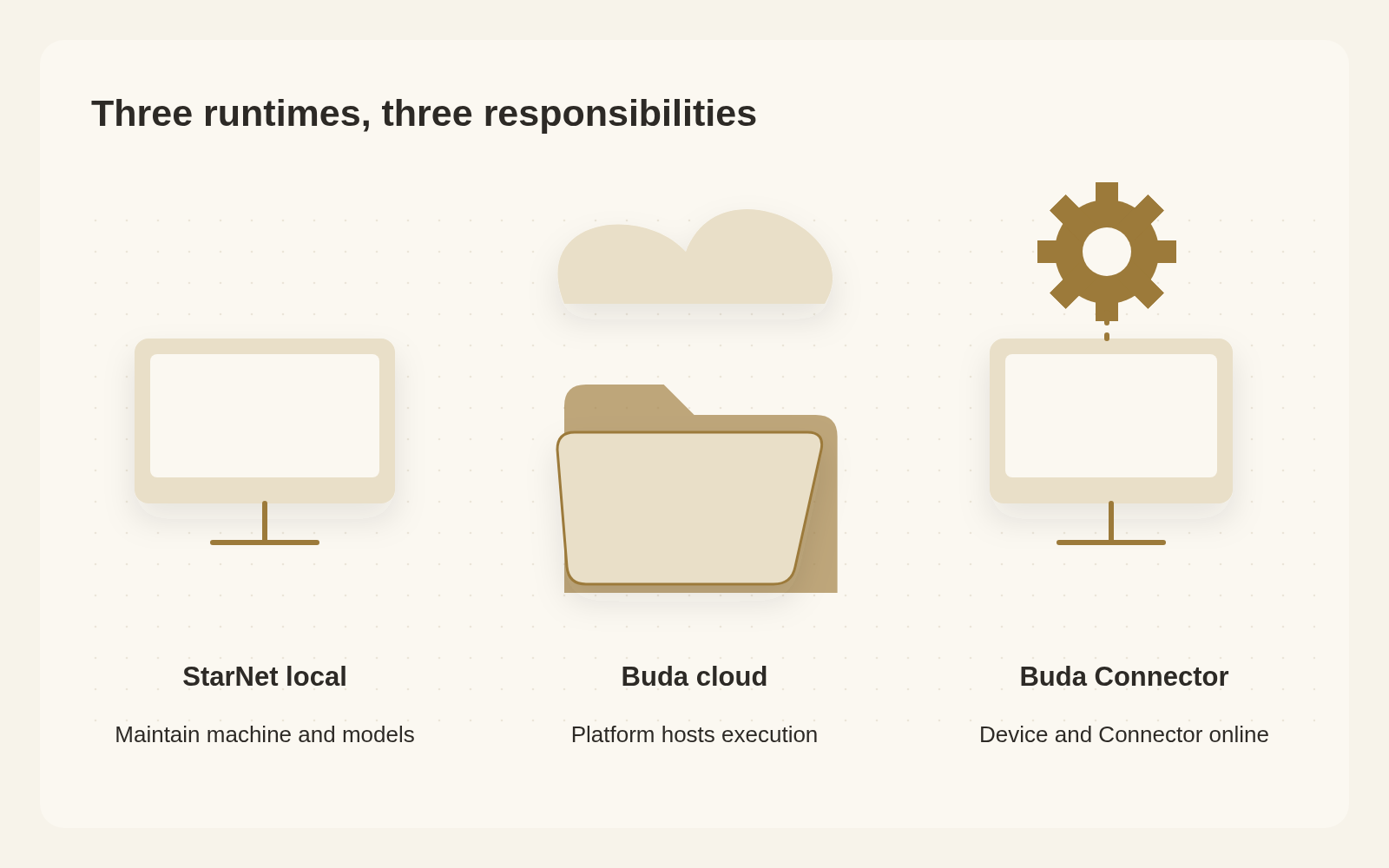
Local files do not automatically exclude Buda. Connector links a computer and lets you select it as the runtime device when creating an Agent. It provides code, shell, filesystem and Git operations on that device; browser tools require a supported installed browser.
With StarNet, you operate the local harness and configure its models and tools. With a Buda cloud Agent, the platform hosts the runtime and Drive, so your own computer need not stay awake for that execution. With a Buda Connector Agent, you manage the Agent through Buda while the selected computer performs the work.
Connector requires the computer to reach Buda and both the device and Connector process to remain running. A sleeping computer is an offline dependency, not a cloud runtime. StarNet likewise supports remote providers as well as local Ollama; local-first does not mean every model call stays offline.
For a fully offline requirement, inspect the complete model, tool, authentication and network path separately. None of these three labels alone proves an offline system.
Compare cost components, not two identical dollar amounts
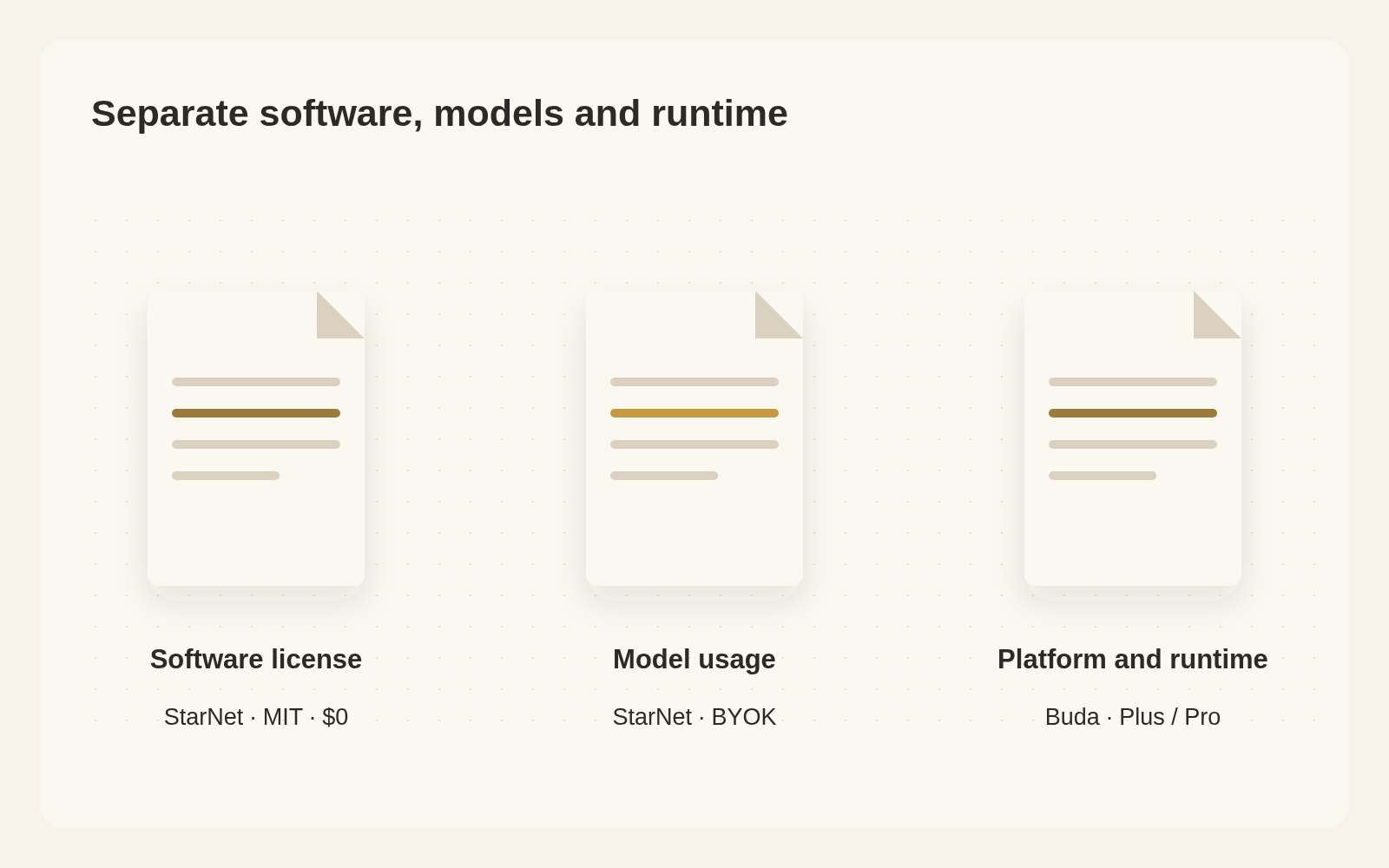
StarNet pricing states that the MIT software is free and that bringing supported credentials means paying the model provider for usage. Importantly, the page says managed Credits are not open yet. Treat that displayed plan as unavailable for a current purchase decision; evaluate the usable bring-your-own-credentials path.
Buda monthly pricing offers a Free entry point, Plus at $20 per Agent per month and Pro at $100 per Agent per month. Plus includes Browser, Terminal, Git and its stated resources and Credits; Pro raises resources and allowance. Task usage and available Credits still matter. Two products showing $20 do not necessarily sell the same compute and model package.
Track three cost components: fixed platform or machine costs, actual model usage, and human preparation and maintenance. Someone who already maintains a computer and model account may face little incremental cash cost with StarNet. Someone seeking to remove local maintenance may value hosted execution more. Neither free software nor a subscription alone proves lower total cost for every task.
A real trial should leave you with a decision
Use an authorized, sanitized task you already need, such as producing a sourced competitor research document. Do not invent a demonstration dataset or force both products into the same interaction pattern.
In StarNet, first establish that one Agent can finish it. Then test whether splitting research, writing and checking actually reduces your work or merely adds instructions and file-path setup between roles.
In Buda, keep the materials, method and result in the Agent’s Drive, then request a follow-up revision using that context. Observe whether continuing work is easier, whether you can find the artifact and how the intended colleague can take it over. Test Connector separately if local access is a hard requirement, so cloud and device responsibilities remain visible.
Record four practical answers:
-
What configuration and rework did you do before the first usable result?
-
When the output was wrong, could you locate the relevant input and step?
-
What must be repeated for the next similar task, and what persists?
-
Can someone other than the initial configurator maintain the arrangement?
Continue with StarNet if visual lines improve a process you want to own, and machine and model administration are part of that desired control. Prefer Buda cloud execution if local administration is work you want to remove while managing continuing tasks and materials through a platform. Evaluate Connector when local device access and platform management both matter.
The winning arrangement is the one you will actually maintain and use again, with work others can receive—not simply the busiest-looking group of Agents.