Buda vs Tencent Yuanqi: Publish an Agent, or Run a Team Workflow?
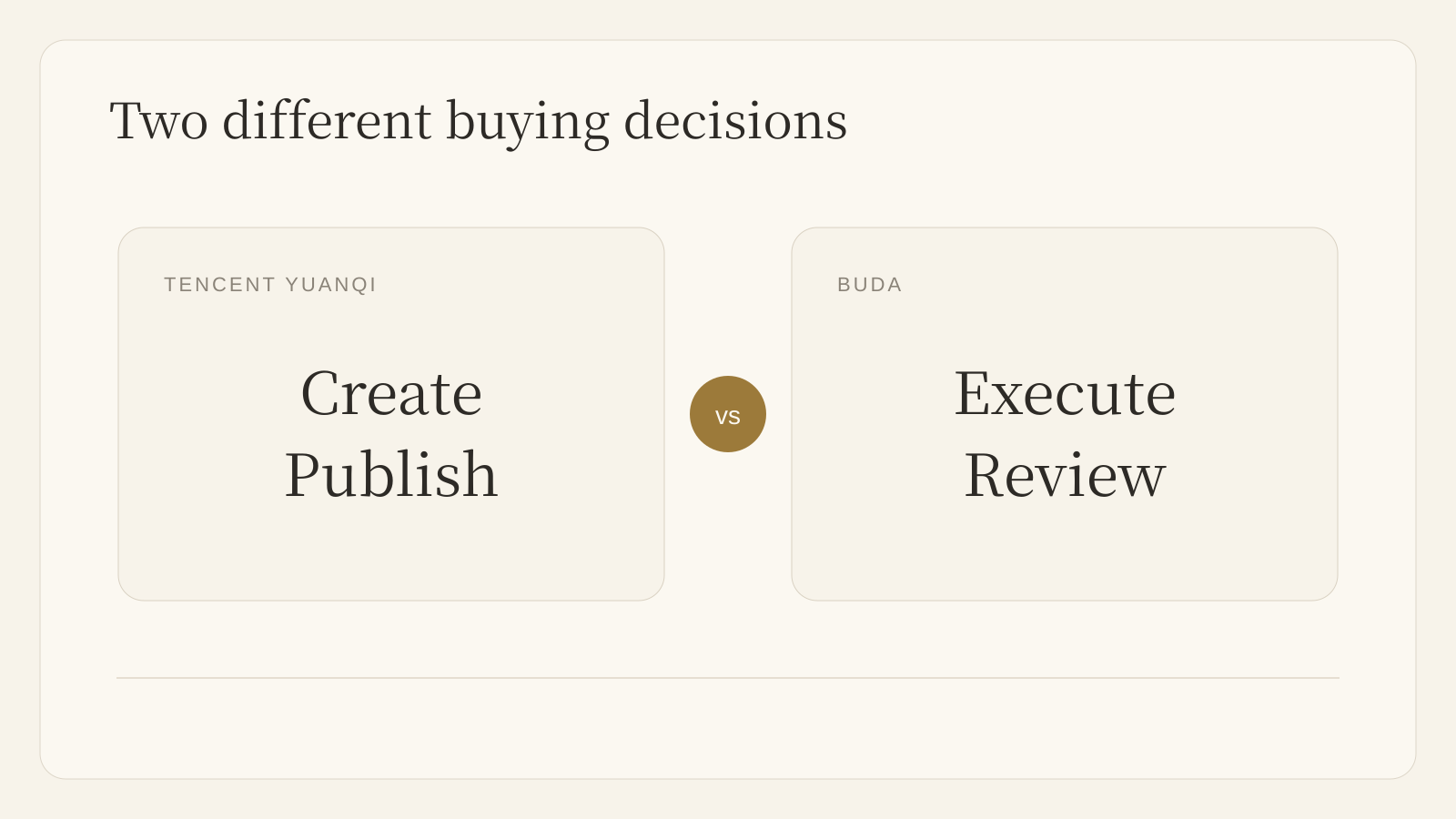
Tencent Yuanqi is strong for no-code Agent creation and Tencent-channel distribution. Buda is for persistent team operations with shared context and review.

Buda vs Tencent Yuanqi: Publish an Agent, or Run a Team Workflow?
Tencent Yuanqi and Buda solve adjacent problems, not identical ones.
Tencent Yuanqi is an official Tencent Agent creation platform. Its current public guides show no-code Agent creation, knowledge bases, plugins, workflows, multi-Agent collaboration, and publishing into Tencent surfaces such as WeChat customer service, Official Accounts, Enterprise WeChat, and an API service. That is a real advantage when the job is to create a customer-facing or content-facing Agent and distribute it where a Chinese audience already is.
Buda starts at a different point: a team already has recurring work that crosses files, research, browser or terminal tasks, owners, and review. Its public AI Agent Workspace pages describe persistent Agents with shared Drive context, Browser, Terminal, Git, visible artifacts, and human review.
Start with Tencent Yuanqi's actual strengths
Choose Tencent Yuanqi first when the primary question is: how do we create and distribute one useful Agent application?
The official introduction positions Yuanqi as a zero-code Agent creation tool. Public guidance documents knowledge-base management, plugins, visual workflows, multi-Agent application collaboration, and several delivery channels. A creator can build a conversational or workflow Agent, test it, publish it, and reach people in Tencent's product ecosystem. For an Official Account owner, the documented path from account articles to a knowledge-backed Agent is especially concrete.
That makes Yuanqi a credible fit for customer service, Official Account assistance, branded knowledge Q&A, and an Agent application that needs Tencent-channel reach. This comparison does not treat Yuanqi as a chat-only product or claim that it lacks workflow or multi-Agent features.
The buying question changes after publication
A published Agent is not automatically a team operating system.
A sales-research run, weekly operations report, release-review task, or content workflow has another set of questions: Which files are authoritative? Who owns the next step? Which Agent can access which tool? Where does the output go? Who can inspect it before it changes a customer-facing system?
Buda is designed around that operating loop. Each workflow can retain selected Drive files, prior outputs, sessions, and tool work. Agents can work with Browser, Terminal, Git, and connected context, while the result remains a reviewable artifact such as a brief, table, draft, report, CRM update, or PR note.
A publication lane and an operating loop
| Decision | Tencent Yuanqi | Buda |
|---|---|---|
| Primary starting point | Create an Agent application | Run a recurring team workflow |
| Publicly documented strengths | No-code Agent setup, knowledge, plugins, workflows, multi-Agent collaboration, Tencent-channel publishing | Persistent Agent workspace, shared Drive context, cloud execution, Browser, Terminal, Git, reviewable artifacts |
| Natural owner | Creator or team publishing an Agent | Team operating a repeated process |
| Key buyer question | Where will this Agent be used and distributed? | Can this work continue with visible context and accountable review? |
| Verify before purchase | Channel eligibility, publication review, knowledge scope, API and workflow limits | Tool permissions, member roles, workflow ownership, approval expectations, integrations |
The difference is not “one has workflows and the other does not.” Both public product surfaces describe workflow-oriented capabilities. The difference is where the product puts the center of gravity: Agent application creation and Tencent distribution, or a persistent shared workspace for agents completing ongoing team work.
Four situations that make the choice clearer
1. Turn an Official Account into an Agent
A content team wants readers to ask questions against a body of Official Account articles, then reach the Agent through a Tencent channel. Yuanqi is the direct place to investigate first. Its official guide explicitly describes authorizing an Official Account, using its articles as knowledge, and publishing the resulting Agent.
2. Build a customer-facing service Agent with a known channel
A team needs an Agent that answers recurring questions and is distributed through WeChat customer service, Enterprise WeChat, or another documented Tencent entry point. Yuanqi's publishing surface is the relevant advantage. Review the required channel authorization and publishing conditions before rollout.
3. Run a cross-functional weekly operating loop
A team gathers account changes, customer notes, market pages, and exceptions every week. Different people need the same current files. An Agent prepares a report, a manager reviews it, and an operator takes the next action. Buda is the more natural surface because the work is organized around persistent context, role-based ownership, execution tools, and a reviewable output.
4. Keep technical and business evidence together
An Agent needs to inspect a website, run commands, read a repository, and prepare a handoff that another person can evaluate. Buda's Browser, Terminal, Git, Drive, and artifact model match this shape. The goal is not to replace a published Tencent Agent; it is to keep the work record inspectable while it crosses functions.
Governance is a workflow design problem
Tencent Yuanqi's public guides include creation, testing, publishing, sharing, knowledge, plugins, workflows, and multi-Agent techniques. Those are meaningful controls for an Agent application.
Buda makes a different control surface visible: the work context and its output. The team can keep selected files and prior work near the Agent, define which tools are available, and inspect an artifact before it reaches a customer or system. This does not mean Buda removes the need for careful permissions. It means review is part of the work loop rather than a separate handoff after an Agent has already acted.
What should a buyer verify live?
Public pages do not answer every deployment question. Before choosing either product for consequential work, verify these in the current account and plan:
- Which channels can the Agent actually publish to, and what review or authorization applies?
- Which knowledge sources, plugins, workflows, and multi-Agent features are available to the intended Yuanqi use case?
- Which Buda tools, integrations, member roles, and approval paths match the team's workflow?
- Where do credentials, source files, run history, and final artifacts live?
- Which action requires a human decision rather than an Agent completion signal?
Choose by the work that must continue
Choose Tencent Yuanqi when the value is creating a practical Agent application and delivering it through the Tencent ecosystem. Its no-code creation, knowledge, workflow, plugin, multi-Agent, and distribution surfaces deserve serious consideration.
Choose Buda when the value is a team-owned operating loop: persistent context, tools for real execution, shared working files, clear ownership, and artifacts people can review before the next step.
Some teams may use both at different edges of their operation. The important boundary is explicit: publishing a helpful Agent is one job; running accountable work across a team is another.
FAQ
Is Tencent Yuanqi only a chatbot builder?
No. Its official documentation describes knowledge bases, plugins, workflows, multi-Agent application collaboration, and multiple publishing paths. It should be assessed as an Agent creation and distribution platform, not reduced to a simple chat interface.
Does Buda replace Tencent's WeChat distribution?
Not by default. Tencent-channel distribution is a reason to evaluate Yuanqi. Buda is relevant when the team also needs a persistent workspace for cross-functional Agent work, source context, execution tools, and reviewable artifacts.
Can both products support workflow-oriented work?
Yes, public materials for both describe workflow-related capabilities. The practical decision is whether the primary operating center is an Agent application delivered through Tencent channels or a shared team workspace that keeps recurring work and review visible.
What is the safest first pilot?
Pick one repeated workflow with clear input, a reviewable output, and a named owner. For Yuanqi, that may be a knowledge-backed customer Agent in a confirmed channel. For Buda, it may be a weekly research brief, operations report, or review-preparation workflow that remains draft-and-approve.