Buda vs WorkBuddy: Desktop AI Worker or Cloud Agent Workspace?
Compare Tencent WorkBuddy and Buda by where work runs, how teams retain context, and how people review consequential outputs.

Buda vs WorkBuddy: Desktop AI Worker or Cloud Agent Workspace?
Tencent WorkBuddy and Buda are both built for work that goes beyond a chat reply. The important question is not which one is "more agentic." It is where the work runs, what context stays with it, and how a team takes responsibility for the result.
WorkBuddy is a Tencent desktop AI agent workstation. Its official documentation describes giving it a task in natural language, autonomous planning and execution, multimodal work across documents, spreadsheets, presentations and analysis, plus operations on folders a person authorizes on their computer. It is a strong fit when the work needs to happen close to a user's files and desktop.
Buda is a cloud-native agent workspace. Its public product pages describe persistent Drive and memory, cloud Browser, Terminal and Git, reusable skills and automations, and people reviewing decisions, outputs and handoffs. It is a stronger fit when work must keep moving across people, agents, files and review points.
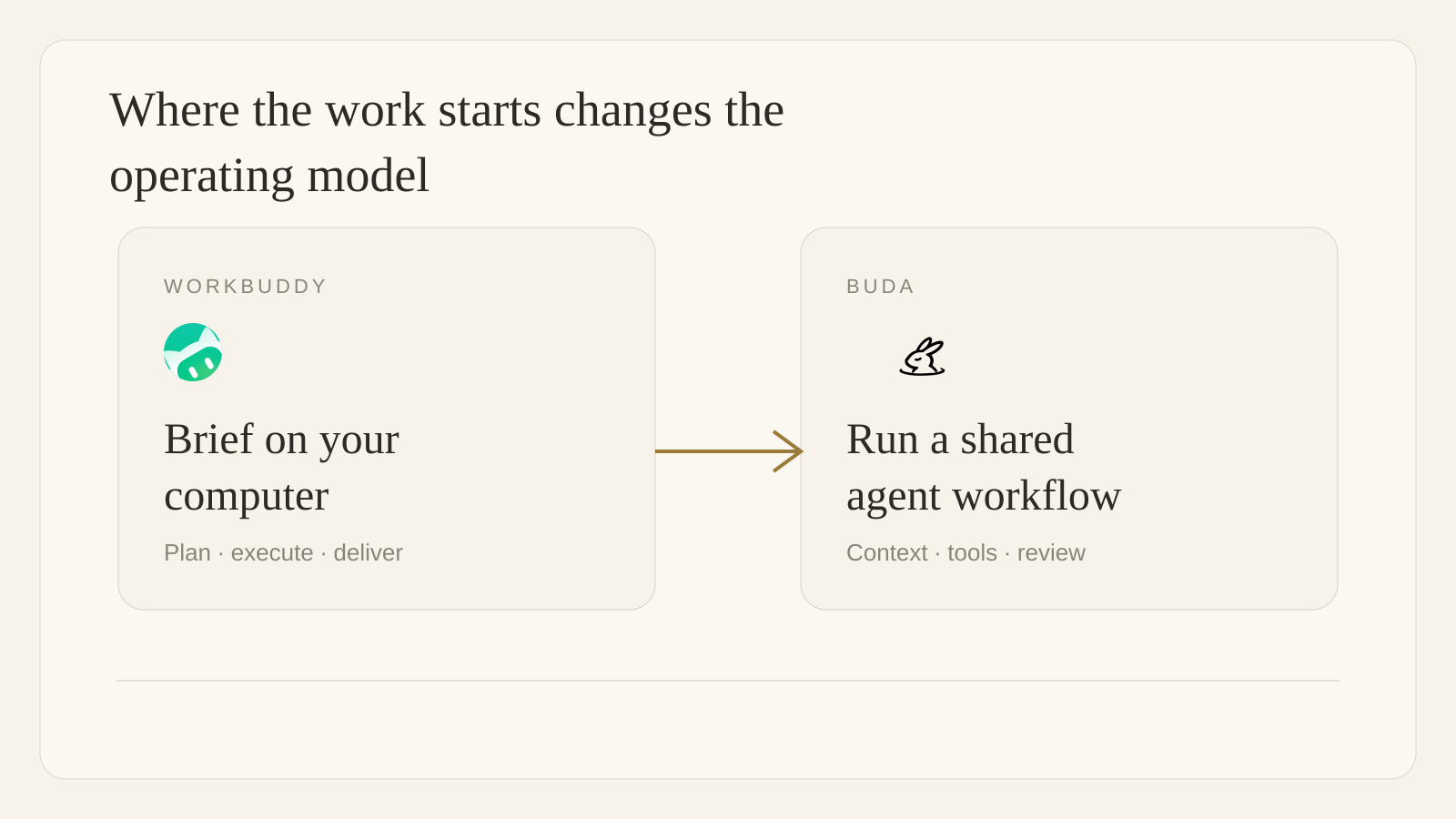
The real buying decision: a desktop worker or a shared operating surface
| Decision area | Tencent WorkBuddy | Buda |
|---|---|---|
| Primary center of work | A desktop AI agent workstation | A cloud-native workspace for agents and teams |
| Natural first job | Complete a multi-step task on a user's computer and authorized folders | Coordinate recurring work across shared context, execution tools and reviewers |
| Documented execution model | Natural-language task intake, planning, multimodal tasks and local-file operations | Persistent agents, Drive and memory, Browser, Terminal, Git, skills and automations |
| Best first pilot | A report, file-processing, analysis or presentation task with clear local inputs | A repeatable research, content, operations or engineering workflow with a named reviewer |
| Important validation | Folder permissions, local-machine availability, integrations and task scope | Tool permissions, workspace roles, source context, output ownership and approval steps |
Neither row is a claim that the other product cannot do useful work. Both products describe agent execution, skills or integrations. The operational center is different.
When WorkBuddy is the direct fit
WorkBuddy should be evaluated first when a person wants to hand a concrete job to an Agent on their desktop: process authorized files, analyze a spreadsheet, build a presentation, conduct research, prepare a report or automate a sequence of office tasks. Its official overview emphasizes one-sentence task assignment, autonomous planning, multimodal work and local-file operations.
This is particularly useful when the source material already lives on the user's computer and the job has a clear deliverable. The right pilot is narrow: one known folder, a defined output format, a person who can check the result, and a low-consequence next action.
WorkBuddy's public documentation also includes task management, result viewing, skills, connectors, automation, memory and messaging integrations. That means it should not be dismissed as a single-purpose desktop macro tool.
When Buda is the direct fit
Buda should be evaluated first when the work is not one person's desktop task, but a recurring loop shared by a team. Think of weekly competitor research, a content approval process, release preparation, customer-support triage or an operating report that needs a current source set, multiple execution steps and a clear handoff.
In Buda, the work can stay near the Agents that perform it: Drive files and memory provide continuity, Browser/Terminal/Git support real execution, and reusable skills or automations keep the procedure from being rebuilt each time. The person remains responsible for decisions, output quality and handoffs.
The practical test is simple: if the question after an Agent finishes is "where are the inputs, what did it do, who checks this, and what happens next?", a shared workspace and review surface matter more than a single successful run.
WorkBuddy Enterprise changes the comparison, not the method
It would be inaccurate to say that Buda is the only option for governance. Tencent's official WorkBuddy Enterprise page describes centralized member and usage management, enterprise skills, enterprise experts and Agents, security and operation audits, OpenAPI access, Tencent ecosystem connections, and deployment options including shared cloud, dedicated VPC and private deployment.
For an organization already standardized on Tencent Docs, LearnShare, Tencent Drive, WeCom or related Tencent services, that Enterprise suite deserves a direct evaluation. It may be the most coherent way to put an Agent layer into that existing environment.
The comparison therefore is not "governed versus ungoverned." It is which operating surface matches the team: a Tencent-centered enterprise productivity suite, a desktop agent serving local work, or a cloud workspace that organizes multi-agent work, tools, files, reusable procedures and human review.
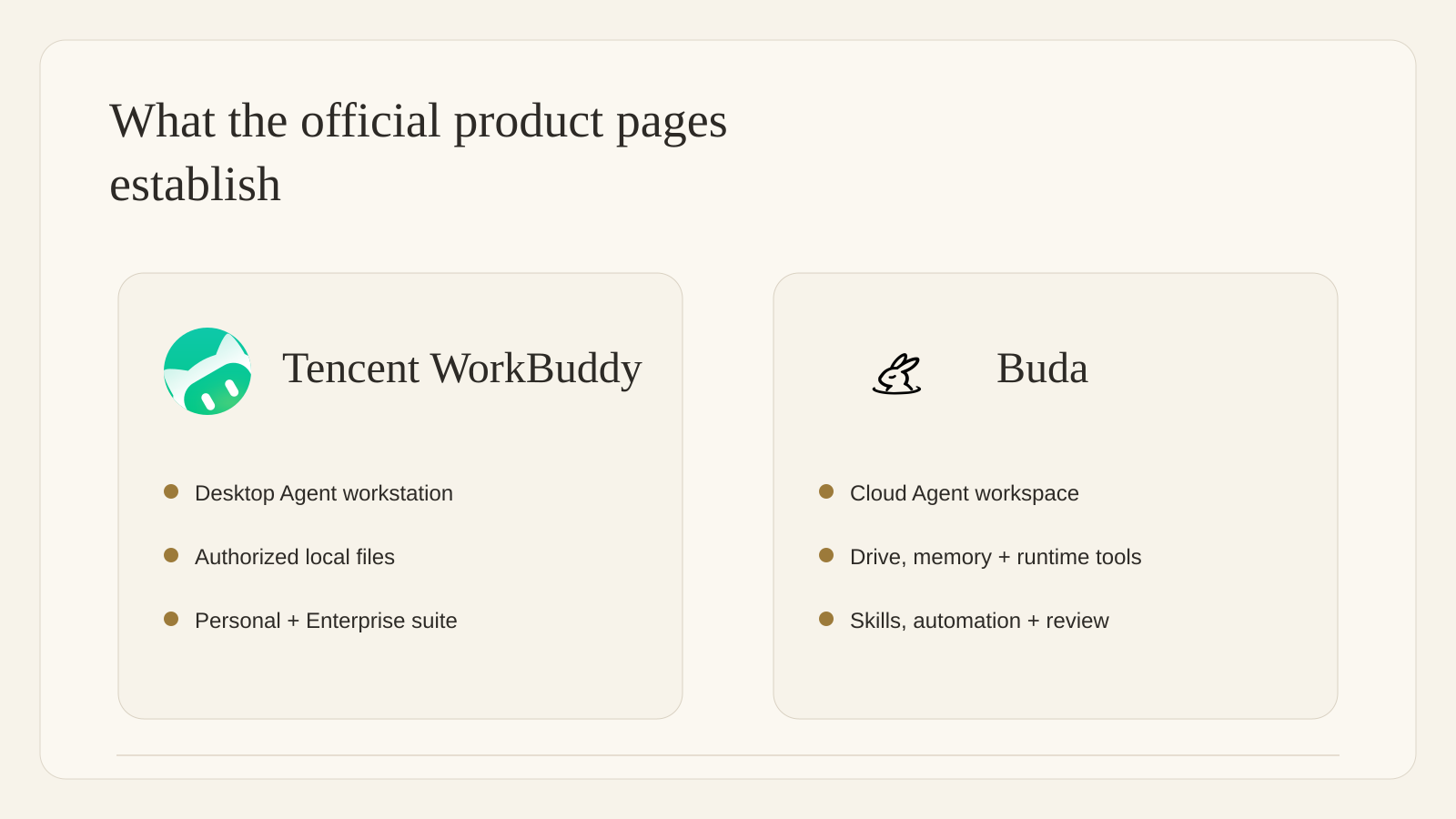
Choose by the work that must continue
Choose WorkBuddy first when:
- The immediate job is finished work on a user's desktop or authorized local folders.
- Office documents, spreadsheets, presentations, research or file processing are the core first use case.
- The team wants to operate in the Tencent productivity and enterprise ecosystem.
- The pilot can be scoped to a defined input, deliverable and reviewer.
Choose Buda first when:
- The value is a repeatable operating loop shared across people and Agents.
- Source files, memory, Browser work, terminal work and final artifacts need to remain visible together.
- The team needs reusable skills and automations instead of rebuilding the procedure per run.
- A named human must review a decision, output or handoff before the next step.
Evaluate both when:
- A team wants WorkBuddy close to local desktop work while Buda coordinates broader research, content, engineering or operations workflows.
- The boundary between local execution and cloud-managed team work is explicit, including who owns credentials, data, approvals and final delivery.
A fair pilot plan
Do not compare polished demos. Use one real weekly workflow and measure verified outcomes.
- Choose a task with stable inputs and a reviewer who can spot-check the output in minutes.
- State where source files may live and which tools are allowed.
- Define the result, owner and action that still requires a person.
- Track completion quality, manual correction, runtime, permission friction and whether the work can be repeated next week.
- Keep an exit path for a failed run instead of treating an Agent completion signal as proof that work is correct.
FAQ
Is WorkBuddy only for individual use?
No. The public WorkBuddy Enterprise page describes enterprise administration, enterprise skills, experts and Agents, audit features, OpenAPI access, Tencent ecosystem integration and several deployment models. The relevant question is whether those product surfaces fit the organization and its existing stack.
Does Buda replace a local desktop Agent?
Not automatically. A local desktop Agent is valuable when the task depends on authorized local folders and one person's computer. Buda is intended for persistent, cloud-based Agent workspaces where context, tools, artifacts and review can remain organized across a team.
Which product is safer for consequential work?
Neither product should be selected on a slogan. Review the current account's permissions, deployment model, data boundaries, logging, role controls and approval procedure. In either product, people should retain responsibility for customer-facing, financial, legal, security or production-changing actions.
What is the best first workflow?
Use a recurring job that creates a reviewable output: a weekly operations brief, a defined file-processing task, a content draft, a release checklist or a research report. Start with low blast radius, then expand only after the team can explain the inputs, execution record, output owner and review point.
Sources
Last verified: September 21, 2026.