Buda vs Zed: An Agent-Native Editor or a Workspace for Company Operations?
Compare Zed and Buda by Agent architecture, parallel work, systems of record, and the boundary between code and business review.

Buda vs Zed: An Agent-Native Editor or a Workspace for Company Operations?
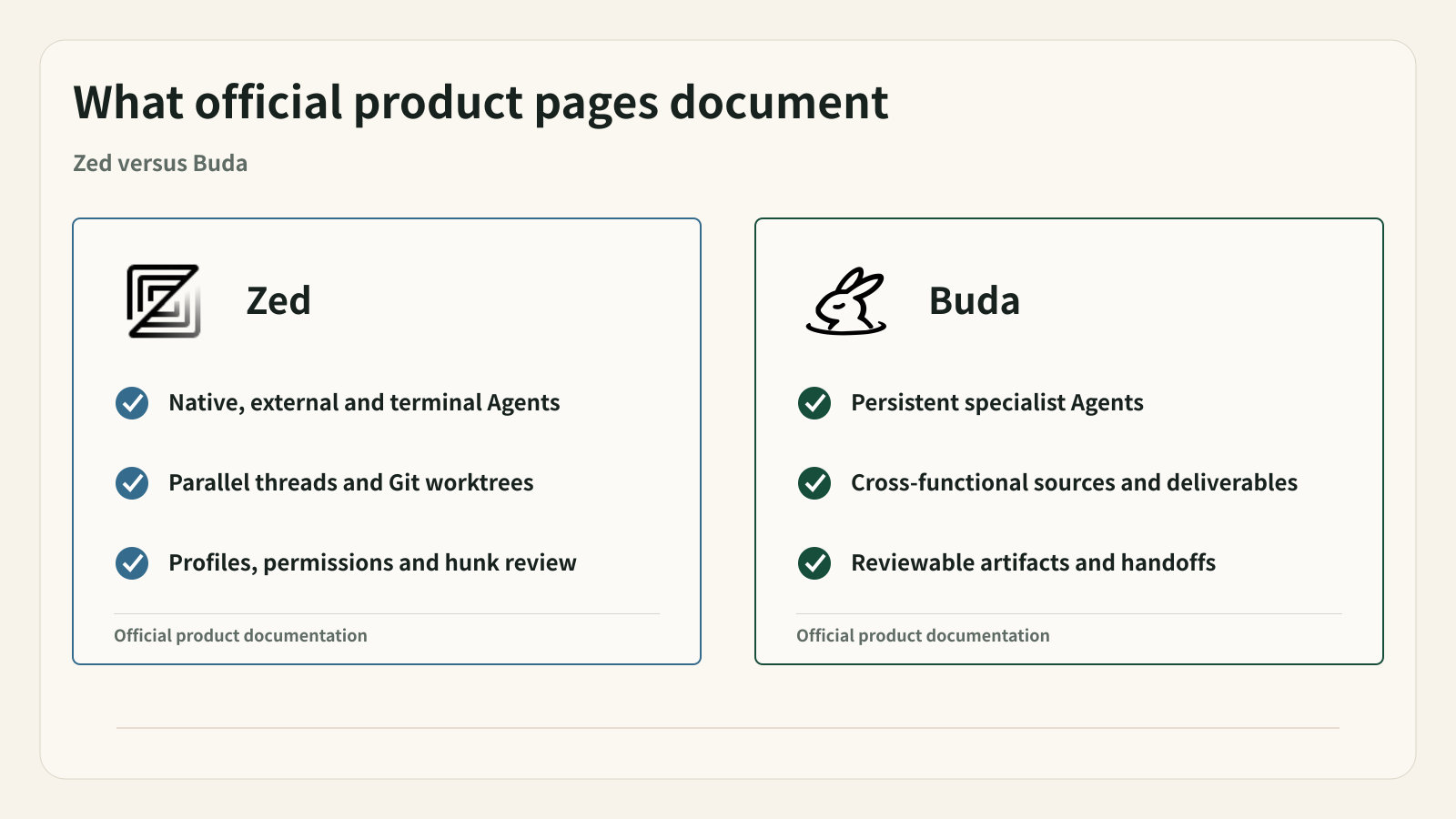
Zed is no longer just a fast code editor with an AI panel. Its current documentation describes three Agent paths: Zed Agent, External Agents connected through ACP, and terminal-backed threads for native CLIs and TUIs. It supports parallel threads, Git worktree isolation, built-in tools, MCP, Skills, Instructions, tool permissions, checkpoints, and hunk-level review.
That makes a shallow “editor versus workflow” comparison inaccurate. Zed is already an Agent work environment for software development. It can organize several threads, run different Agents, keep each task in its own context window, and let developers inspect changes without leaving the editor.
Buda's difference appears outside that center. It is a cloud Agent workspace for recurring company work, where code may be one source among Drive files, web research, customer records, reports, drafts, and operational decisions. The buying question is whether the team needs an Agent-native software development environment or a shared operating workspace for Agents and people across company functions.
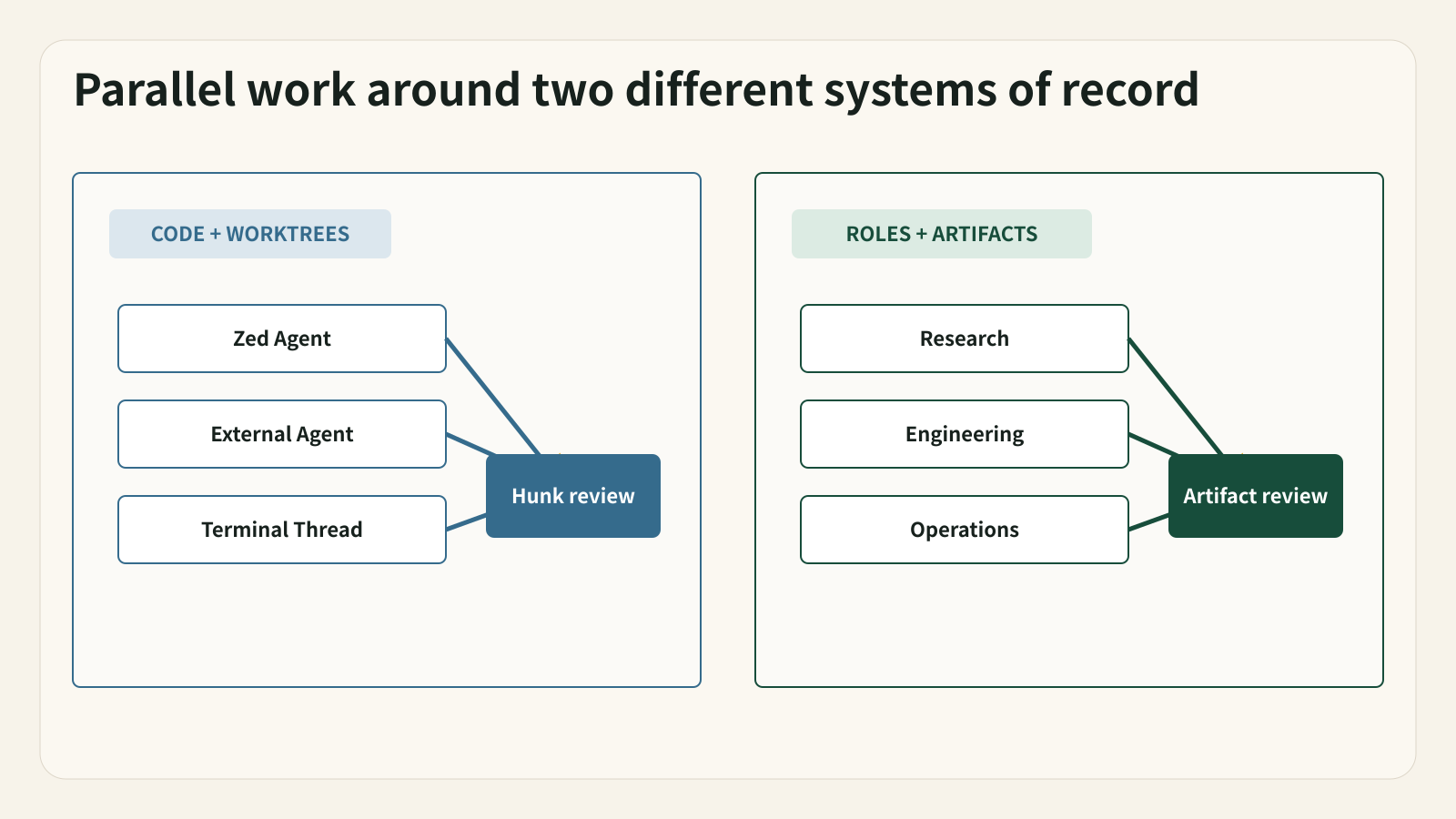
Both organize Agents, but around different systems of record
| Decision area | Zed | Buda |
|---|---|---|
| Primary system of record | Project files, editor buffers, threads, worktrees, diffs, and Git | Shared Drive context, Agent sessions, artifacts, owners, status, and execution history |
| Agent paths | Native Zed Agent, ACP External Agents, and Terminal Threads | Specialized persistent Agents with workspace tools, Skills, automations, and Channels |
| Parallel work | Independent threads, projects, Agents, and Git worktrees | Separate Agent roles and workflows across technical and business functions |
| Review | Checkpoints, file list, diff and hunk accept/reject, tool permissions | Reviewable briefs, drafts, reports, tables, CRM updates, PR notes, and decision packages |
| Natural user | Developer or technical team working close to code | Cross-functional team operating repeated work with explicit handoffs |
Neither column is universally broader. Zed goes deeper into the editor and code review loop. Buda gives broader company workflows a persistent home.
Zed's actual Agent architecture
Zed's native Agent runs inside the Agent Panel and Threads Sidebar. It can search and read a project, edit files, run terminal commands, use MCP tools, follow Skills and Instructions, and show changes in Zed's review interface. Agent Profiles decide which tools are available; Tool Permissions decide whether actions are allowed, denied, or require confirmation.
External Agents add another path. Claude, Codex, OpenCode, Copilot, Cursor, Pi and other ACP-compatible Agents can run through their own processes and configuration while Zed hosts the thread surface. Authentication, billing, model selection, and native instructions may stay with the external Agent. This boundary is important: selecting an Agent in Zed does not make every setting or subscription interchangeable.
Terminal Threads provide a third route for native CLI or TUI experiences. Zed organizes the thread, while the command-line tool owns its authentication, models, tools, and configuration. That is useful when a team wants one editor surface without giving up the Agent's native terminal behavior.
Parallel work is not the same as cross-functional operation
Zed's Threads Sidebar can run several Agent and Terminal threads at once. Each has its own context and history. Worktrees isolate tasks that may edit the same files. A developer can run a native Zed Agent in one thread, an external Agent in another, and a terminal-backed Agent in a third, then review code changes by file or hunk.
This is meaningful orchestration. But its center remains the software project. The thread belongs to a project, the review focuses on code changes, and worktree isolation protects repository state.
Buda's parallelism is organized by company role and deliverable. A research Agent may gather sources; a content Agent may write a draft; an engineering Agent may inspect a repository; an operations Agent may prepare a rollout. The shared object is not necessarily one codebase. It is the reviewed artifact and the workflow that must continue after one person's session.
The review boundary is the clearest difference
Zed gives developers a strong local review surface. Checkpoints can restore the project to the state before an Agent edit. Review Changes opens the affected files. Individual hunks can be accepted or rejected. Profiles and permissions control tool availability and action approval.
Buda reviews a wider class of output. A reviewer may inspect a sales brief, research table, content draft, weekly report, CRM update, PR risk note, or release checklist. The important metadata is who owns it, which sources support it, what state it is in, and what action follows approval.
A Buda approval cannot replace a code review in Zed or a repository platform. A Zed hunk review cannot approve a customer-facing communication or business decision. If a workflow crosses both boundaries, preserve both.
Four scenarios that clarify the choice
1. A developer wants AI work inside the editor
Choose Zed first. Its native Agent, context mentions, project tools, terminal, checkpoints, review UI, and model or external-Agent choices keep the coding loop close to the source.
2. A team wants several coding Agents in parallel
Zed remains a strong candidate. Threads and worktrees provide separate contexts and file-system isolation. Test branch conventions, setup hooks, tool permissions, model credentials, and review ownership in a real repository.
3. A company wants one Agent workspace across departments
Buda is more natural when workflows include sales research, content, support, operations, and engineering, with each role using different sources and producing different reviewable artifacts.
4. A release must leave the editor
Use Zed for the implementation and code review. Use Buda only if the release then needs cross-functional evidence, documentation, communication, ownership, and approval that should remain visible outside the developer's thread.
External Agents require explicit boundaries
A Zed External Agent usually owns its own runtime, authentication, model, native tools, and configuration. Zed hosts and organizes the thread through ACP. Terminal Threads have another boundary: the CLI owns its environment and credentials.
Teams should not assume that Zed's Agent Profiles, Skills, MCP settings, permission rules, or subscriptions automatically apply to every external or terminal Agent. The official documentation calls out these boundaries. A pilot should verify the exact Agent path, where credentials live, which tools are available, and which product stores the history.
Buda has similar integration questions for any connected tool or external system. In both products, the visible UI is not proof that permissions, retention, billing, and data handling are shared. Document the boundary before consequential use.
Using Zed and Buda together
A clean combined workflow could be:
- Buda stores the issue context, customer evidence, acceptance criteria, release constraints, and named owners.
- The engineering Agent or developer works in Zed using the appropriate Agent path and an isolated worktree.
- The developer reviews hunks, runs tests, and produces a commit or pull request.
- Diff, tests, PR, and risk notes return to a Buda release artifact.
- Documentation, support, operations, or content Agents prepare their deliverables.
- A human approves the action that affects customers or production.
Only carry across the evidence the next reviewer needs. Duplicating every Zed thread in Buda would create noise, while leaving every business decision in a private editor thread would create a handoff problem.
A fair pilot
Choose one change with a repository task and a downstream business action.
- Define source context, target repository, worktree and branch policy, tests, output, and reviewers.
- Run the engineering work in Zed with the actual Agent path the team intends to use.
- Review file changes and failures inside the editor.
- If a cross-functional handoff exists, store only that handoff in Buda.
- Measure correction time, context continuity, review clarity, handoff effort, and whether another person can resume the process.
- Keep Zed alone when the workflow genuinely ends in code. Add Buda only when the wider operating loop is real and repeated.
FAQ
Is Zed only a code editor with chat?
No. Current documentation covers a native Agent, ACP External Agents, Terminal Threads, parallel threads, worktrees, built-in tools, MCP, Skills, Instructions, profiles, permissions, checkpoints, and code review.
Does Buda replace Zed for software development?
Not as a general claim. Zed is purpose-built for an editor-centered engineering loop. Buda is relevant when the work must persist across functions, sources, artifact types, owners, and review stages.
Can Zed run Claude Code or Codex?
Zed documents External Agents connected through ACP, including Claude and Codex, plus Terminal Threads for native CLIs. The external Agent usually keeps its own authentication, model configuration, subscription behavior, and native settings.
Which product should own the final approval?
The responsible human and the system of record for the action should own approval. Code acceptance belongs in the engineering review path. Customer, financial, legal, security, or production actions require the organization's explicit business controls.
Sources
Verified September 22, 2026.