Did the Competitor Raise Prices, or Did the Page Change?
Hold currency, billing period and package conditions constant before turning a page difference into a commercial alert.

A larger number appears on a competitor’s pricing page. Sales wants to know whether to change its pitch; procurement wants to know whether the budget is affected. Both questions depend on something more basic: are the old and new views describing the same offer?
Monthly versus annual billing, per-seat versus package totals, promotional versus regular pricing: one changed condition can turn two accurate numbers into a misleading price-increase claim. Recurring monitoring needs to preserve the comparison conditions and evidence before a person decides what the change means commercially.
Save a baseline you can compare again
For each target URL, retain collection time, region, currency, monthly or annual billing, plan name, seat count, tax treatment, promotional conditions and displayed unit. Save the relevant passages or screenshots, including where the qualifications appear. Preserve “starting at” when the page uses it.
Regional websites, account-specific offers and public list prices are different sources. A process monitoring public prices should stay within publicly accessible material. Account-specific offers require appropriate access and a separate statement of scope.
The baseline is a comparison reference, not a substitute for the current page. On the first run, produce a baseline. Do not invent a previous price from an ambiguous search snippet to create a change story.
Check conditions before calculating differences
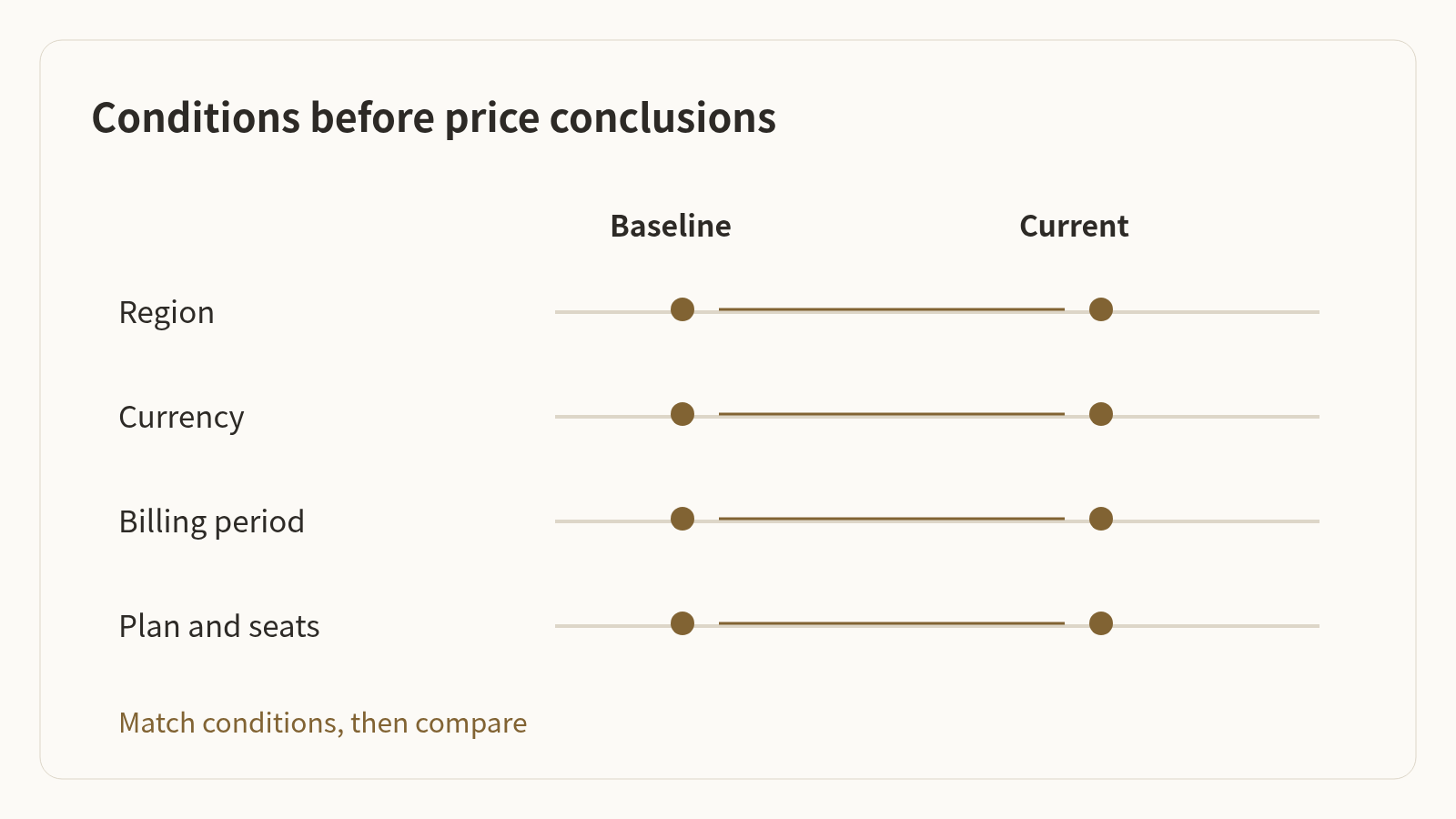
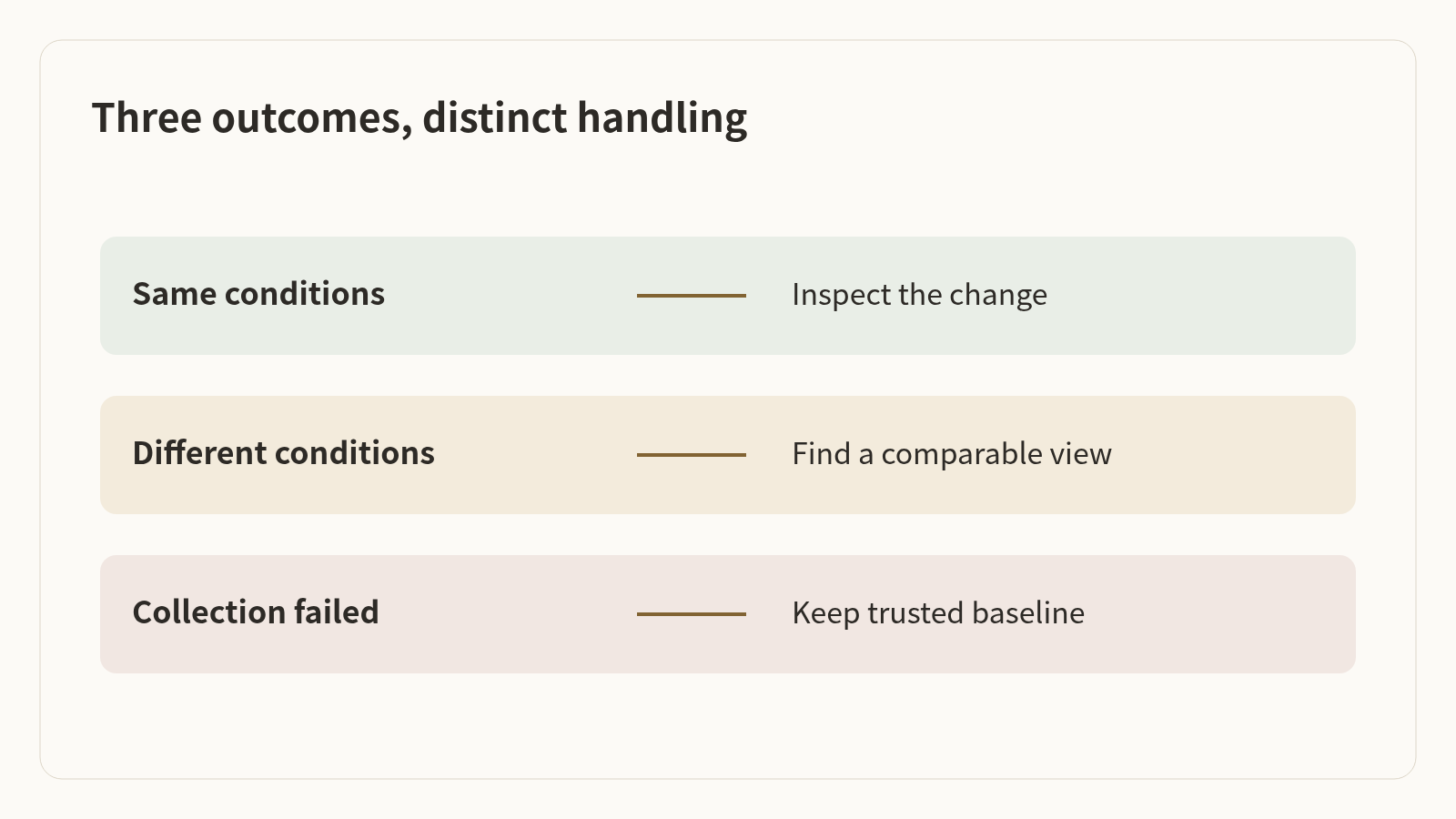
On the next collection, first compare region, currency, billing period and package scope. If those differ, report that the views are not yet comparable and explain why. Look for a comparable view; if it cannot be obtained, preserve the gap instead of calculating a percentage.
Even comparable views can change in different ways: price, included allowance, package migration, promotion or wording. An unchanged price with a smaller allowance may change purchase value. A larger total that includes more seats does not by itself establish a higher price for the same unit.
Calculate a percentage only after matching the unit and scope, and show the old value, new value and formula. Dividing an annual commitment by its number of months gives a conversion, not a cancel-anytime monthly offer. If the terms are incomplete, deliver the facts without a falsely precise percentage.
Deliver a change packet with evidence
The minimum record contains the previous and current snapshots, both collection times, original and final URLs, quoted before-and-after passages, comparison conditions, change category and unresolved questions. Separate observations from interpretation so another person can inspect the conclusion.
A failed page load means collection failed. A loaded page whose critical section did not render means extraction is incomplete. Only comparable content actually retrieved can support a no-change result. Failure should neither overwrite the last trusted baseline nor become a “price unchanged” finding.
A changed page structure can also break extraction. Missing plans, missing units or a sudden group of empty fields should trigger an inspection of collection before being treated as commercial changes.
Build the recurring process with Buda
Keep the page list, baseline snapshots, collections and change records in the Agent’s Drive. Complete a manual cycle first: confirm access, extraction and interpretation. Put a repeatable method in a Skill, then configure an Automation when a schedule is useful. Skills define how the work runs; Automations define when. Ready-made Skills can be found in Buda AI’s Marketplace, but their actual scope still needs checking.
The method should specify accessible sources, comparison fields, failure handling, review conditions and output location. Saving instructions as a Skill does not guarantee reliable access to every website. Respect logins, access restrictions and site rules.
Give the Agent this bounded task:
Read this public pricing-page list and its last trusted baselines. Collect the same region, currency, billing period, package and seat conditions. Check comparability first, then quote changes with URLs and collection times. Separate prices, allowances, packages, promotions and wording. Report failed or incomplete collection separately. Save the evidence packet and return a review summary. Do not send alerts or update CRM.
Review the meaning before taking action
A reviewer checks the source and conditions, then decides whether the change affects positioning, sales answers, budgets or purchasing. Marketing and procurement may need different conclusions. A page difference should not automatically become a company-wide warning.
An alert should explain the change, affected audience and remaining unknowns. External messages, purchasing decisions and system edits retain their own authorization requirements. Completing the monitoring job first means delivering an inspectable change record, not taking commercial action on the team’s behalf.
Start with one page and complete collection, comparison and review. For the operating method, see Skills and automations and Drive and memory.