Gemini 4 Argon Arrives in Buda with Three Thinking Levels
Tune reasoning effort inside an existing Agent, from lightweight preparation to demanding analysis with inspectable outputs.

Buda's Gemini option is updated to Gemini 4 Argon, with Low, Medium and High thinking levels. Select it in the Agent's chat input, then match reasoning effort to the task without rebuilding the workspace.
The useful change is not a requirement to make every answer longer. It is control over which work should finish quickly and which problems deserve more reasoning.
Choose effort against the task
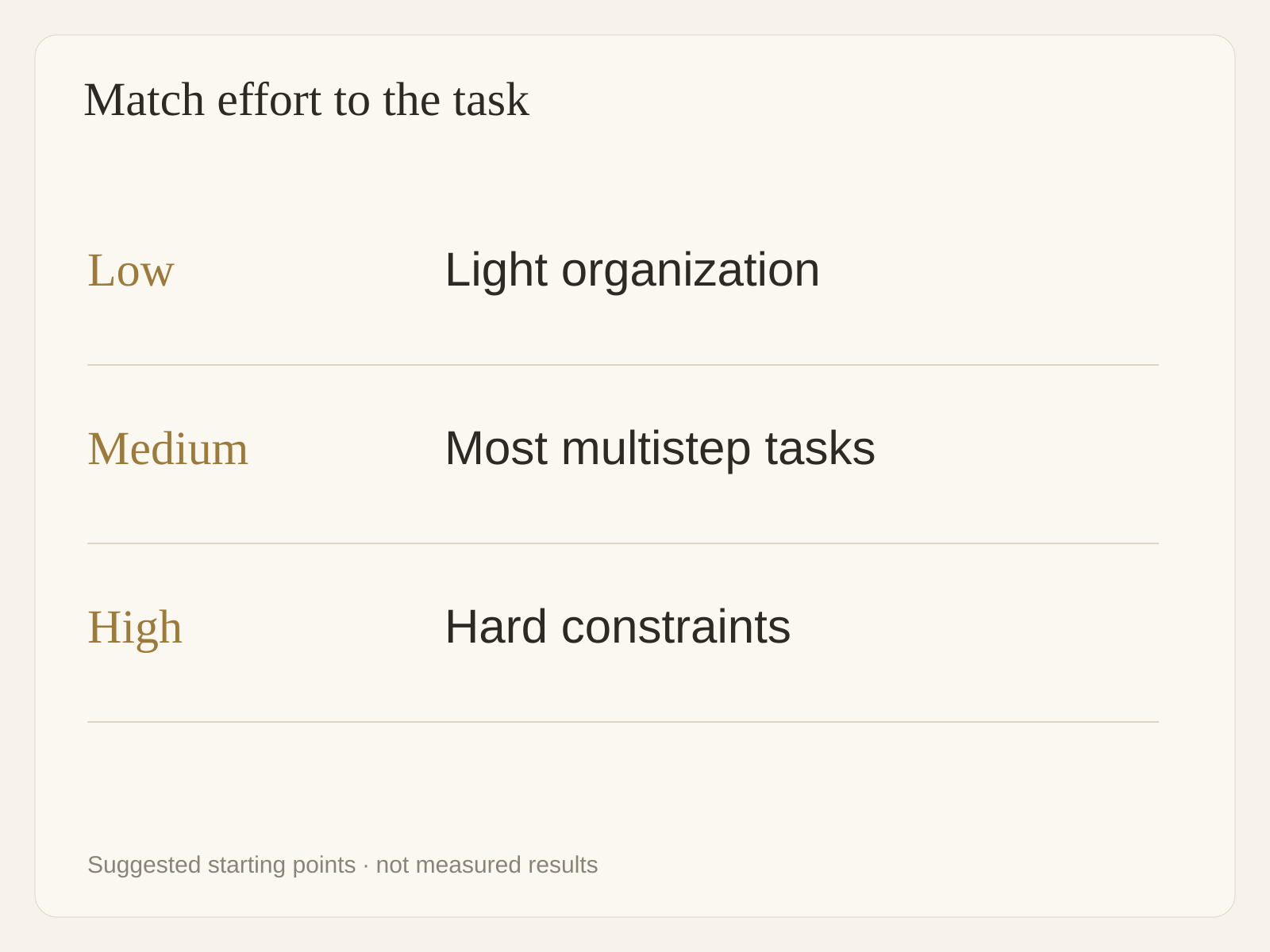
Google positions Argon for difficult coding, agentic, mathematical and scientific problems. Its model guide recommends evaluating all three levels and choosing the lowest that meets your quality bar.
| Level | Suggested starting workloads | What to inspect |
|---|---|---|
| Low | Clear-source organization, light analysis and writing | Omissions and output requirements |
| Medium | Cross-document comparisons, ordinary coding and multistep tasks | Coherent reasoning and supporting evidence |
| High | Difficult code, complex constraints, hard math and science | Assumptions, edge cases and verification |
Medium is Google's recommended general starting point. High typically uses more tokens and takes longer to produce its first token; it is not an automatic upgrade for every request. These workload choices are recommendations, not Buda speed or success-rate measurements.
More room is not a finished deliverable
Input, thinking and output share Argon's 1,048,576-token window. It is not one million input tokens plus another million output tokens, and it is not persistent Agent memory. This Buda integration configures a 65,536-token output cap.
Google's long decode extends generation through supported API paths. Selecting the model in Buda does not establish million-token output support. For ordinary work, preserve the right evidence: relationships across documents, diffs and tests for code, sources and open questions for research.
A larger window also does not mean every Drive file automatically enters every request. Identify the relevant material and scope rather than adding unrelated files.
Start inside the existing Agent
- Open the Agent responsible for the task and choose Gemini 4 Argon in the chat input's model picker.
- Start with Medium. Try Low for light work and compare High on genuinely difficult reasoning.
- Specify authorized materials, output files, acceptance criteria and prohibited actions.
- Inspect the actual artifacts, evidence and unfinished items before adjusting effort.
Changing the model does not create a separate Drive. Files, background and procedures remain in the Agent's workspace. Model selection and tool authorization are separate: High does not expand permission to write, send or deploy.
Try one task with a clear finish line
Compare a product change note with existing operating documentation:
Read only the specified change note and operating documents. List affected passages, supporting evidence, proposed revisions and open questions. Save a revision draft. Do not fill evidence gaps with guesses, edit official documents, send or publish. Finish with the draft location and decisions requiring review.
This is a suggested trial, not an executed demonstration. Compare levels on the same materials using omissions, errors, rework and waiting time—not answer length. Expand scope after the deliverable meets the bar.
The Agent Workspace brings conversation, files and execution tools together. Drive and memory preserve material for later work. A model supplies reasoning for the current task; ongoing work still needs context and reusable procedures.
Frequently asked questions
Do I need a new Agent?
No. Select the model inside the existing Agent and use its authorized materials. A model switch does not create a file-permission boundary.
Is High always better than Medium?
Not for every task. Fix inputs and acceptance criteria, then compare errors, omissions and rework. If Medium meets the bar, simple tasks need not spend more. High still requires fact checking.
Can Buda produce a million tokens in one answer?
This integration configures 65,536 output tokens. Google's shared window and long decode are different capabilities; do not treat upstream extensions as the current chat output allowance.
How should I assess Credits?
Buda Pricing lists Gemini 4 Argon at a 0.7x Credits multiplier. This is a relative model-cost comparison, not a fixed charge per task.
Use Buda Pricing and actual account usage. Input, output, cache, tools and minimum-charge rules affect consumption, while thinking level changes token use. Compare quality and usage on one bounded task first.
Start with work that needs judgment and has an inspectable finish line. Choose effort, name the materials and deliverables, let the Agent execute, then review the result.