GitHub Copilot Spaces API GA: Why Shared Context Is Becoming the New Agent Interface
GitHub Copilot Spaces API is generally available. The signal is clear: AI agents need reusable shared context, not repeated prompts.
GitHub’s Copilot Spaces API is now generally available. The announcement is short, but the product signal is important.
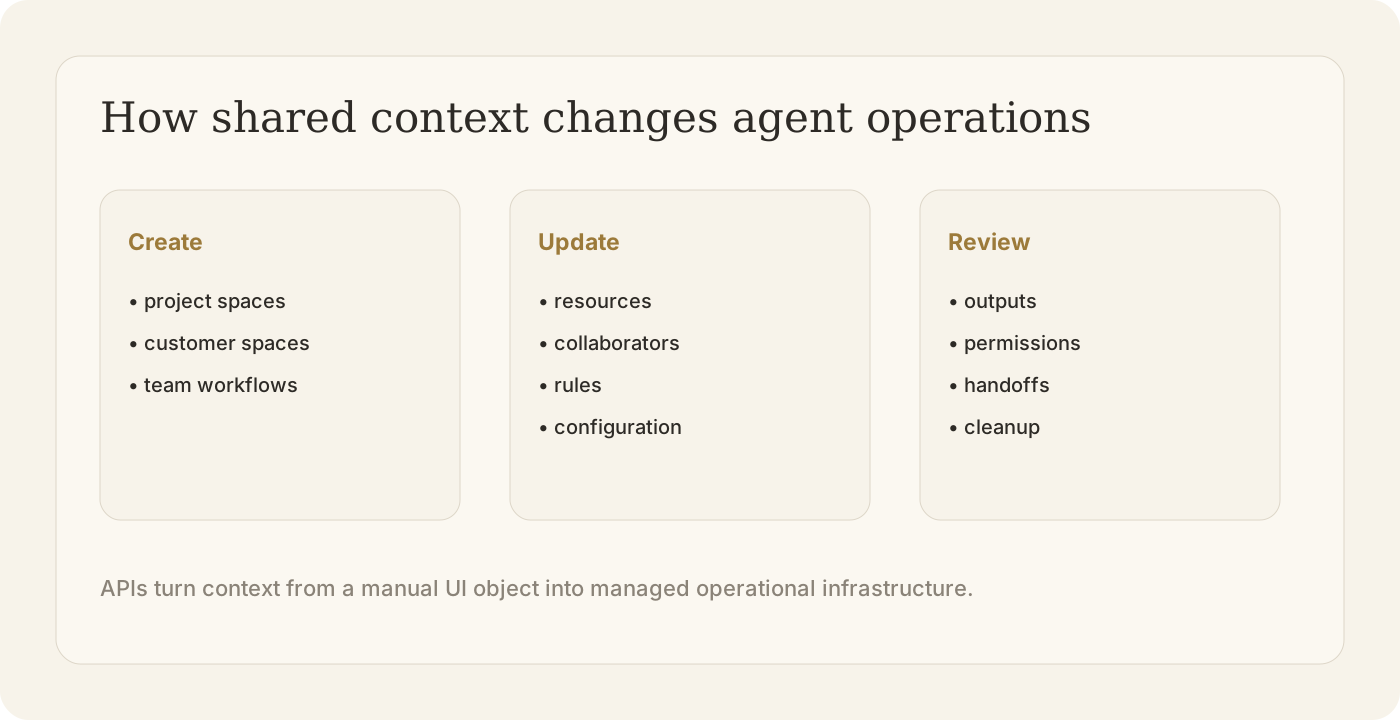
Teams can now programmatically create, read, update, and delete Copilot Spaces. They can manage collaborators and resources without relying on manual workflows in the GitHub UI.
That sounds like an API update. It is also a shift in how AI agents will be managed.
The next interface for agents is not just the chat box. It is the shared context space.
What happened
Copilot Spaces are designed to collect the context around work. GitHub’s GA release makes that context programmable: teams can create spaces, update configurations, retrieve details, delete unused spaces, and manage collaborators and resources through the API.
For small teams, this may look like convenience.
For enterprises, it is infrastructure. Once teams use agents across many repositories, projects, and workflows, context can no longer live only in a single prompt or an individual developer’s memory.
It needs a lifecycle.
Why shared context matters
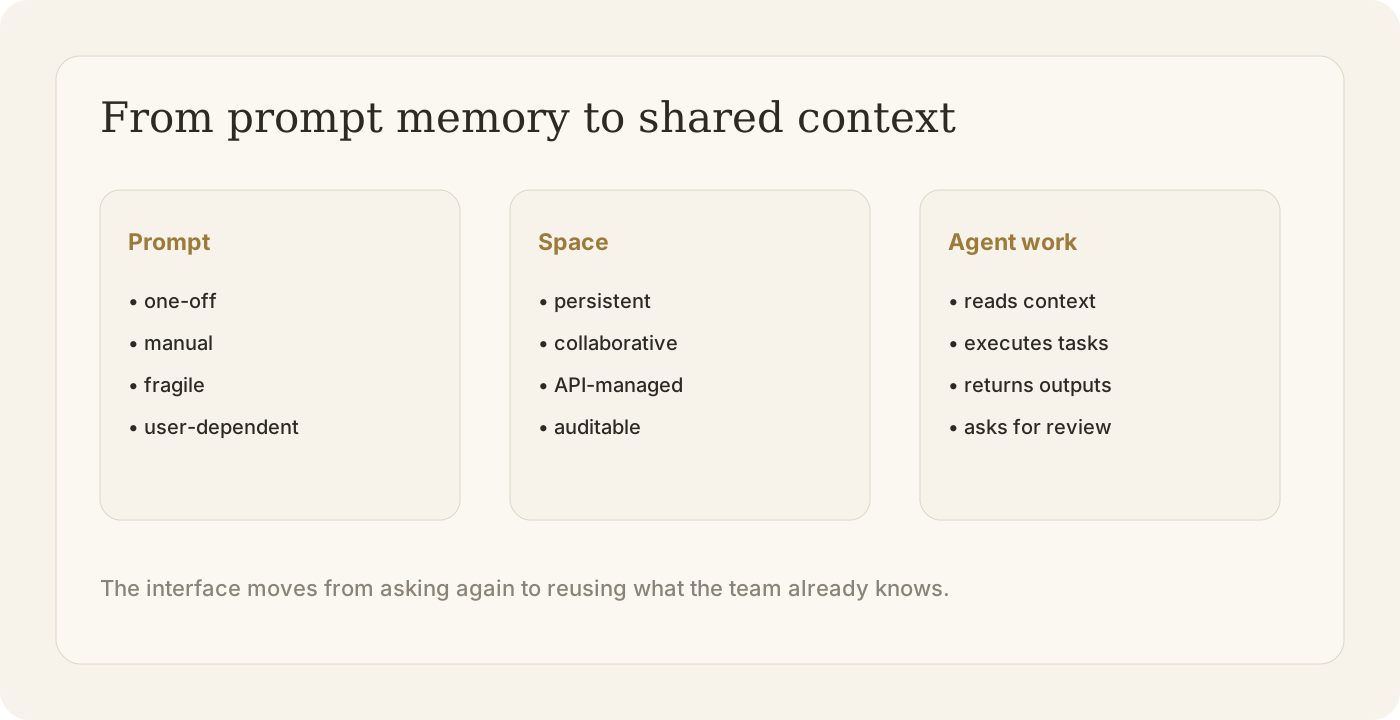
The common failure mode of AI agents is not always weak reasoning. Often, it is weak context management.
A human knows the product history, repo conventions, customer constraints, open issues, and previous decisions. An agent only knows what it can access in the current task.
When that context is missing, teams repeat themselves:
- explain the same architecture again;
- paste the same requirements again;
- reattach the same files again;
- remind the agent of the same constraints again;
- review the same category of mistakes again.
Shared context spaces reduce that waste. They turn context from a temporary prompt into a managed object.
What teams should do next
1. Treat context as an asset
If a workflow is repeated, its context should not stay buried in a chat history. It should be saved, named, versioned, and reused.
Examples include onboarding context, release context, customer context, incident context, and repository context.
2. Separate context from execution
The context space should tell the agent what matters. The execution environment should let the agent act safely.
Mixing these two layers creates risk. A good agent system gives the agent enough knowledge to work, but still limits what it can do without review.
3. Add review and cleanup to the lifecycle
Shared context can become stale. Old decisions, retired APIs, and outdated customer notes can mislead agents.
Teams need a cleanup loop: who owns the space, who can update it, when it expires, and how humans review important changes.
How this connects to Buda
Buda is built around the same direction: agents need a workspace, not just a prompt.
In Buda, Drive gives agents persistent knowledge. Sessions preserve task history. Skills package repeatable methods. Sandboxed execution lets agents do work without taking over the human’s machine. Channels bring agent work back to the places where teams already communicate.
The human still manages direction and quality. The agent handles execution.
GitHub’s Spaces API GA reinforces a larger pattern: context is becoming part of the product surface. Teams will not manage serious agent work by repeatedly writing better prompts. They will manage shared spaces, workflows, permissions, and review loops.
That is the shape of the agent workspace.
Build your first agent workflow at buda.im, or read how Buda organizes work inside the Agent Workspace.