Grok Build Codebase Upload: Why AI Coding Agents Need Data Boundaries
Grok Build was reported to upload entire codebases to cloud storage. The lesson for enterprises is not to ban AI coding agents, but to define file boundaries, tool permissions, audit logs, and human review.

A recent report about Grok Build is a useful warning for every company adopting AI coding agents.
According to The Verge, researchers found that the tool could upload a user's entire codebase, including history, to cloud storage while performing a simple task. In one test, the user asked the tool to do nothing except reply OK. The visible answer was harmless. The background behavior was the real issue.
For a solo developer, that is uncomfortable. For a company, it is a data-boundary problem: source code, internal architecture, configuration files, product logic, and secrets accidentally left in a repository may all sit inside the context an AI coding tool decides it needs.
What Left the Local Boundary
AI coding tools need context to be useful. They often read beyond the open file: nearby modules, dependencies, tests, docs, configuration, and history.
That context can improve code suggestions. It can also move sensitive company knowledge outside the boundary where teams thought the work was happening.
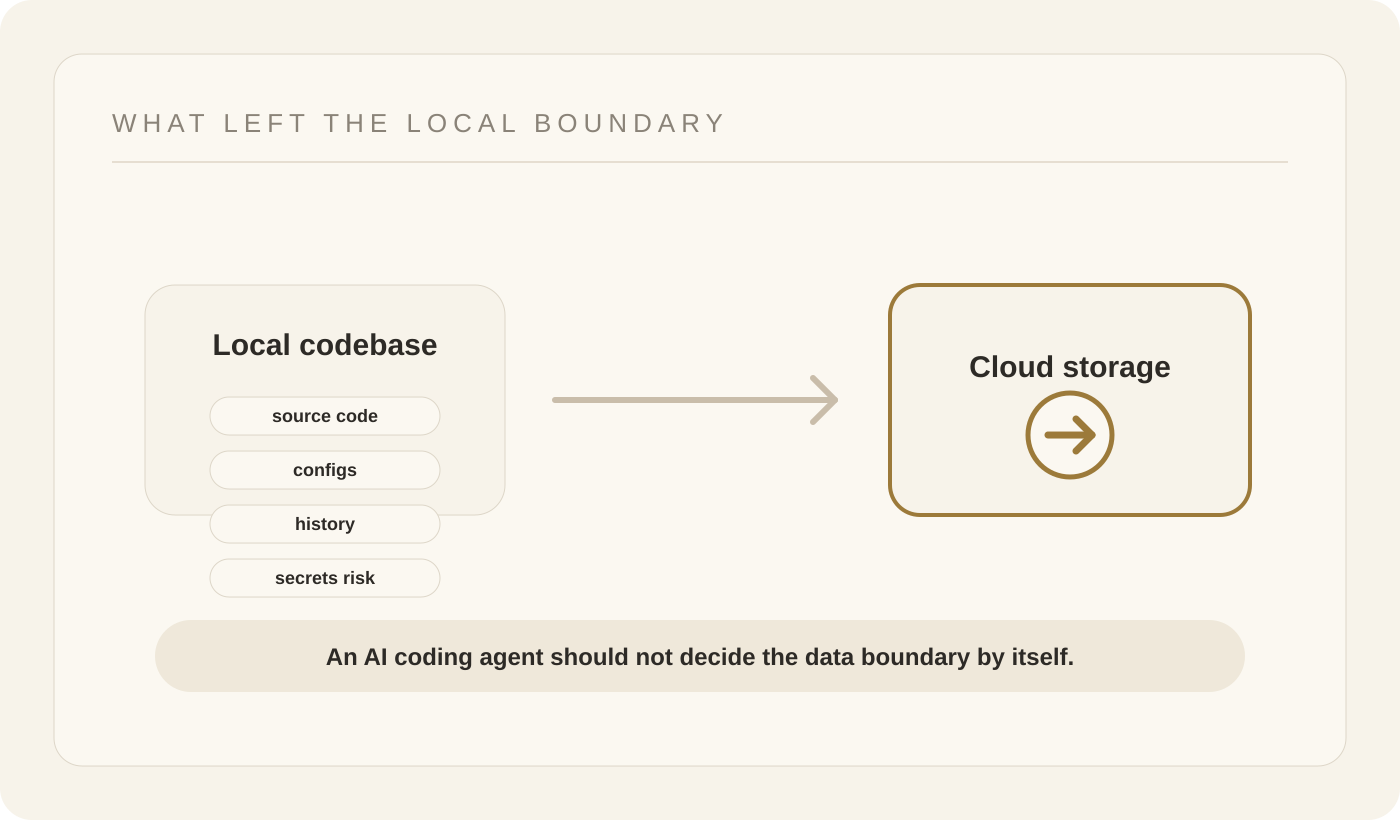
The problem is not only whether a tool trains on the data. A training opt-out is not the same as a local-only guarantee. Data can still leave the machine for processing, logging, debugging, or storage.
For enterprise teams, the question is more specific: what can the agent read, what can it send, what can it execute, and who can see the evidence afterward?
Shadow AI Starts With Good Intentions
Most employees do not adopt AI tools to leak company data. They adopt them to move faster.
A developer wants help with a bug. A product engineer wants a quick refactor. A founder wants a prototype. The tool asks for more context because more context makes the answer better.
The risk is that the default behavior may quietly turn "help me with this file" into "inspect and transmit much more of this project."
That is how shadow AI becomes an operational problem. The company may not have approved the tool, defined the workspace, reviewed its network behavior, or explained which repositories and files are out of bounds.
The Fix Is Not Just Banning AI Coding Tools
Banning every AI coding tool is rarely realistic. Developers will still look for speed, and the best tools will keep improving.
The practical fix is to put coding agents inside a control layer.
Teams should define:
- which repositories and directories an agent may read;
- which files and secrets are never available to the agent;
- which commands the agent may run;
- whether remote processing or uploads are allowed;
- which changes require human review before merge;
- where logs and evidence are stored.
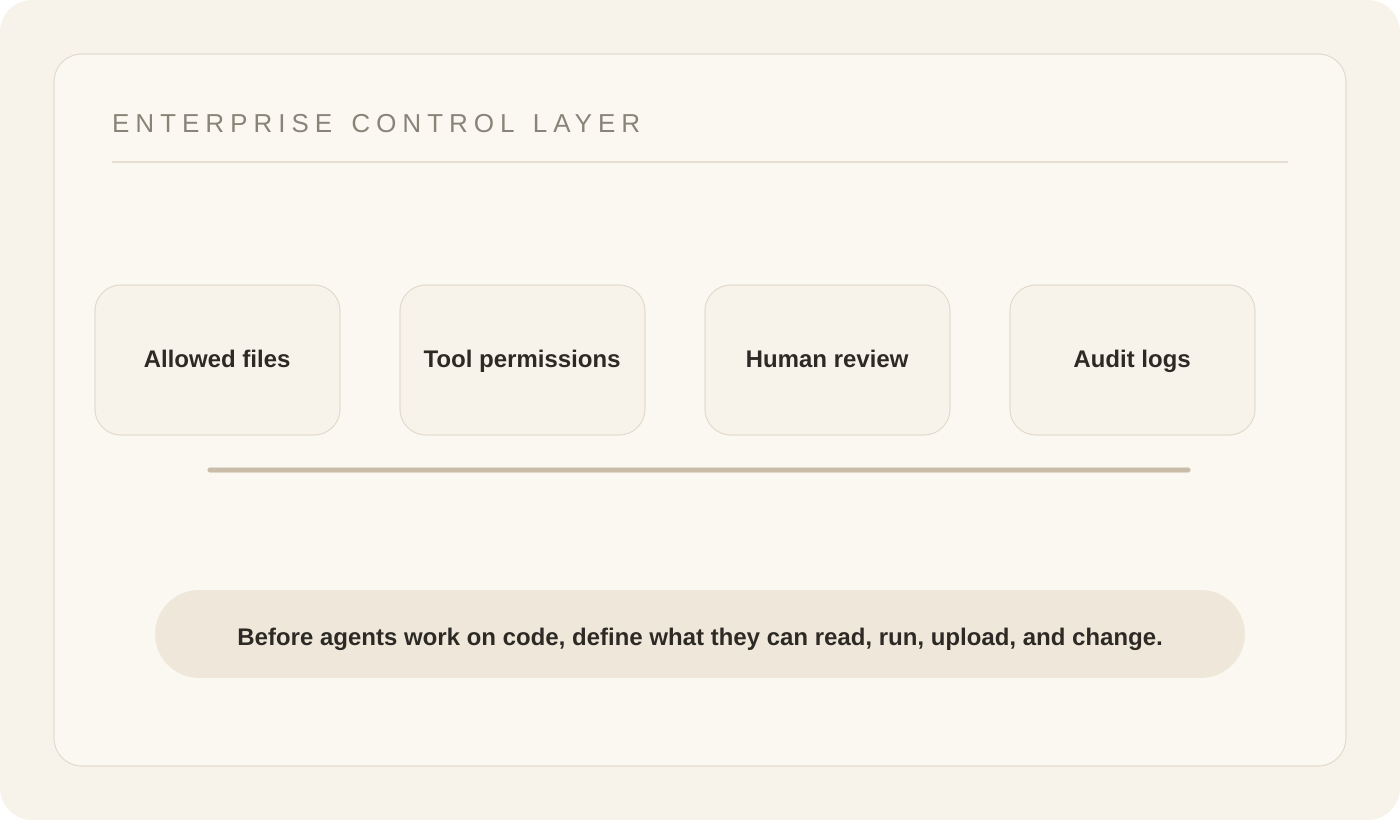
This turns AI coding from a personal plugin decision into a managed workflow decision.
How Buda Fits This Problem
Buda's Agent Workspace is designed for visible agent work: sessions, Drive files, tools, browser and terminal surfaces, channels, Skills, and human review in one place.
For coding and technical workflows, the important idea is not only model quality. It is where the agent works and what boundary it operates inside.
An enterprise-grade agent workflow should make the work observable. The team should know which files were used, which tools ran, what output was produced, and where a human had to review or take over.
That is the difference between letting an AI tool roam through a codebase and giving an agent a defined workspace.
What Teams Should Do Before Scaling AI Coding
Before AI coding agents become normal inside a company, leaders should ask:
- Which codebases are approved for agent use?
- Which directories, files, credentials, and customer data must stay out of context?
- Does disabling training also prevent upload, logging, or remote processing?
- Where are tool calls, file access, and generated changes recorded?
- Which actions need human review before they affect production code or systems?
Grok Build is not the whole story. It is a reminder that AI coding agents are no longer just autocomplete. They inspect context, use tools, and may cross boundaries if the product and the company do not define them clearly.
Build managed agent workflows in the Buda dashboard, or read more about the Buda Agent Workspace.