Create a Daily AI News Report with One Sentence
Turn one natural-language instruction into a scheduled Agent workflow that gathers, filters, and reports the news.

A daily AI news report sounds simple. Repeating the work is the expensive part.
The same sites must be opened again. Duplicate stories must be removed. Someone must decide what matters, verify the source, and turn the result into a report the team can use.
In Buda, this workflow does not need to begin with a scraper or a Cron expression. It can begin with one natural-language instruction:
Set up an automation: gather the latest Silicon Valley AI news every afternoon and turn it into a report.
That instruction is not the entire specification. It starts a delegation. The Agent resolves the missing schedule, time zone, scope, report structure, and delivery location, then creates the Automation after confirmation.
A reminder returns the task. An Automation starts it.
A reminder says, “It is time to read the news.”
A Buda Automation starts an Agent run. At the scheduled time, the Agent finds sources, filters the signal, structures the report, and returns the result. You do not repeat the Prompt or keep the original conversation open.
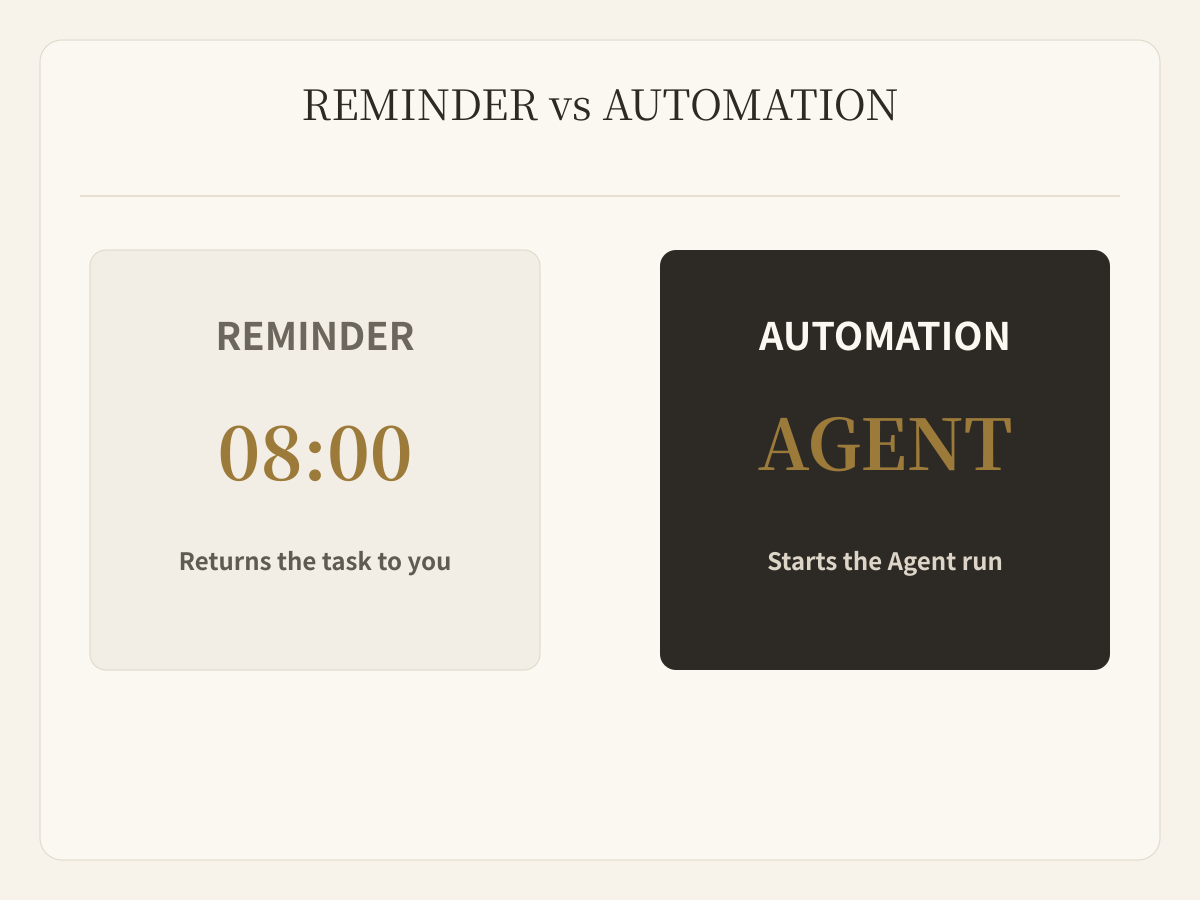
An Automation stores future work, not merely a clock. It has a name, task, and schedule. Buda records the next run, run count, status, timing, errors, and the Agent Session created by each completed run.
Start with the outcome
A useful instruction carries at least three things:
- When: daily, weekly, or at a specific time;
- Scope: an industry, company set, product category, or source boundary;
- Deliverable: a briefing, ranked stories, watchlist, or another fixed structure.
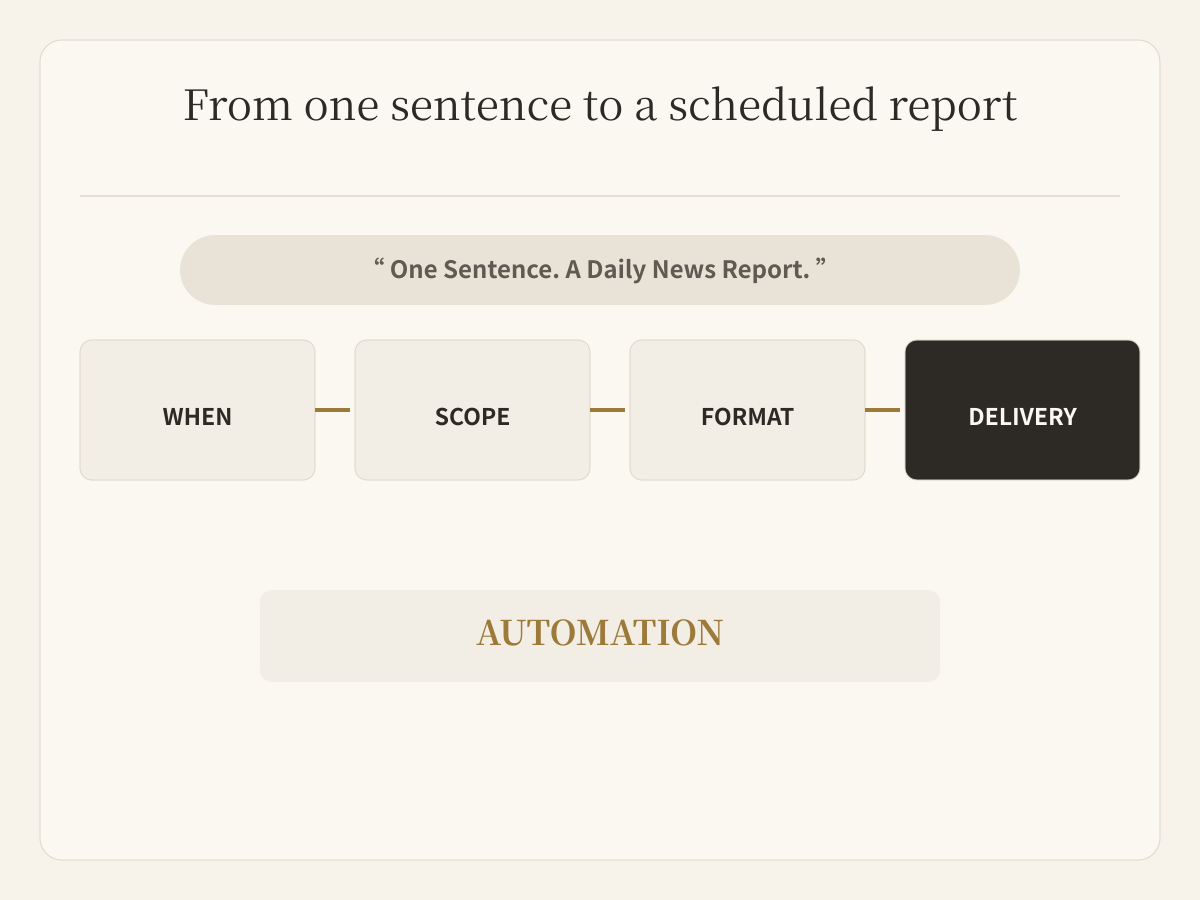
You do not need to learn Cron first. Natural language states the business result; the Agent turns it into a schedule.
One sentence does not remove the need for precision. “Check the news every day” still leaves time, time zone, evidence window, selection standard, format, and destination unresolved.
Confirm the five details that change the result
Before creating the Automation, confirm:
- run time and time zone;
- topics, companies, and source boundaries;
- the observation window, such as the previous 24 hours;
- report structure and intended reader;
- delivery Session and any additional notification.
The demo used 16:00 in Asia/Shanghai and a report with an executive summary, top stories, and a watchlist. Those were choices for this task, not Buda defaults.
Always inspect the resulting schedule. “Every afternoon” is ambiguous, and international teams must account for time zones and daylight-saving changes.
The schedule remains observable
Buda supports one-time, interval, and Cron schedules. A user can say “tomorrow at 3,” “every two hours,” or “Monday morning” without writing the expression. Plan limits determine the number of Automations, minimum interval, and Cron availability.
Each run records pending, running, completed, failed, or skipped, with start and finish times and an error when relevant. Automations can be paused, resumed, or deleted.
That turns scheduling into an inspectable operating system rather than a task that disappears after setup.
A useful report must allow a quiet news day
At runtime, the Agent gathers sources, removes duplication, and applies the agreed report structure:
- Executive summary for the most important changes;
- Top stories with event, impact, and source;
- Watchlist for developments that are not settled yet;
- A light-news note when there is no important update.
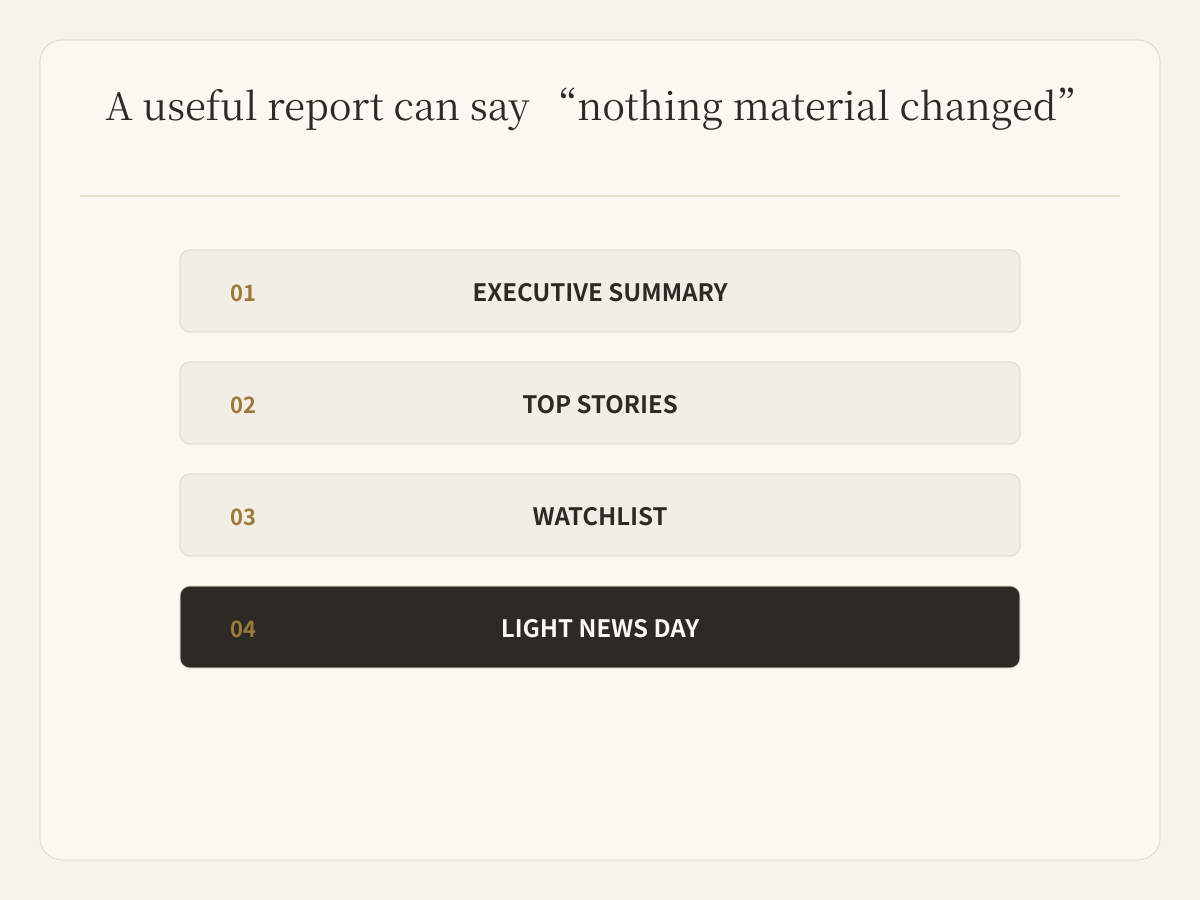
An Automation should not invent ten weak stories to look busy. “No material change today” is a valid result.
Quality comes from source standards, deduplication, evidence boundaries, and a stable output structure, not from the number of links collected.
Prove the task before scheduling it
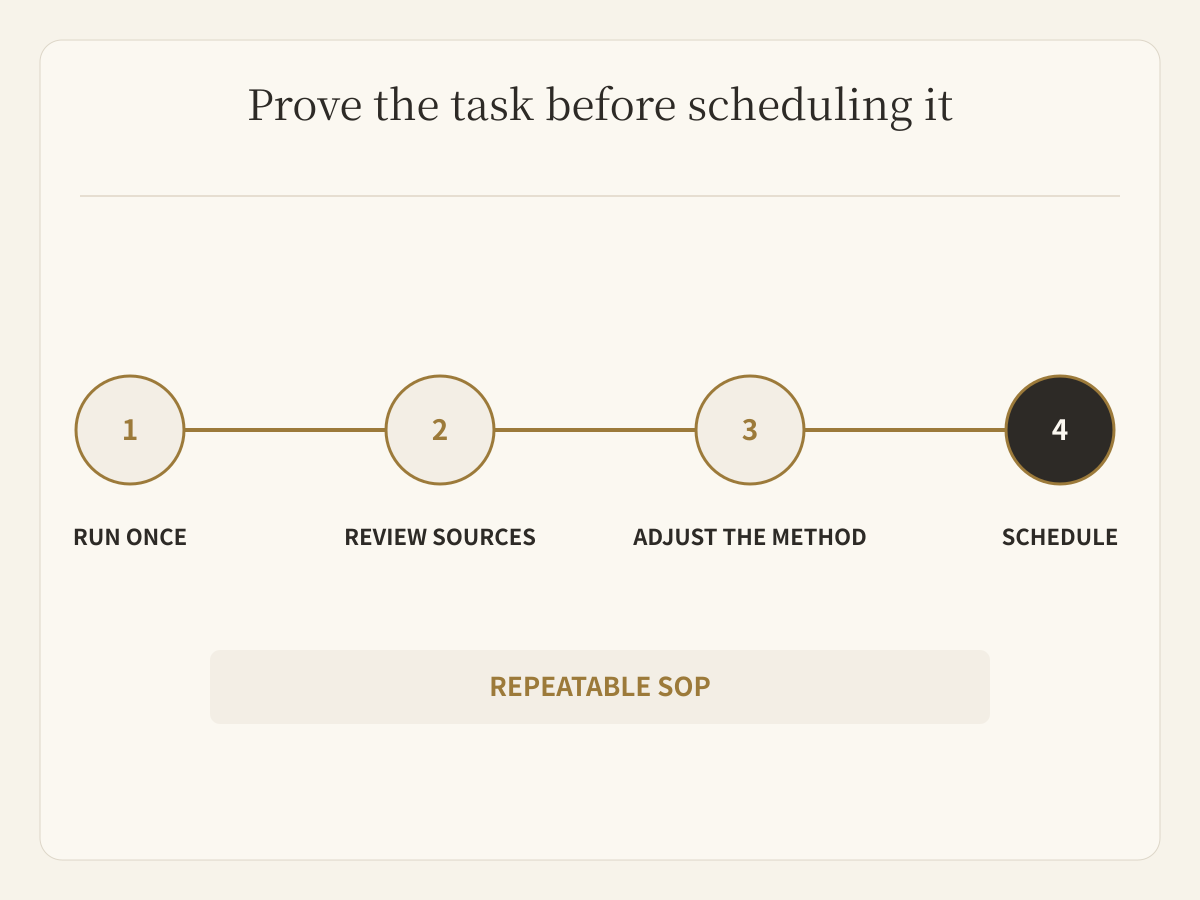
Reliable automation does not multiply an untested Prompt by 365.
Use this order:
- run the task manually once;
- inspect sources, scope, and format;
- remove noise and add decision standards;
- define which outcomes require human review;
- schedule the version that is useful;
- review several runs and adjust the boundary.
News research is a low-risk first experiment. External publishing, customer communication, payments, and canonical record changes should keep explicit human confirmation even when the Automation prepares everything upstream.
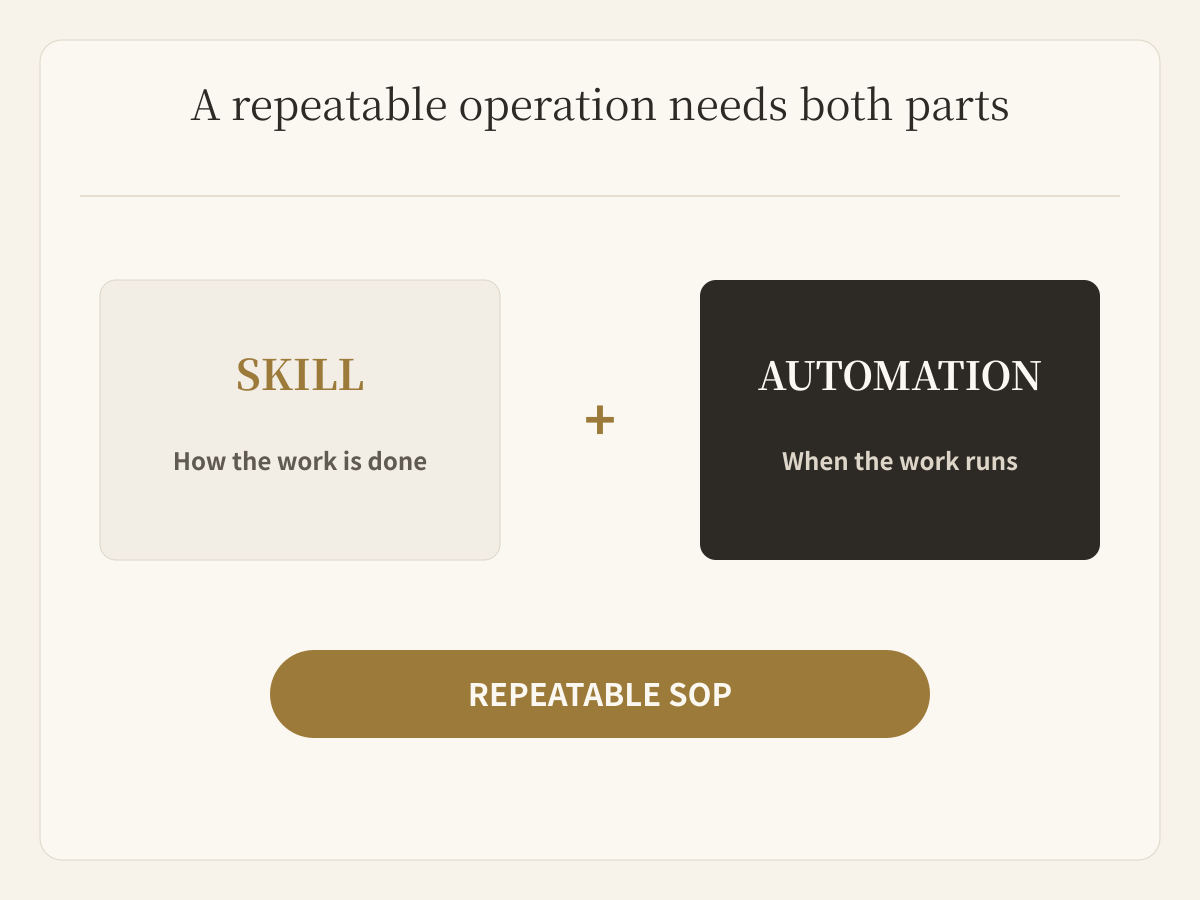
Skills preserve how. Automations preserve when.
If a task happens once, let the Agent finish it.
If the same research, filtering, and reporting method will recur, turn the method into a Skill. If it should also run daily, weekly, or on an event, attach an Automation.
The pattern works for competitor monitoring, customer-feedback summaries, service checks, monthly operating exceptions, policy tracking, and hiring changes. The common property is not time. It is that inputs, judgment standards, method, and deliverable can be defined.
In Buda, the Agent executes the scheduled work. People decide what matters, what counts as good, and which actions require confirmation.
Read the Automations documentation, then start with one low-risk task whose result is easy to inspect. Or open the Buda dashboard and tell the Agent the one instruction you no longer want to repeat every day.