Buda vs OpenAI Dots: How Do You Delegate Ongoing Work?
Dots keeps working toward your goals. Buda organizes agents, files, tools, and recurring tasks in a workspace. Choose the responsibility you want to delegate before choosing the product.
Both execute work. This is not chat versus action.
OpenAI introduced Dots on September 29, 2026: always-on agents powered by GPT-6 Astra, with their own cloud computer, browser, and access to connected apps. Buda provides persistent Drive storage, agent sessions, and inspectable tool execution, keeping inputs and outputs in a working environment. Both offer ways to inspect progress. The useful comparison is how you delegate and organize work, not whether one product is only a chat box.
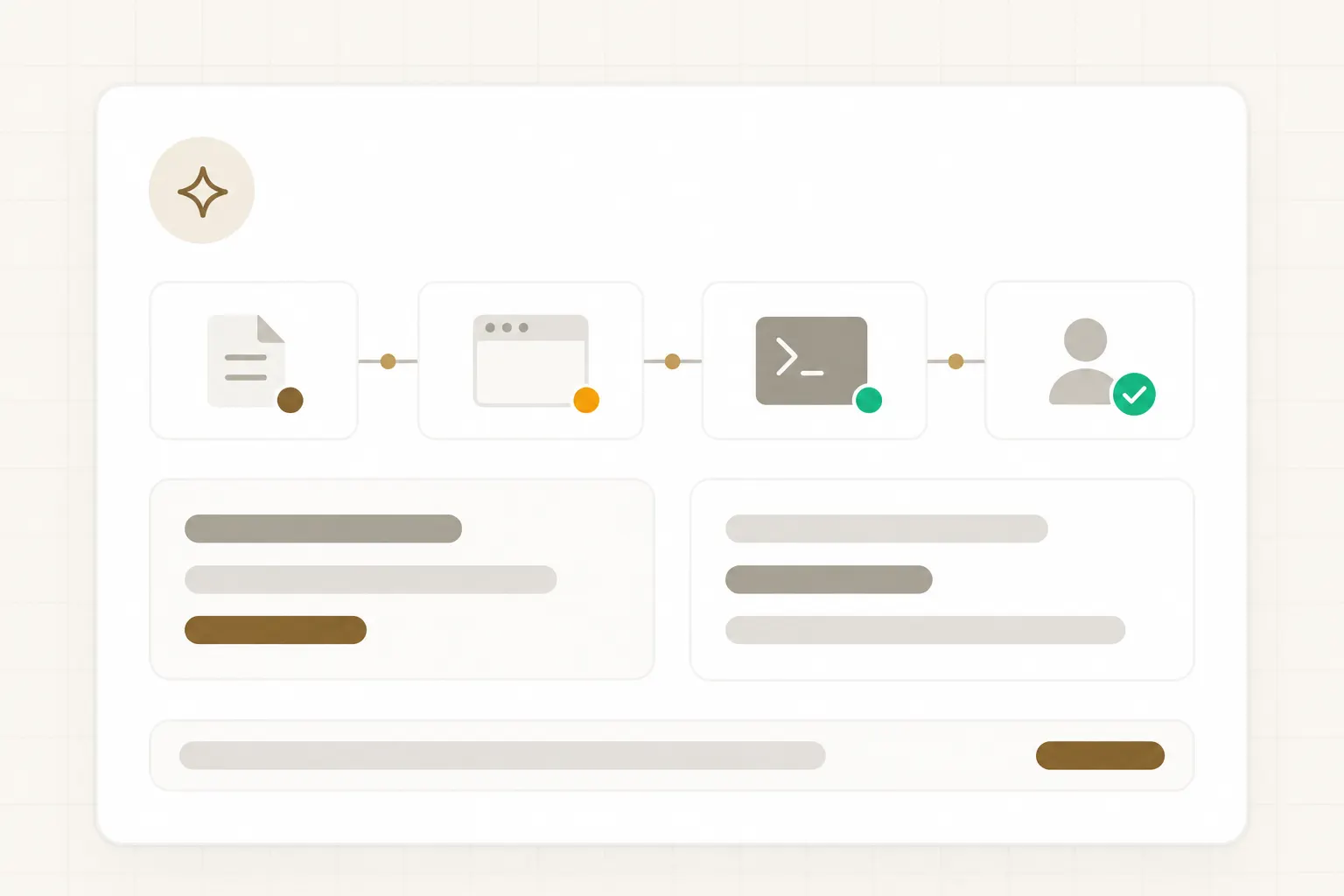
Ongoing delegation
Dots can advance several projects and receive feedback through ChatGPT, Slack, or Teams. Unattended proactive research uses read-only tools; it does not grant automatic permission to send or modify content.
Explicit runs
Buda starts from a task session or an Automation on an interval, cron schedule, or one-time date. Run history links to the execution session. Scheduled execution is a different trigger from Dots' proactive research.
Scope matters
Specialist dots are early enterprise pilots. Browser, Terminal, and Git are paid Buda capabilities. Do not compare a free agent-and-files tier with a complete cloud-computer workflow.
From a goal to work you can take over
Two ways to organize work—not a ranking of speed, quality, or feature completeness.
OpenAI Dots
Goals and preferences
Define the ongoing responsibility
Connected apps
Authorize the necessary applications
Background progress
Inspect Activity View and give feedback
Review and takeover
Approve consequential actions and check results
Buda
Task and materials
Keep inputs and standards in Drive
Session or schedule
Run a task or configure an Automation
Tools and artifacts
Inspect calls, files, and execution
Acceptance and reuse
Check outputs and retain a repeatable method
Four conditions that can change your choice
Only publicly documented mechanisms are compared. There is no end-to-end benchmark or success-rate ranking.
How responsibility starts
Dots: describe goals, preferences, and boundaries for ongoing work.
Buda: define tasks and materials, then run sessions or explicit schedules.
Decide: do you need ongoing proactive help, or clearly scoped work you can repeat?
What the next run uses
Dots: connected applications, feedback, and learned preferences inform its work.
Buda: each agent's Drive retains materials, configuration, and outputs; session histories remain isolated.
Decide: persistent files are not automatic sharing of every conversation across sessions.
How execution is inspected
Dots: open its cloud computer and use Activity View to follow background progress.
Buda: sessions show tool calls and artifacts; paid workspaces add Browser, Terminal, and Git.
Decide: inspect the actual files, actions, and tests you need—not just the final summary.
Who permits an action
Dots: Custom Rules can allow, require approval, or block; auto-review helps assess actions and sensitive tasks stay with you.
Buda: default Autopilot executes tools without pausing for every approval; consequential writes need deliberately configured permissions and workflows.
Decide: inspectable results are not equivalent to Dots' native action-approval mechanism.
Test delegation with a changing product proposal
This is a proposed evaluation, not a tested integration on either platform or a promise of plugin availability.
Give both products the same product brief, approved customer proposal, three customer requirements, and one new limitation. The target is not polished prose: it is a revised proposal that identifies affected commitments and links each change to evidence.
Constrain access first
Start read-only and draft-only. No customer email, overwriting official files, or writes to business systems. Confirm access to the files and apps your test requires.
Organize each run
In Dots, connect necessary apps, specify the ongoing goal, and set applicable rules. In Buda, store materials in Drive and start a task session; add explicit recurring execution later.
Request an evidence package
Require a change list, revised proposal, source for every revision, and unresolved questions. Missing product capabilities must remain open issues, not become customer commitments.
Introduce a second change
Replace a requirement or withdraw a source. Check whether obsolete conclusions are removed, revision evidence is retained, and external actions stop until authorization is renewed.
Acceptance package: revised draft, commitment-change table, source mapping, and open questions. Record review minutes, rework, and unauthorized actions—not generation time alone.
Permission to act and correctness of the result are separate checks
An allowed action can use wrong data. A correct draft is not permission to send it.
Dots' native controls
Custom Rules and auto-review help determine which actions proceed, need approval, or stay with a human. Unattended proactive research is read-only. After approval, still check recipients, attachments, sources, and results.
Buda workflow design
Sessions and tool outputs support inspection, but default Autopilot is not a per-action approval queue. For strict review, restrict write tools or use an approval interface; an instruction to ask first is not a hard permission boundary.
Acceptance on either platform
Name who verifies facts, who authorizes external writes, and where final versions live. Test pausing, revoking access, and recovery on a small task before expanding responsibility.
Check access and required tools before you start
OpenAI Dots
At launch, rollout covers Pro and Business Premium in eligible markets; Enterprise, including Edu and Healthcare, requires admin-enabled beta access. The first dot is included in eligible plans, with an allowance for deeper work. Check your account. The official 4,000+ app ecosystem figure does not guarantee support for your specific action.
Buda
Free includes Agent and Drive. Browser, Terminal, and Git used in this comparison start on paid plans. Automation counts, intervals, and cron support depend on the plan. Enterprise offers BYOK, a self-hosted option, SSO/roles, and audit logs; assess those separately against your requirements.
Evaluate the handoff after a change, not just the first answer
Fix the inputs
Use identical materials, permission boundaries, and output requirements. Begin read-only.
Change a requirement
Check whether outdated conclusions are withdrawn and affected artifacts are revised.
Check the stop
When an external action lacks permission, see whether execution stops and requests a decision.
Decide what to expand
Compare usable artifacts, review effort, and recovery. Add schedules or write access only after acceptance.
Frequently asked questions
Is OpenAI Dots a new model?
No. It is an always-on agent product, launched with GPT-6 Astra, cloud computing, connected apps, and ongoing work mechanisms. Choosing Dots is more than choosing a model.
Does Dots lack human approval?
No. It has Custom Rules, action auto-review, and approvals; some sensitive tasks must stay with a human. Consequential results still require factual and business review.
Does Buda reproduce Dots' proactive research?
This page makes no such claim. Buda's confirmed mechanisms are task execution and explicit Automation schedules. Scheduling should not be presented as equivalent to Dots' proactive research.
Does Buda wait for approval before every tool call?
No. Its documentation states that default Autopilot executes tools. Strict-review work requires permissions and approval workflows; visible calls are not enforced approvals.
Do my materials survive a new Buda session?
Drive files persist and can be used in later tasks. Sessions retain separate histories. Save decisions and standards in files rather than assuming every conversation transfers automatically.
Can everyone use Dots now?
No. Access depends on plans, markets, and enterprise admin enablement. Specialist dots are focused enterprise pilots, not a generally available feature for every user.
Can free Buda test every workflow here?
Free can demonstrate Agent and Drive. Browser, Terminal, or Git tests require a paid plan, and Automations have plan-specific limits.
Has this page measured real success rates?
No. It compares documented product mechanisms and proposes an evaluation task. Test your own apps, materials, and approvals before deployment; vendor examples are not a guarantee of your results.
Turn one task into work you can accept
If you want files, tool execution, and recurring outputs in a long-lived working environment, start with a small Buda task: supply the inputs, define the result, and inspect the first delivery. Choose the relevant plan when you need browser or terminal access.
Product evidence and further reading
Sources checked September 30, 2026. Access and plans can change. No end-to-end comparative test was performed. Illustrations are generic editorial visuals, not product screenshots.