GPT-6.1 Sol: Evaluate Agent Work by the Result
OpenAI reports a stronger Sol across coding, software operation, and professional work. The useful decision is which tasks merit a more capable model—and how to measure an accepted result.
GPT-6.1 Sol is OpenAI’s September 29 update to GPT-6 Sol. Its reported gains span coding, multi-step workflows, computer use, and complex documents. The useful starting point is a task whose output can be inspected—not a claim that the model is already selectable in Buda.
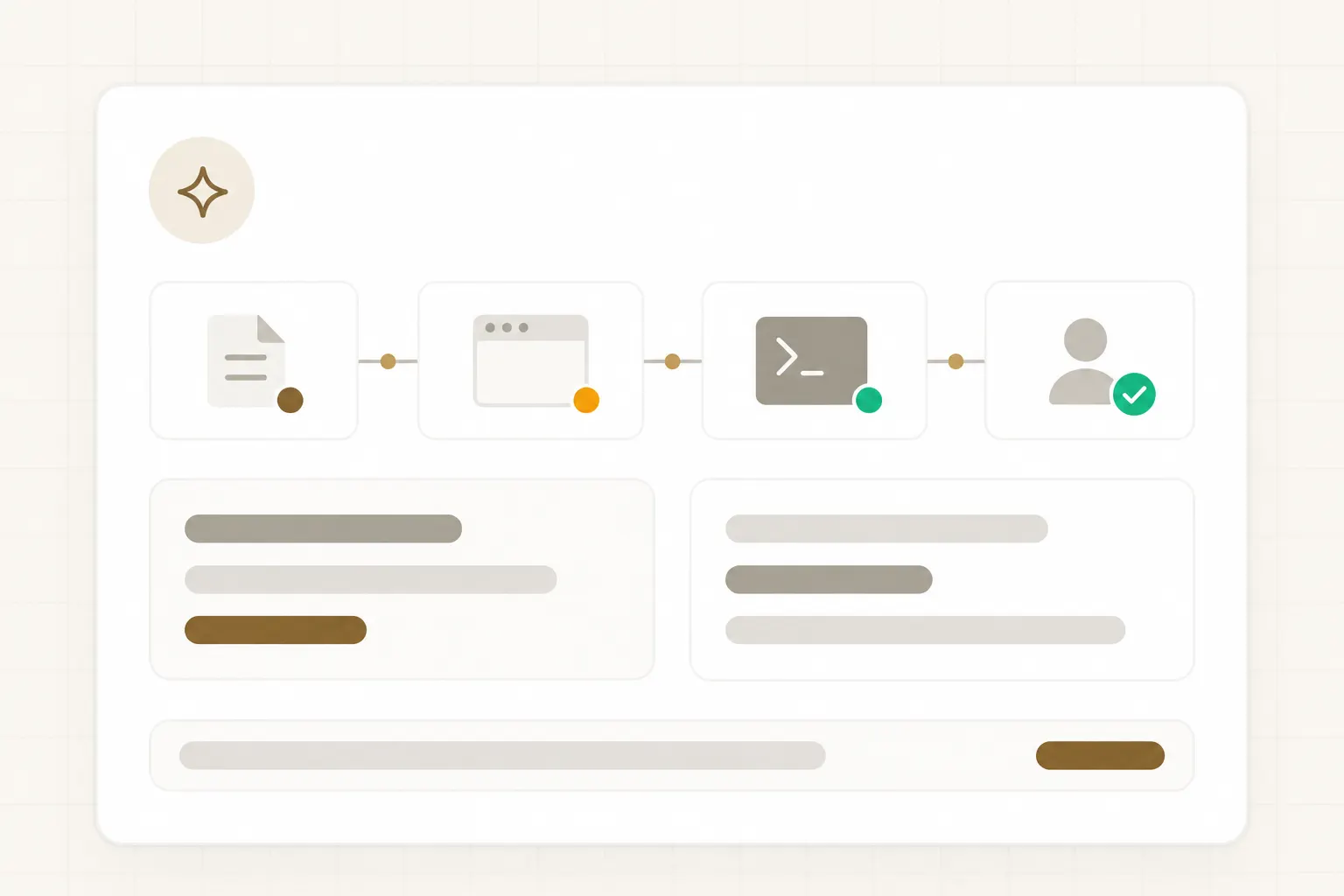
What changed from GPT-6 Sol
These figures are from OpenAI’s published evaluations under specified settings. They are reasons to test comparable tasks, not pass-rate predictions.
Longer coding tasks
On DeepSWE v1.1, OpenAI reports a 6.4-point improvement over GPT-6 Sol’s best score. Test with a real repository, a failing case, and an explicit acceptance suite.
Work across tools
AutomationBench rose 4.8 points at the same reasoning effort. That benchmark covers multi-step tasks; it does not predict success in your connected apps.
Computer use
On the OSWorld 2.0 offline set, OpenAI reports a seven-point improvement at maximum reasoning effort. Browser and app permissions remain a separate decision.
Read complex evidence
OpenAI highlights professional PDFs with tables and diagrams. Ask for cited figures, page-level references, and a check of calculations.
Start with a task that can be accepted or rejected
Use these as task briefs with clear outputs, not as reported integration results.
Example: turn a failing test into a reviewable fix
A sample workflow, not a Buda run with GPT-6.1 Sol. Use it to define the work before testing the model.
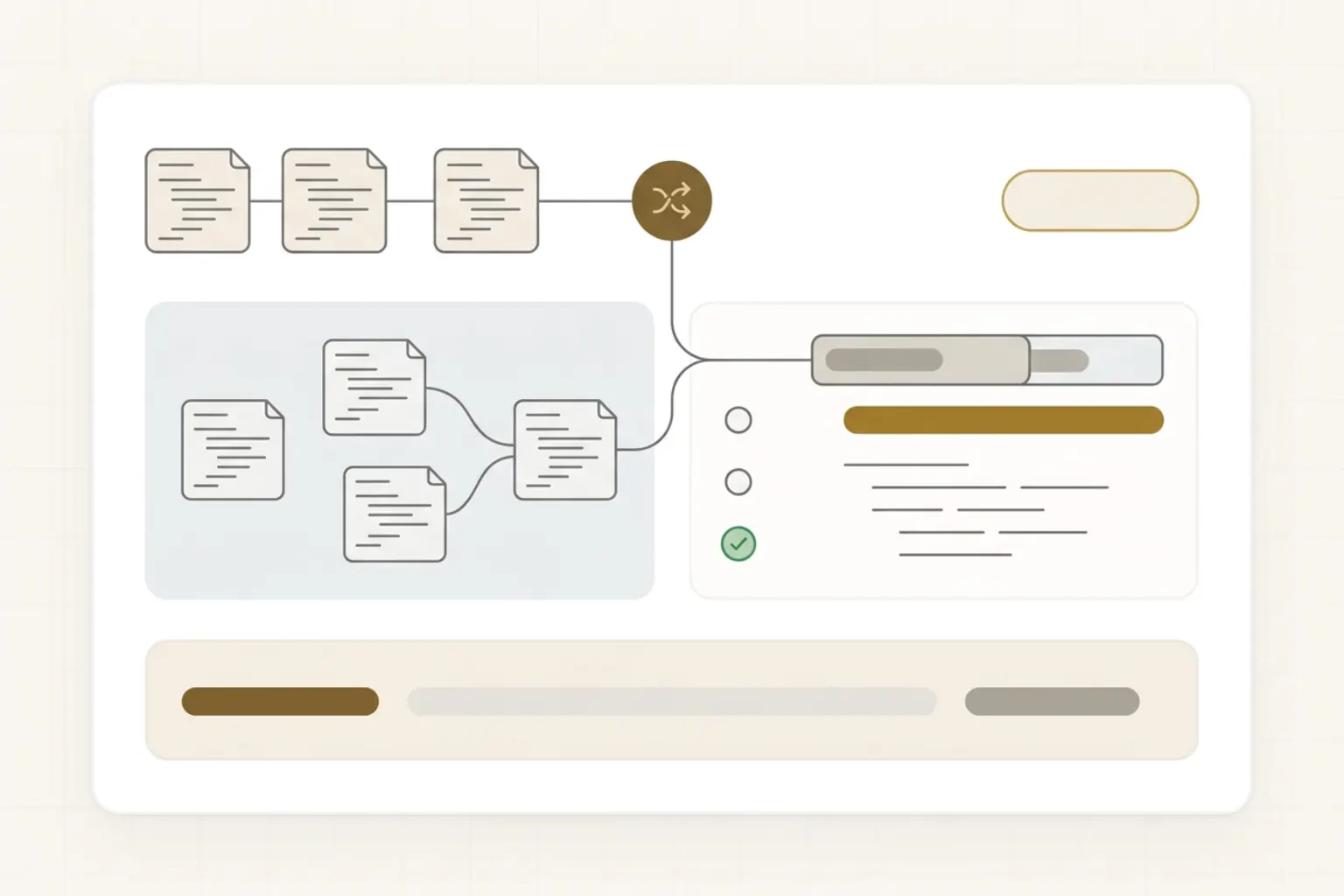
1 · Define the inputs
Attach a repository snapshot, a reproducible failing test, and a short bug report. Limit changes to the relevant module and name files the agent must not touch.
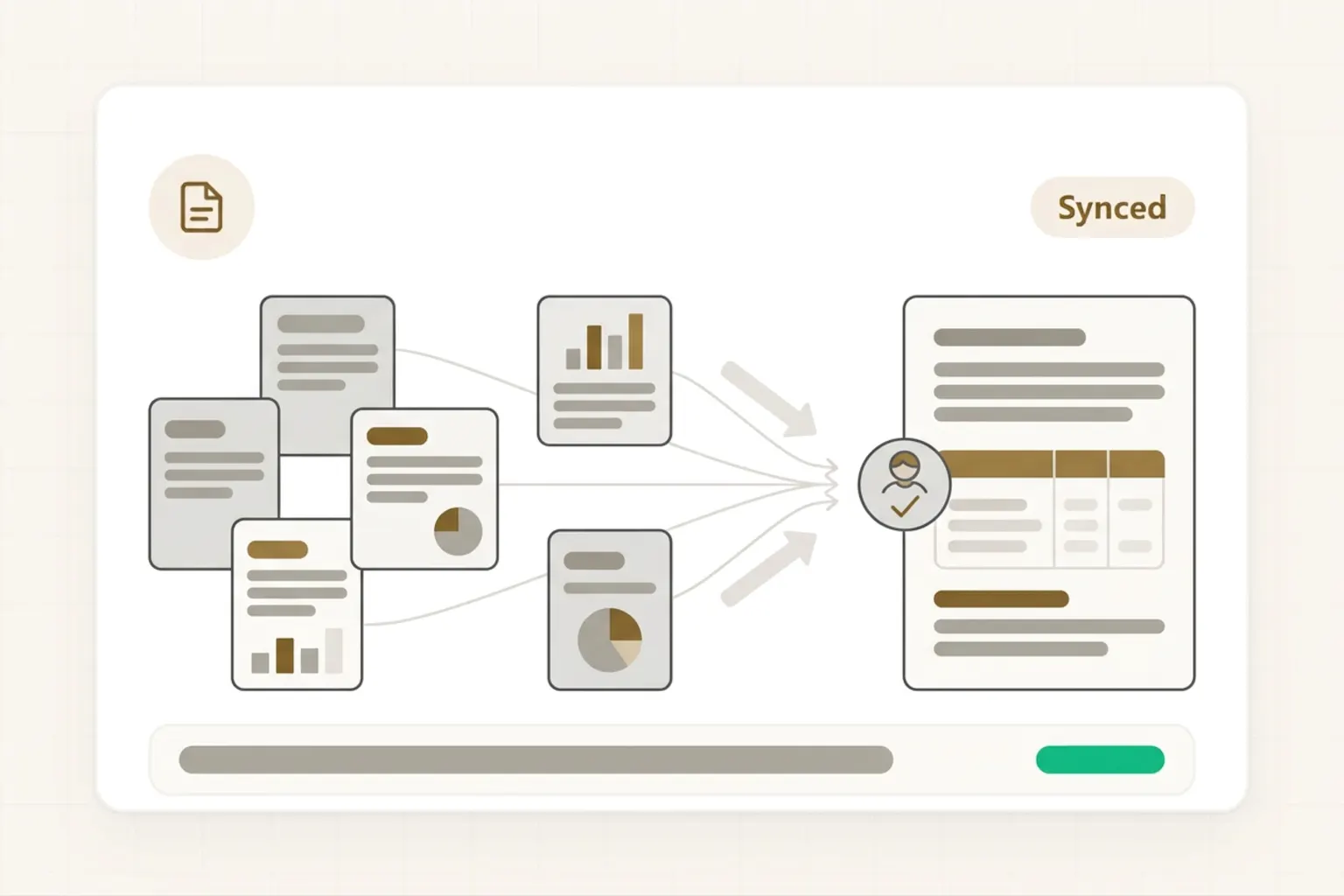
2 · Set the finish line
Require the failure to reproduce first, a focused patch, the relevant test run, and a short note covering affected files, test results, and unverified behavior.
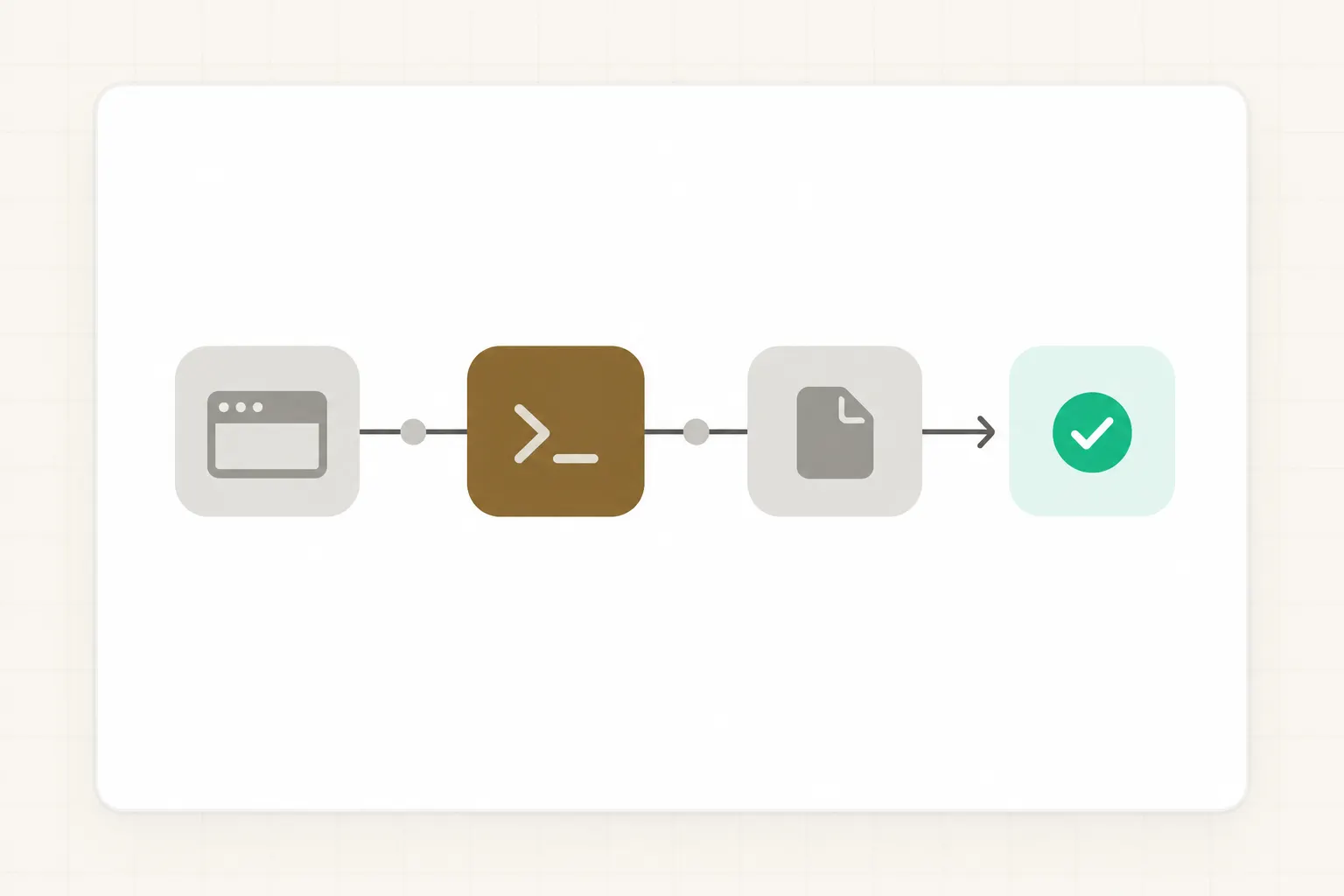
3 · Review the artifact
Inspect the diff and test log in the same task context. Re-run critical checks independently; if the fix needs a schema change, secrets, or deployment, stop for separate authorization.
Match the task to the evidence, not a universal ranking
| Task | GPT-6.1 Sol | GPT-6 Astra | Human check |
|---|---|---|---|
| Coding with a failing test | Test the reported DeepSWE improvement on your own repo | Run the same test if you are comparing models | Review diff and test output |
| Multi-step workflow across tools | Test the reported AutomationBench gain on a sandboxed process | Compare only with the same tools and criteria | Review source-to-output trace |
| Open-ended, high-stakes judgment | Use for bounded evidence-gathering, if appropriate | Evaluate separately on representative cases | Owner retains the decision |
A simple 5-task evaluation
Lock the same inputs and allowed tools for each model.
Choose one easy case, two representative cases, and two edge cases.
Score accepted output, time to acceptance, corrections, and any tool failures.
Repeat failures and inspect the artifact before changing a default workflow.
Keep the work inspectable
Drive
Keep the repository snapshot, brief, test fixtures, and the resulting files together.
Agent session
Inspect commands and intermediate artifacts rather than relying on a polished final answer.
Human decision
Accept the patch after testing; authorize merge, deployment, or customer-facing changes separately.
Frequently asked questions
Is GPT-6.1 Sol available in Buda?
OpenAI announced API, ChatGPT Work, and Codex access. Availability in Buda has not been verified; check the model selector before planning a workflow around it.
What changed from GPT-6 Sol?
OpenAI reports stronger results on agentic coding, multi-step professional workflows, and computer use. The published scores come from specific evaluations, so test the tasks you actually run.
Where did OpenAI release GPT-6.1 Sol?
OpenAI lists access through its API as gpt-6.1-sol and through ChatGPT Work and Codex on eligible plans. At launch it says the model is not yet available in Chat.
Will the benchmark gains reproduce on my tasks?
Not necessarily. They are OpenAI-reported tests with specific harnesses and effort settings. Evaluate a small set of representative tasks.
Which job should I test first?
Pick a bounded task with source files and a clear acceptance test, such as fixing a reproducible bug. Ask for a diff, test log, and a list of unverified behavior.
When should I consider GPT-6 Astra instead?
For an open-ended or especially difficult task, include Astra in a controlled comparison. Do not treat the model-selection table as an automatic route or a promise that one model always wins.
How do I run a fair comparison?
Give each model the same inputs, allowed tools, and acceptance criteria. Compare accepted artifacts and human corrections across representative tasks, not just a benchmark score.
Should I remove human review?
No. A stronger model does not authorize production changes, customer messages, or external publishing.
Make the next result easier to check.
Start with one bounded brief, source files, and a testable finish line. Keep execution visible; let a person make the final decision.