AI Agent Workspace for Teams.
Buda is a cloud-native AI agent workspace where teams run persistent agents with shared memory, files, Browser, Terminal, Git, and human review in one place.
Agents keep starting from scratch.
Agents lose the previous files, decisions, account notes, code changes, and review comments that make the next run useful.
Real work needs browser research, terminal output, Git diffs, Drive files, CRM records, and docs.
One person runs the agent, another teammate reviews a summary, and a manager asks for proof.
Teams need briefs, drafts, tables, PR notes, CRM updates, and reports they can inspect before anyone acts.
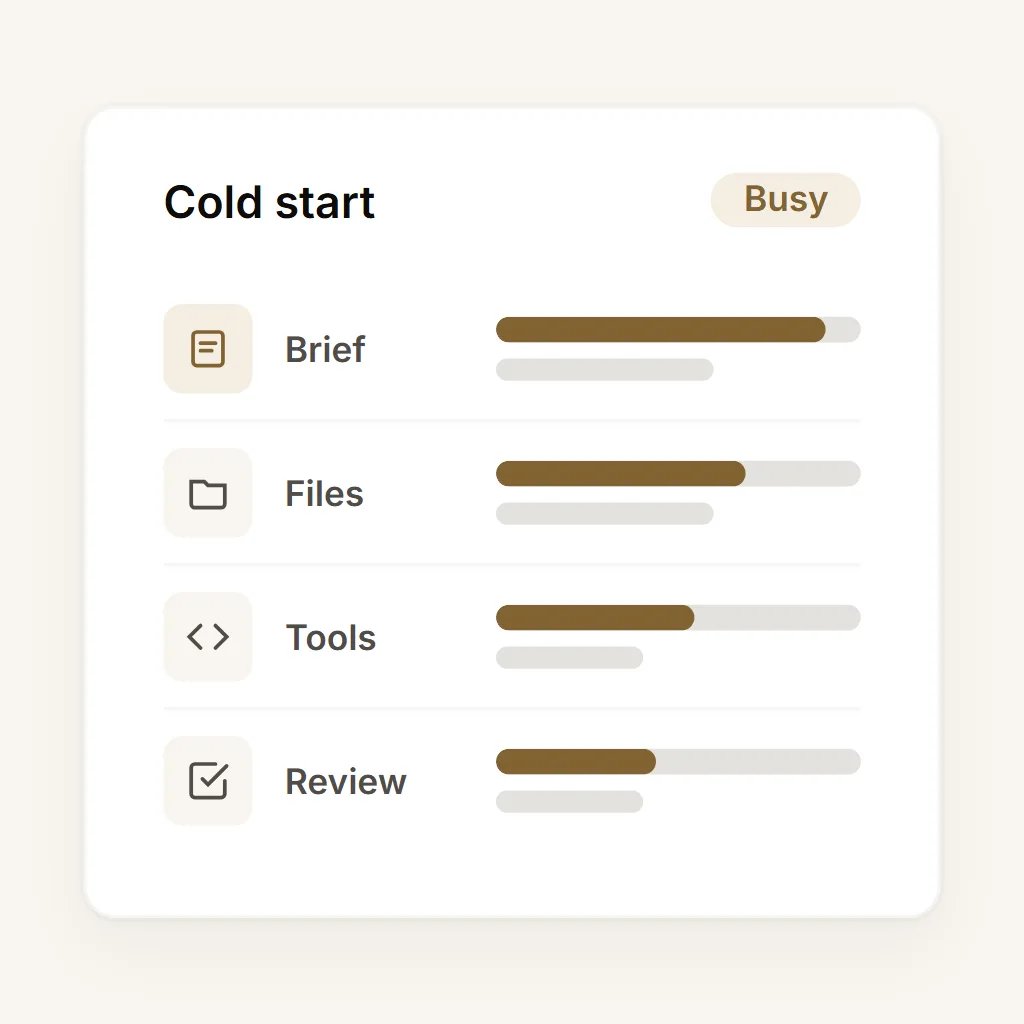
Build a workflow around AI Agent Workspace.
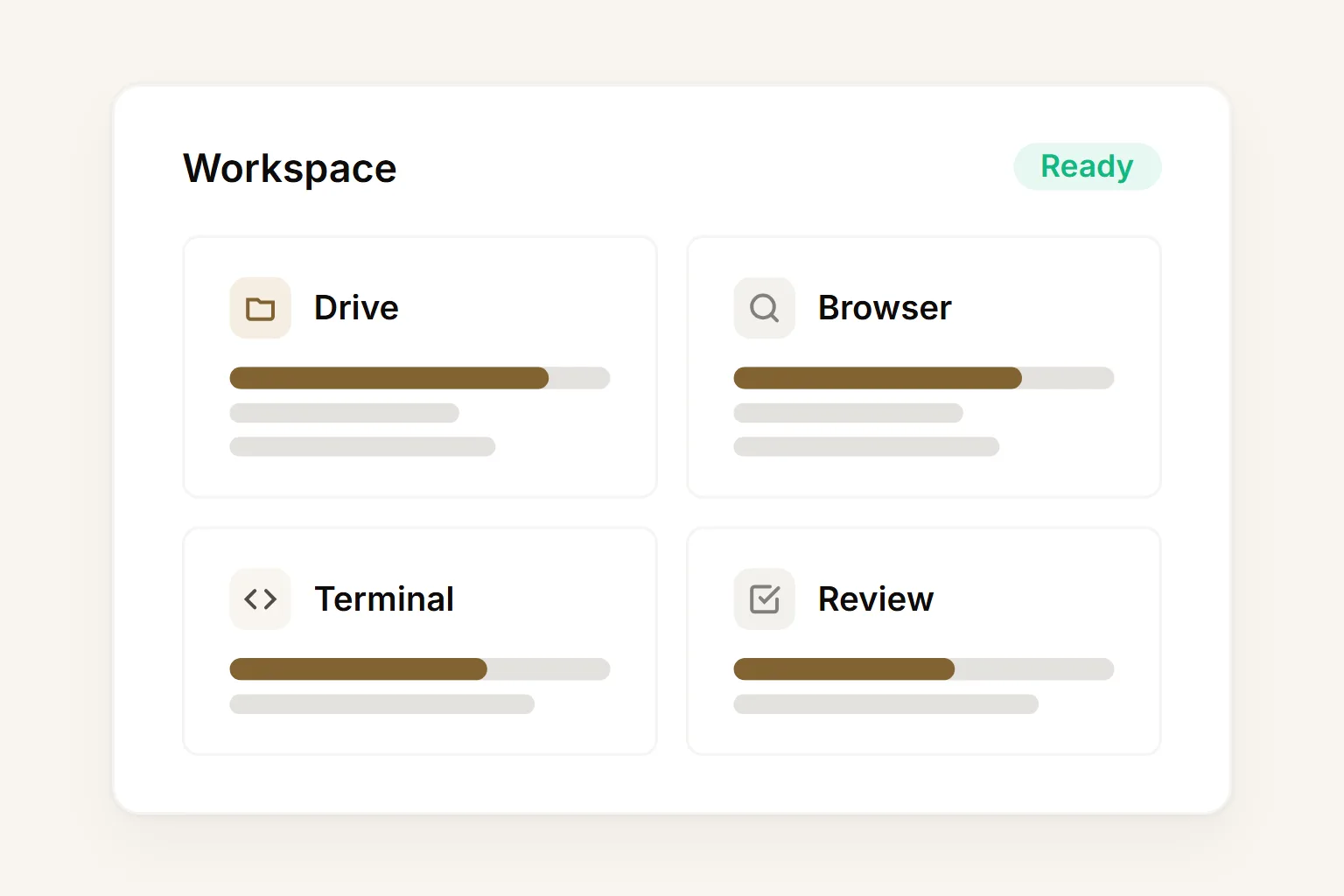
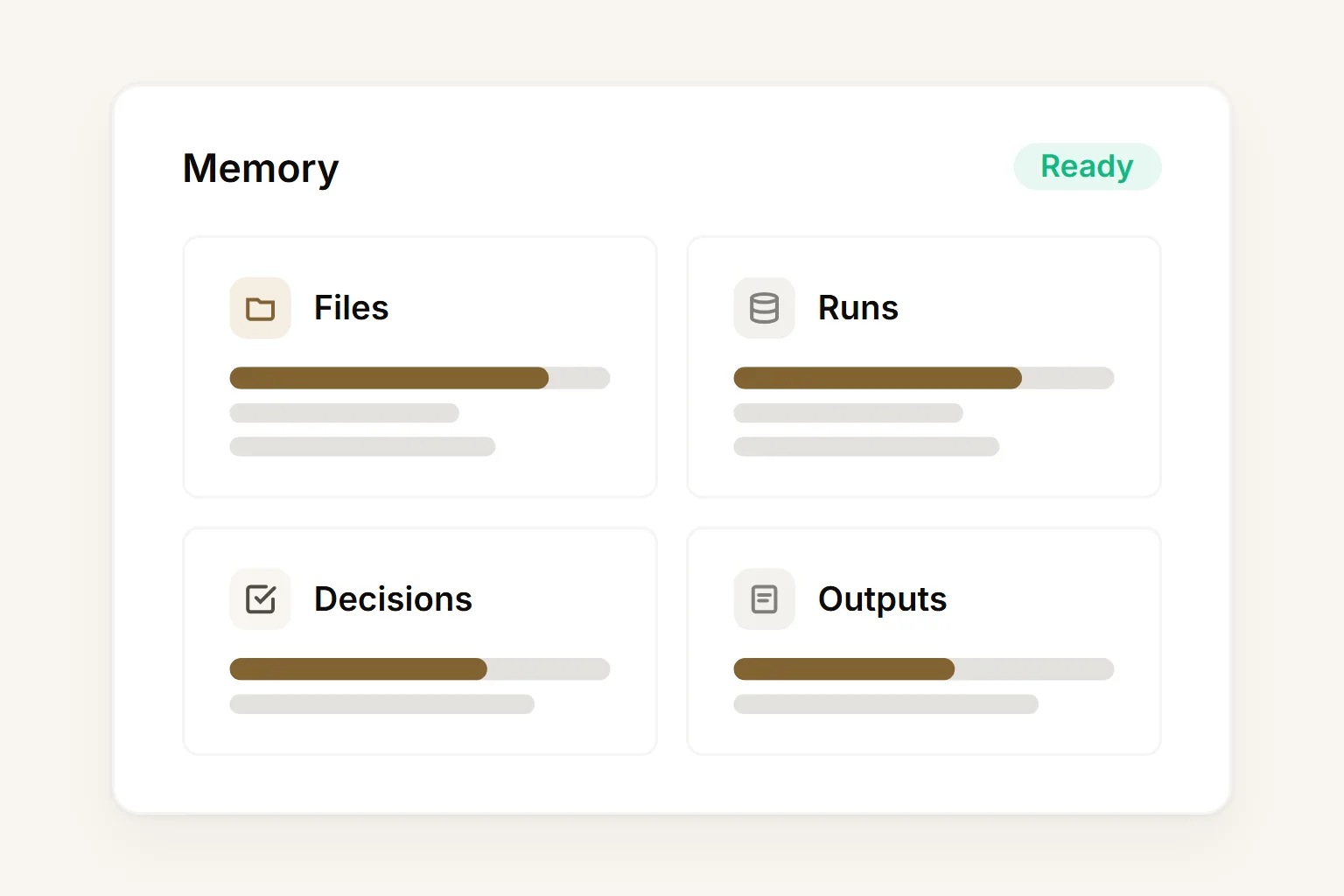
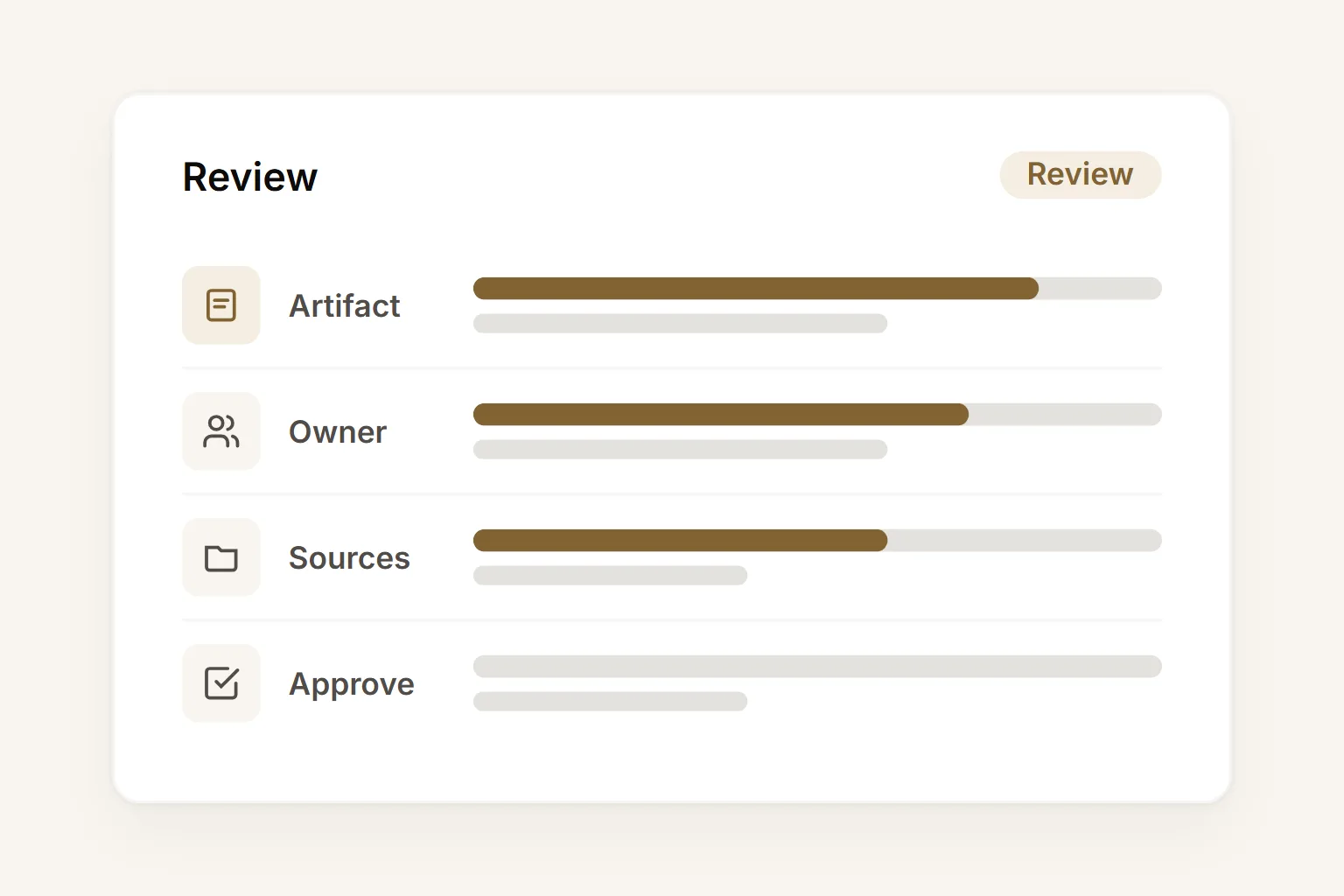
The practical building blocks behind AI Agent Workspace.
Specialized agents. One shared workspace. Every output is a reviewable artifact, not a black box.
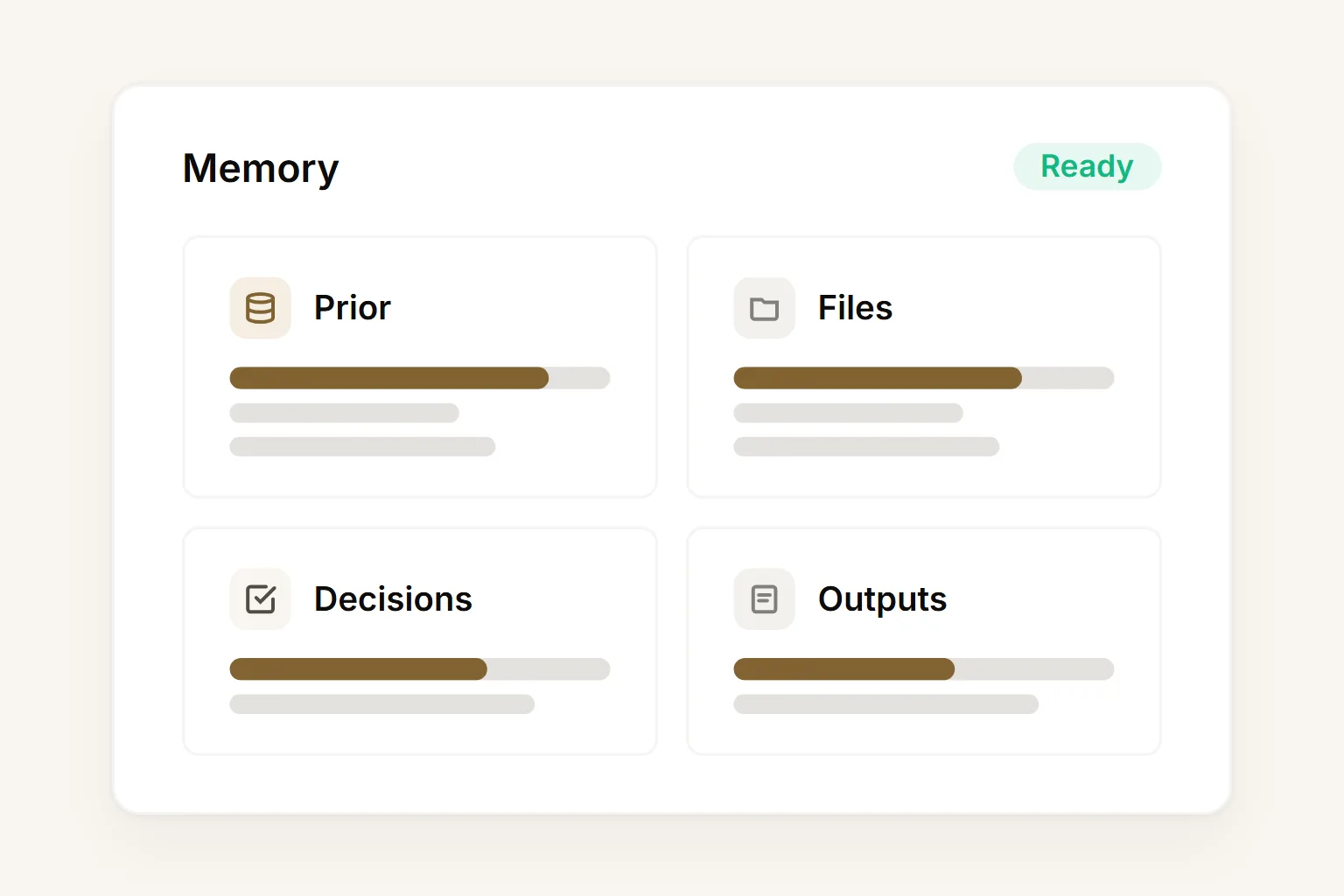
Persistent agent memory
Agents build on prior research, files, messages, decisions, and outputs across sessions.
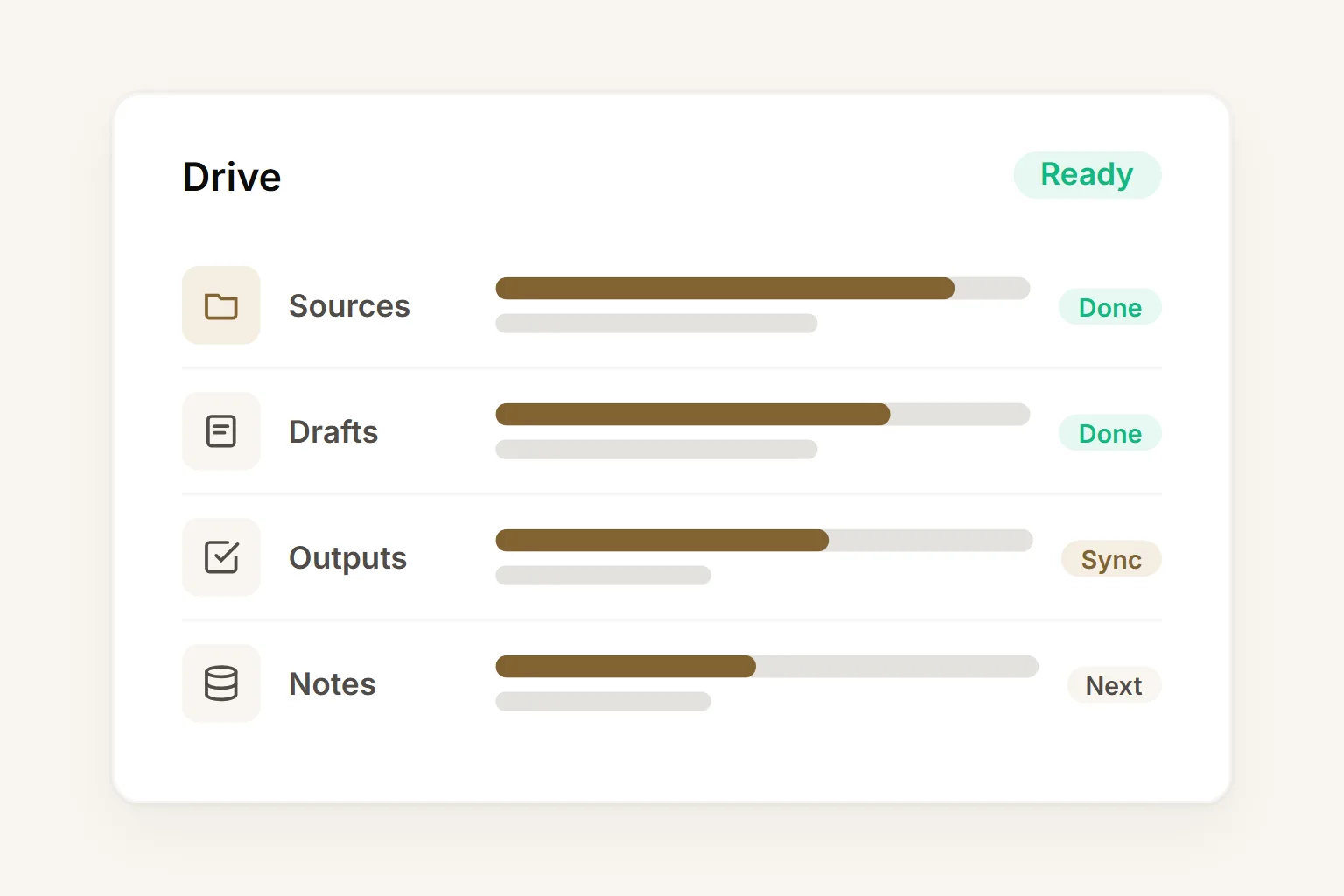
Shared Drive context
Source files, drafts, outputs, and working documents stay close to the agents using them.
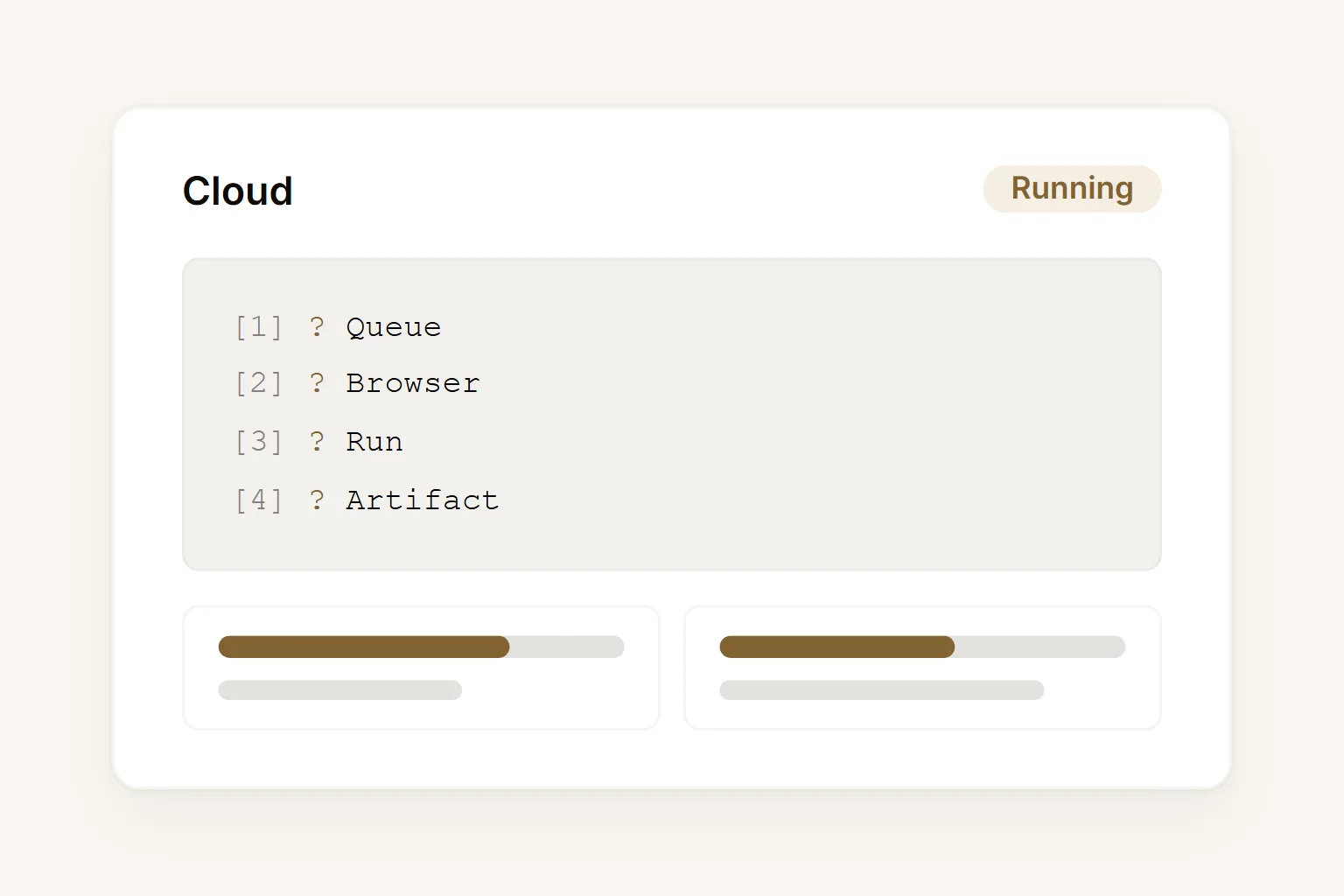
Cloud-native execution
Run agent work from the browser without managing local machines, self-hosted servers, or dedicated hardware.
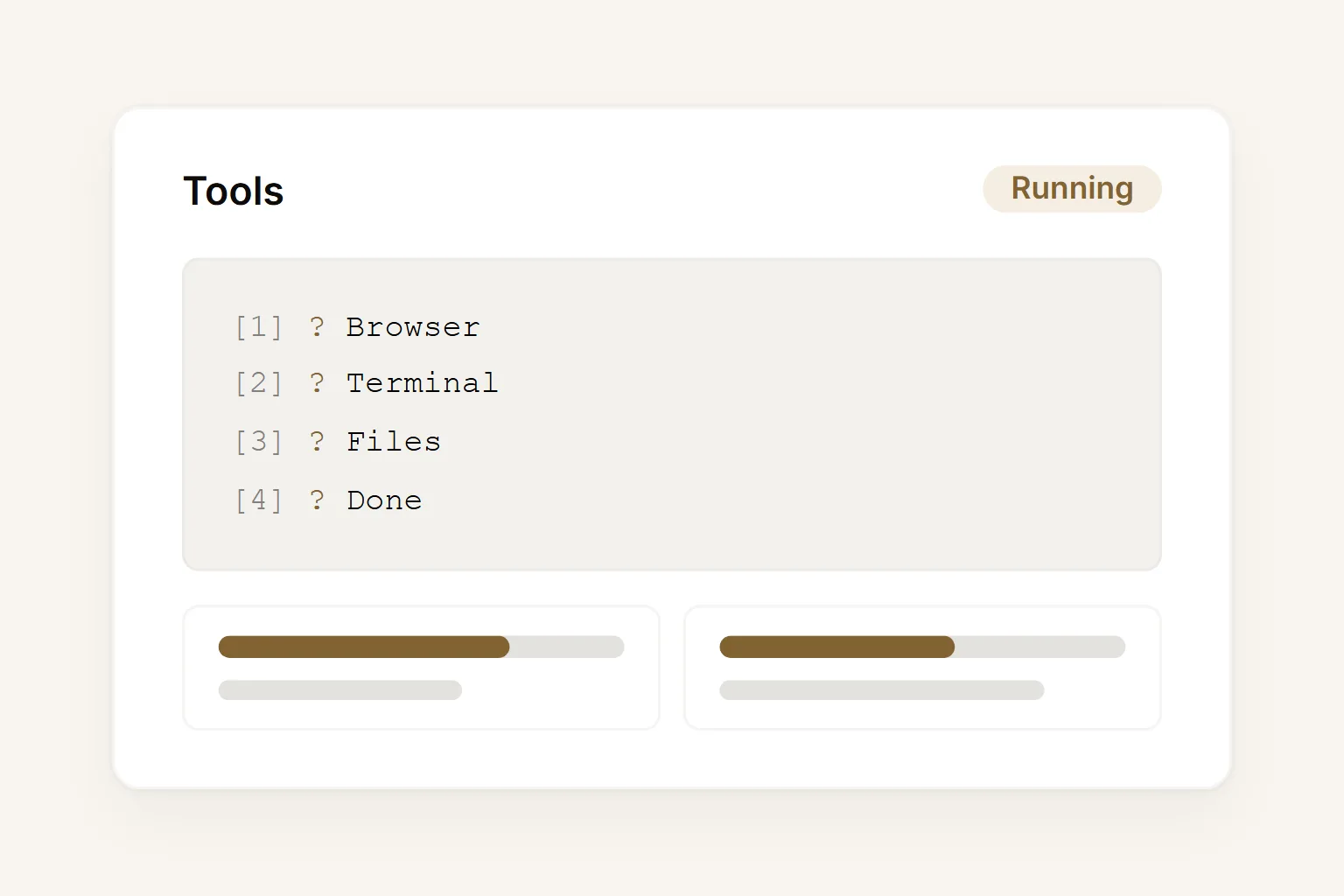
Browser and terminal work
Give agents a workspace for web research, page inspection, file operations, commands, and technical tasks.
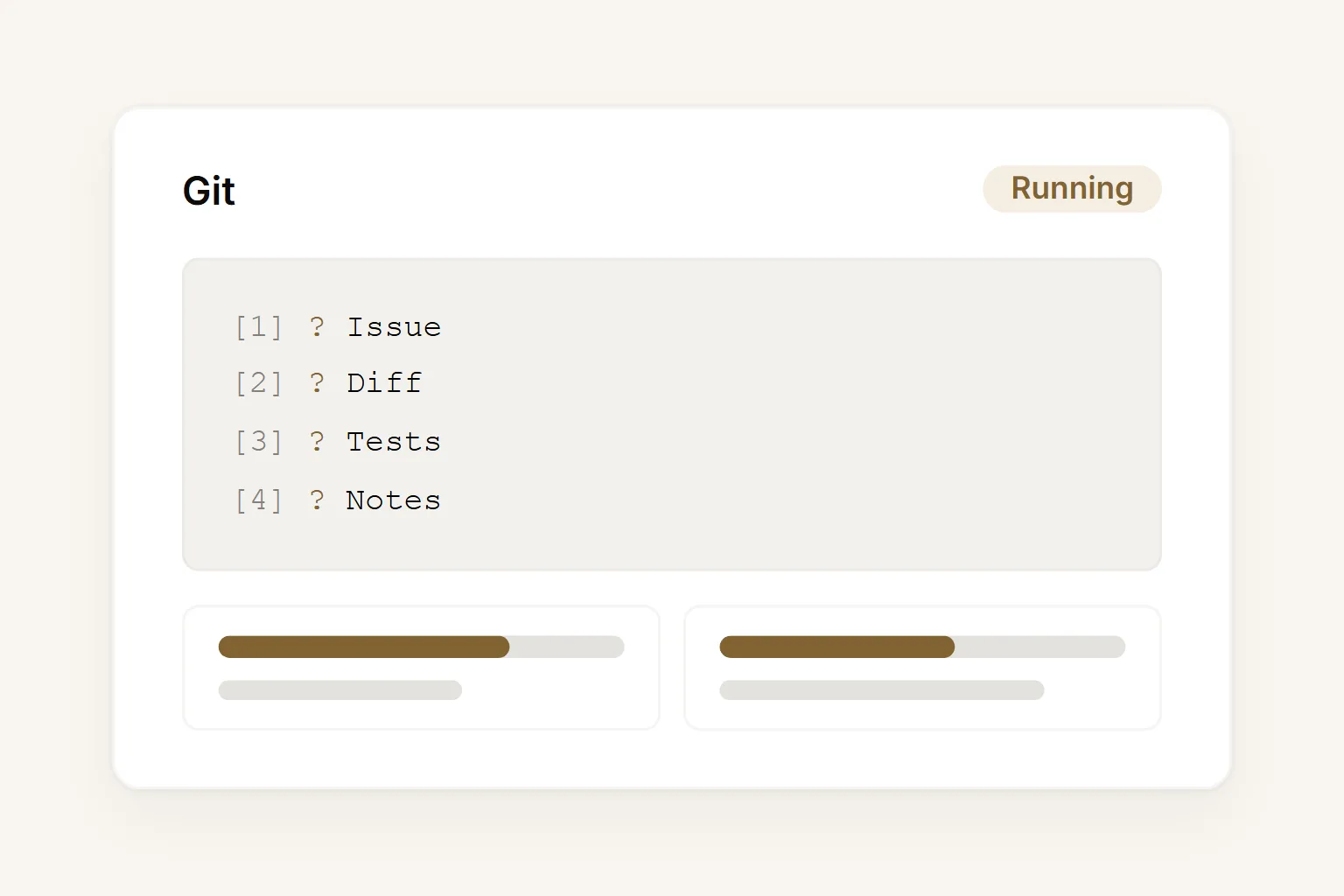
Git-aware engineering work
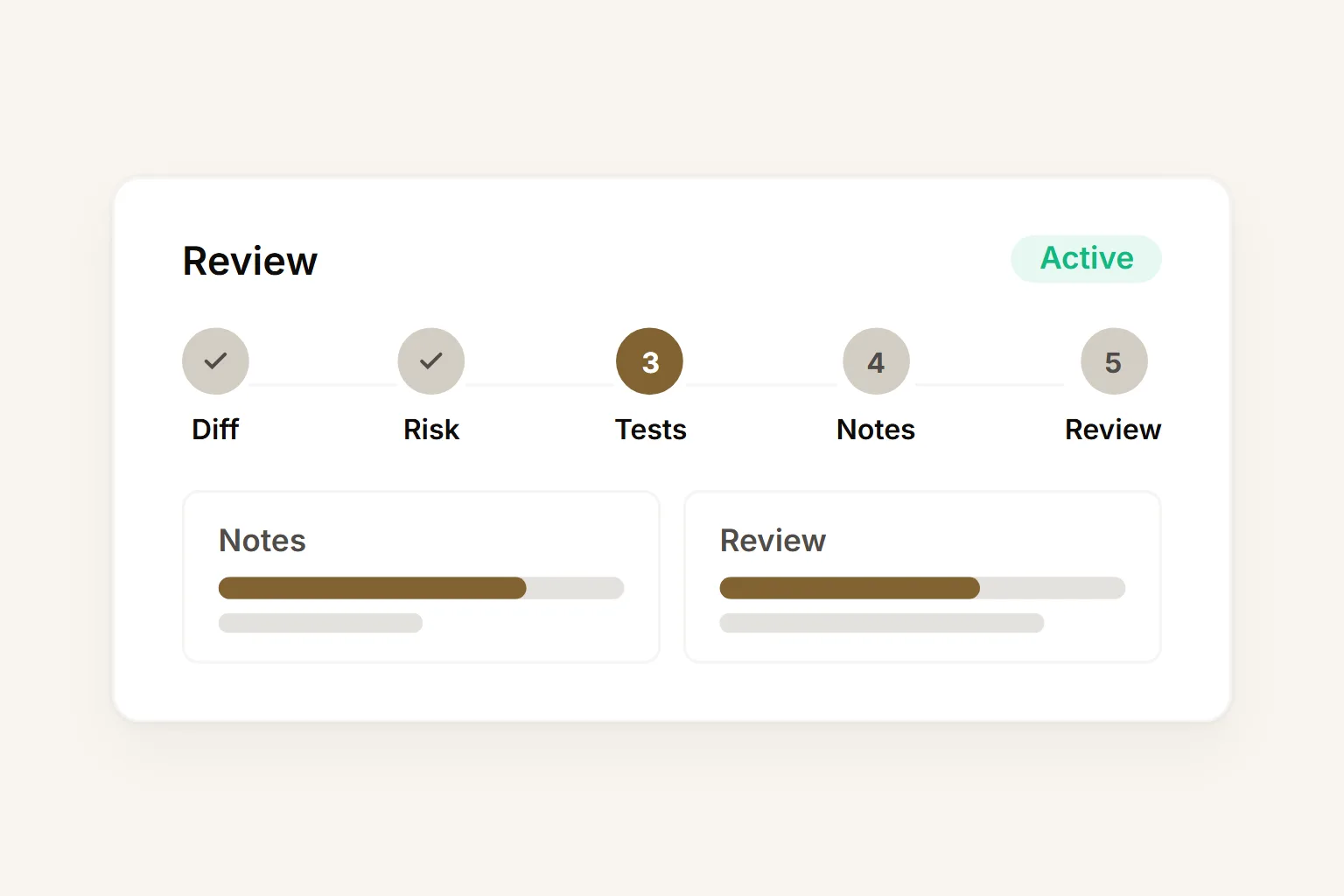
Keep diffs, issue context, test output, PR notes, and release artifacts in the same workspace.
Reviewable artifacts
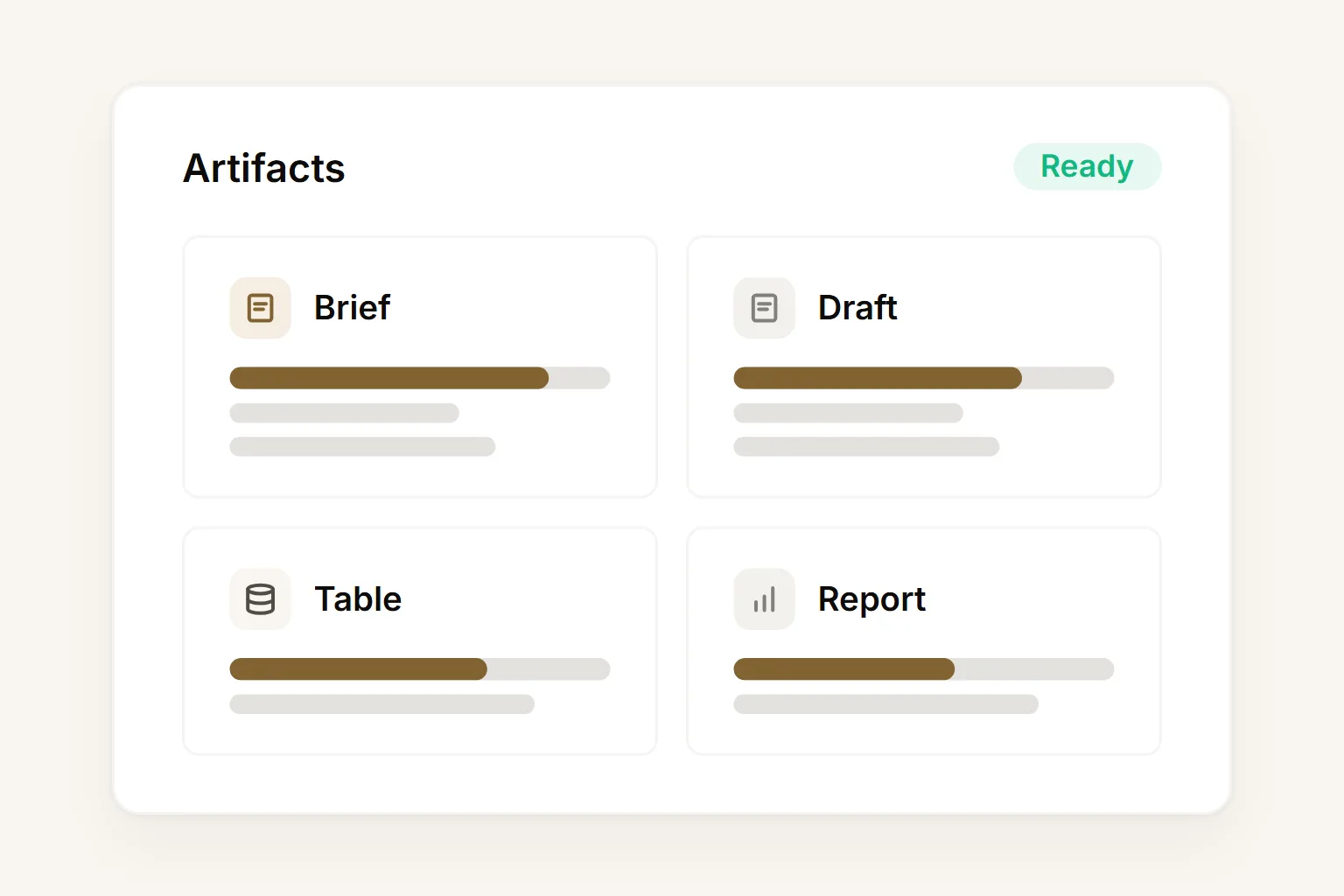
Buda turns agent activity into briefs, drafts, tables, reports, CRM updates, PR notes, and action lists.
Spin up your ai agent workspace pod in 30 minutes.
Pick a workflow, assign the agents, and review the first artifact. Free pilot, no credit card.
Start with the workflow that hurts today.
Pick one workflow with repeated demand, visible ownership, and measurable output.
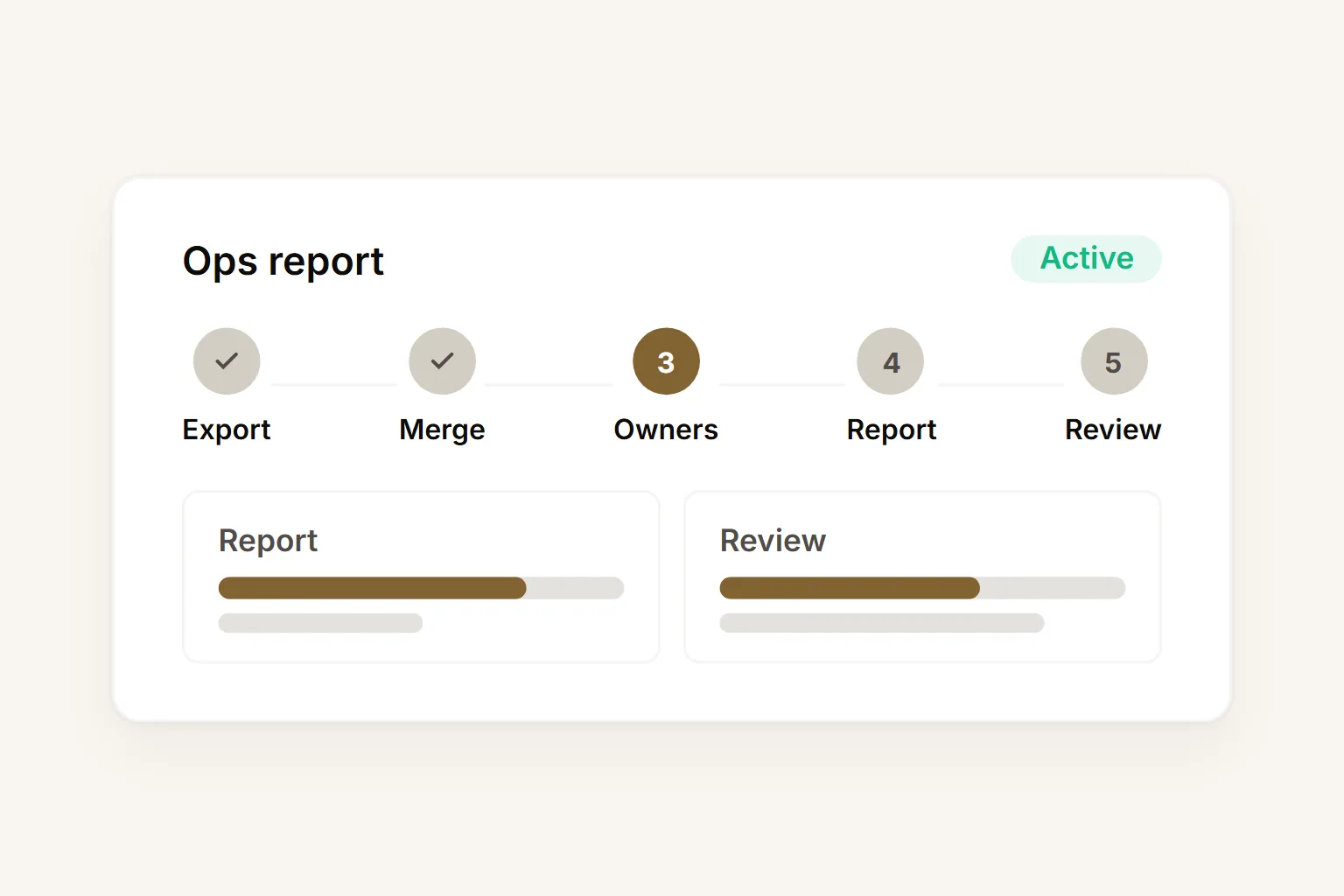
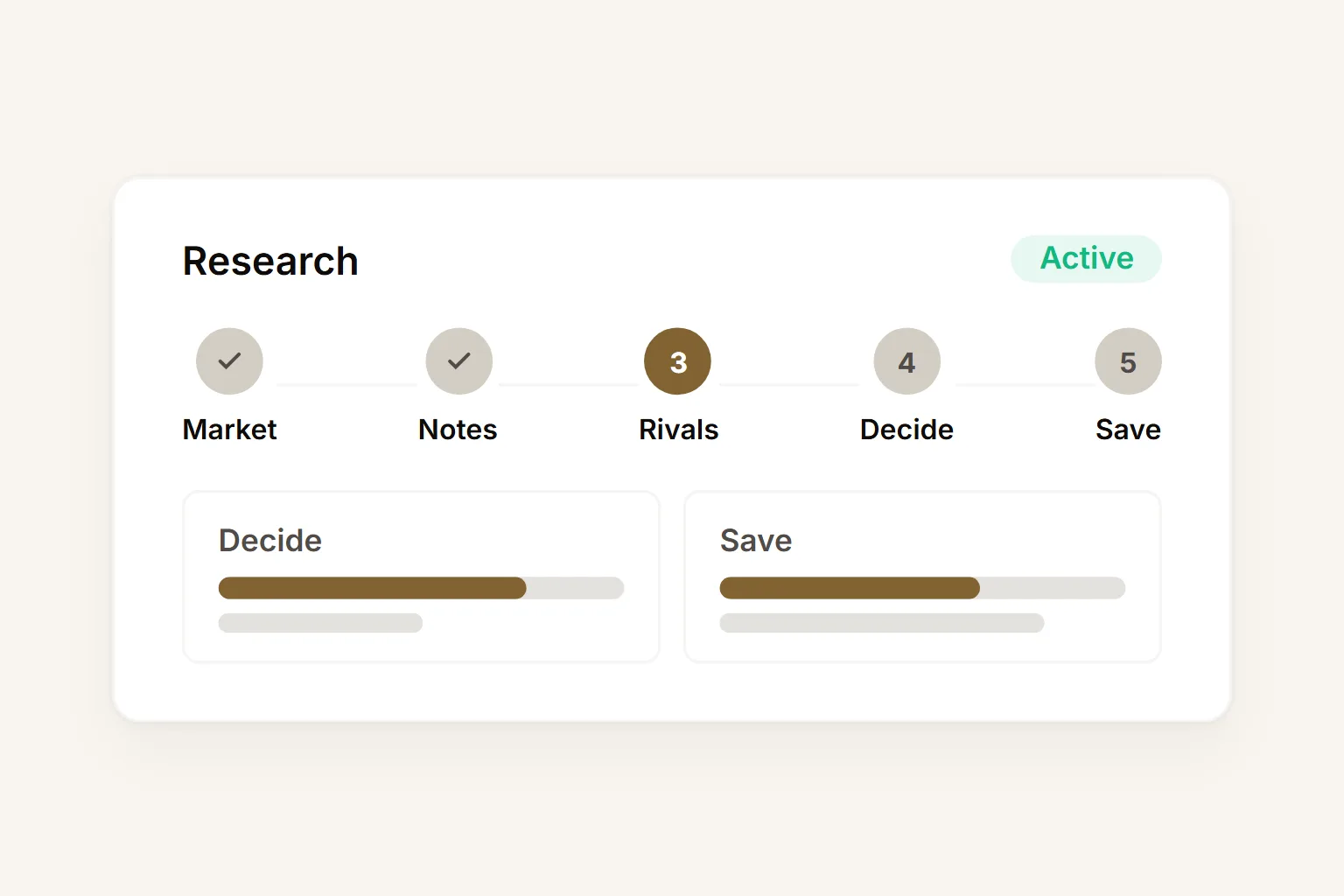
Start with one useful workflow, then expand.
Four weeks. One workflow. A clear, measurable outcome before you scale.
Choose one workflow
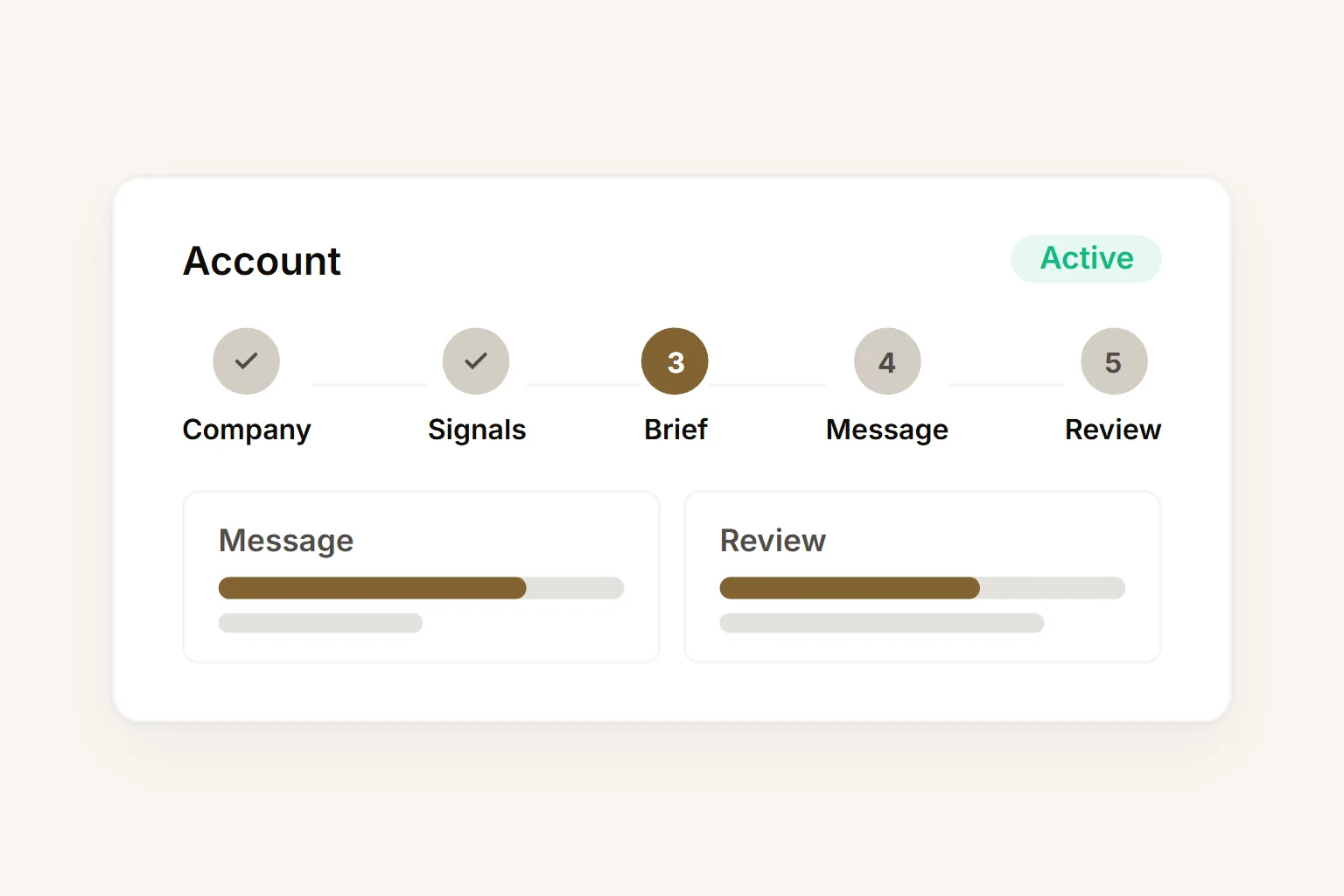
Start with Sales account research. Keep the output easy to review.
Assign agents and controls
Create the workspace, invite members, and define files, tools, and usage boundaries.
Measure output and spend
Review artifacts, usage, ownership, and execution history before expanding scope.
Expand or stop cleanly
Repeat proven work in another team, or retain the governed record and stop.
Give your team one workspace for AI agents.
Start with one workflow, give it persistent context, assign the right agents, and review the first artifact in Buda.
✓ Free pilot · No credit card · Live in 30 minutes