Claude Haiku 5.5 Is Now Available in Buda
A lightweight option for source-based summaries, structured extraction, and everyday drafts.

Buda’s Haiku option is now Claude Haiku 5.5, including on the Free plan. Select it in an existing Agent to organize material, produce short summaries, and draft content against clear requirements.
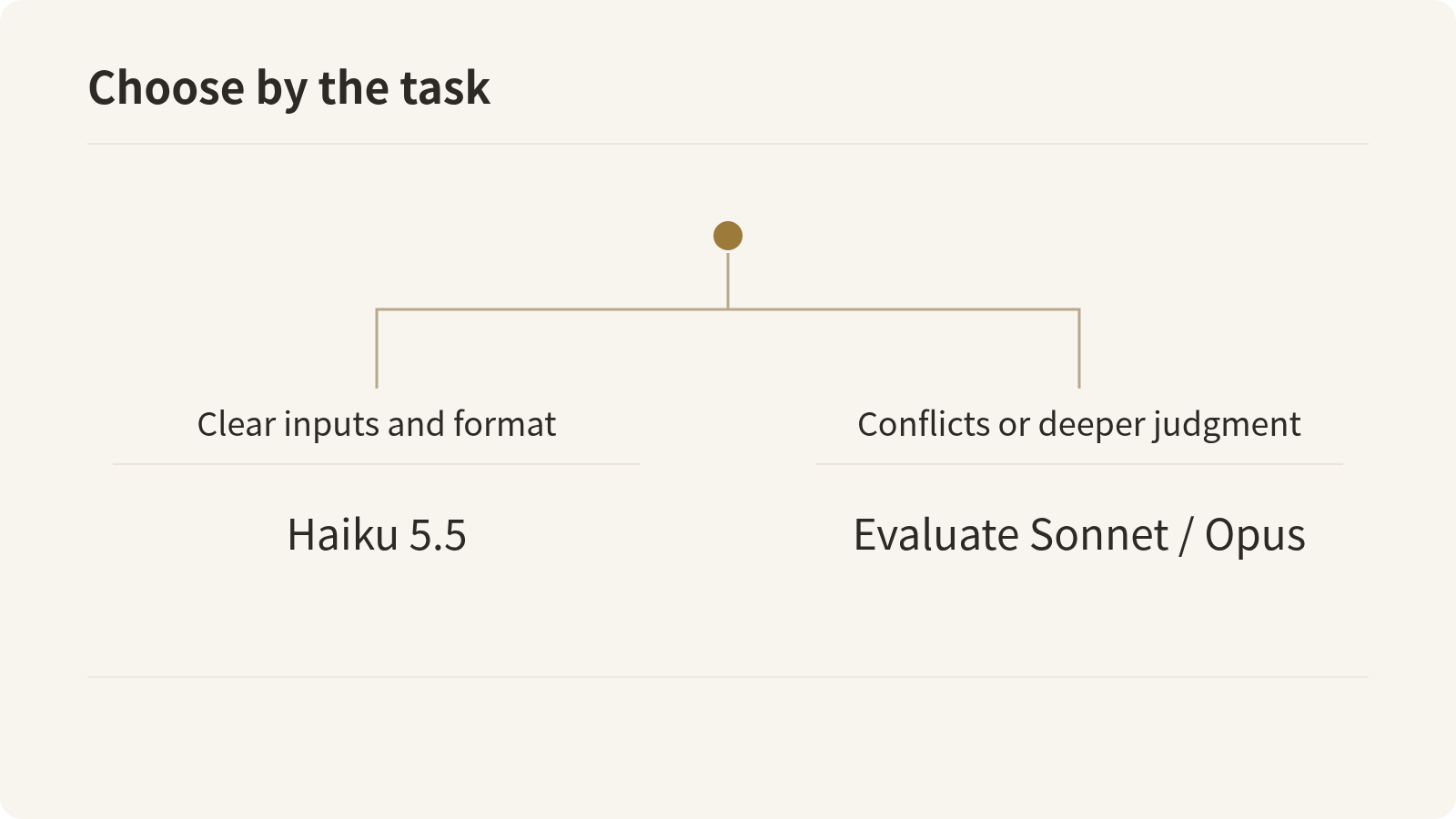
The update retains the 0.3× display multiplier. For work with complete inputs and a defined outcome, Haiku is a practical starting point. Choose a different model when the task calls for more judgment.
What changes in Buda
The Haiku entry in the model picker moves from 4.5 to Claude Haiku 5.5. The picker remains in the Agent’s chat input area. You do not need to create another Agent; existing workspace and Drive files remain available as task material.
The model interprets and executes the task. You still supply the sources and acceptance criteria. Naming the files, required format, and facts to preserve is more useful than asking it to “tidy this up.”
Work to try with Haiku 5.5
Start with bounded work that is easy to inspect: turn meeting notes into decisions and next steps, extract specified fields from supplied material, or draft short copy from approved product information. These tasks already have a source and a target format; they do not require the model to invent a business position.
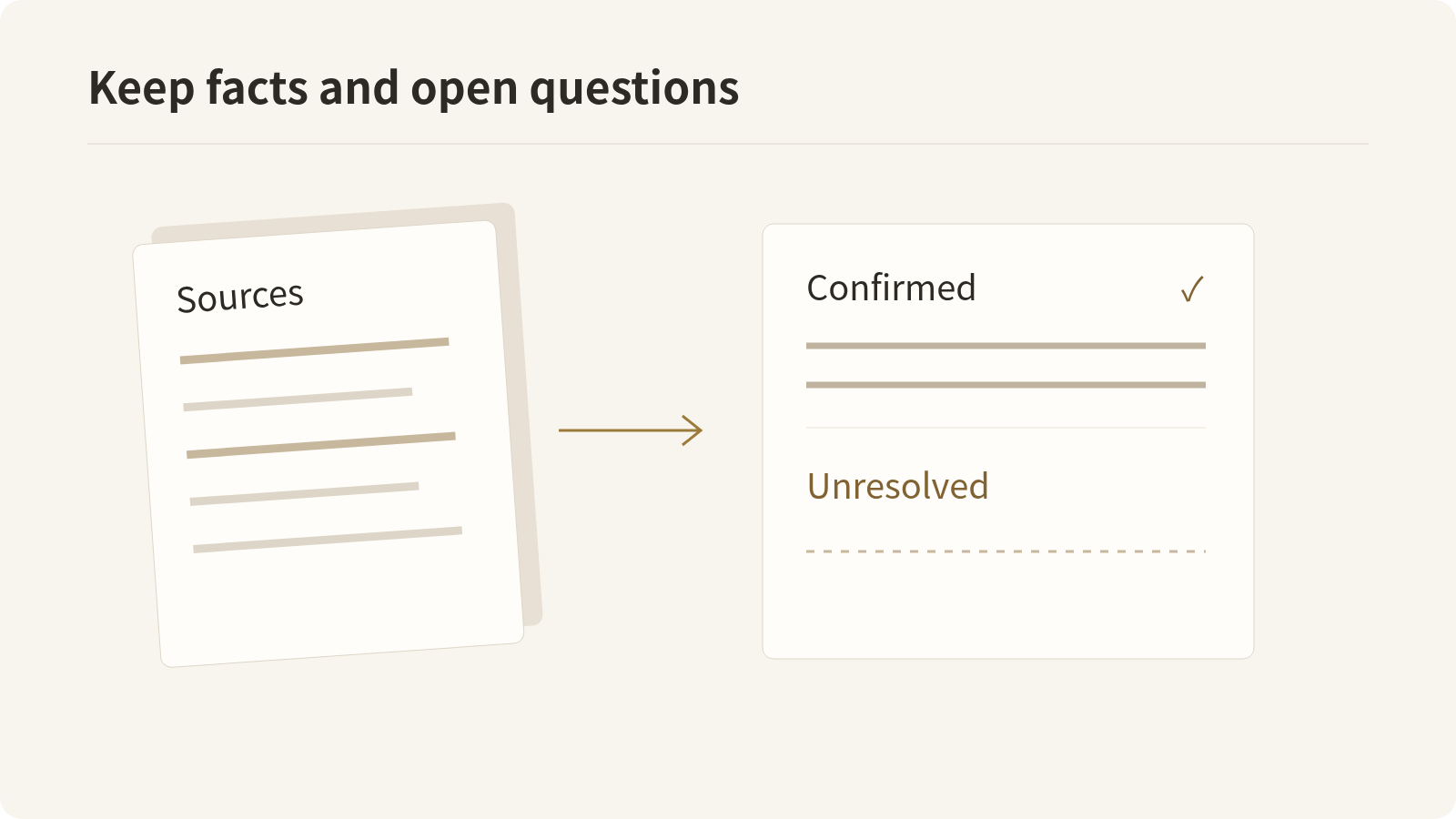
For meeting notes, ask for confirmed decisions, owners, next steps, and open questions separately. An owner missing from the source should remain unconfirmed. Compare each item with the original material to judge whether the output is useful.
When to consider Sonnet or Opus
Conflicting documents, missing premises, or work requiring sustained reasoning and repeated verification are reasons to evaluate Sonnet or Opus. Choose a stronger model because the work needs it.
Inspect Haiku’s output first. Did it miss important conditions, misattribute evidence, or fail to meet requirements after revisions? If you switch, carry forward the original sources, confirmed results, and specific failure points. Model selection does not replace checking the material and the final deliverable.
Access and Credits
Claude Haiku 5.5 is available on Free with a 0.3× display multiplier. Free-plan access does not mean unlimited execution; tasks still consume Credits.
The multiplier compares relative consumption. It is not a fixed charge of 0.3 Credits per task. Actual deductions depend on input, output, caching, tool use, and minimum-charge rules. See pricing.
Get started
Open the Agent responsible for the work and select Claude Haiku 5.5 in the chat input’s model picker. Specify the material, deliverable, and acceptance criteria before starting.
For example: “Read these meeting notes. List confirmed decisions, owners, and next steps. Keep missing information under open questions; do not invent facts. Save a Markdown document for review.”
Inspect the deliverable in the Agent workspace. Expand tool calls to inspect their inputs and outputs when needed. Confirm that the summary follows the source before deciding to send it or write it elsewhere.
Common questions
Can the Free plan use it?
Yes. Haiku 5.5 retains Free-plan availability. Balance and consumption are governed by Credits rules.
Must I create another Agent or upload files again?
Changing models does not require another Agent. Continue with the files in the current workspace and name the relevant sources in your task.
Where can I read about the model upgrade?
Read the Claude Haiku 5.5 release guide. Start with one everyday task whose inputs are ready and whose output you can inspect, then choose your model based on the result.