Build AI agents without writing a line of code.
Buda is a no-code AI agent platform where operations, marketing, sales, and founder teams build and run persistent AI agents — without waiting on engineering.
Most teams can't build AI agents. They have to ask engineering.
Most non-technical teams can't configure a model API, write a prompt chain, or set up a server to run their agent in production. The result: a permanent backlog of AI requests in the engineering queue.
ChatGPT and similar tools are single-session. Business teams need agents that remember prior runs, files, and decisions — so the work compounds instead of resetting every Monday.
When a marketing manager wants to change the cadence of an outreach workflow, they wait for a sprint instead of editing a setting. The business moves slower than the tools allow.
Business teams can't deploy agents without a way to review output, control tool permissions, and audit what ran. Without that layer, adoption stalls at the security review.
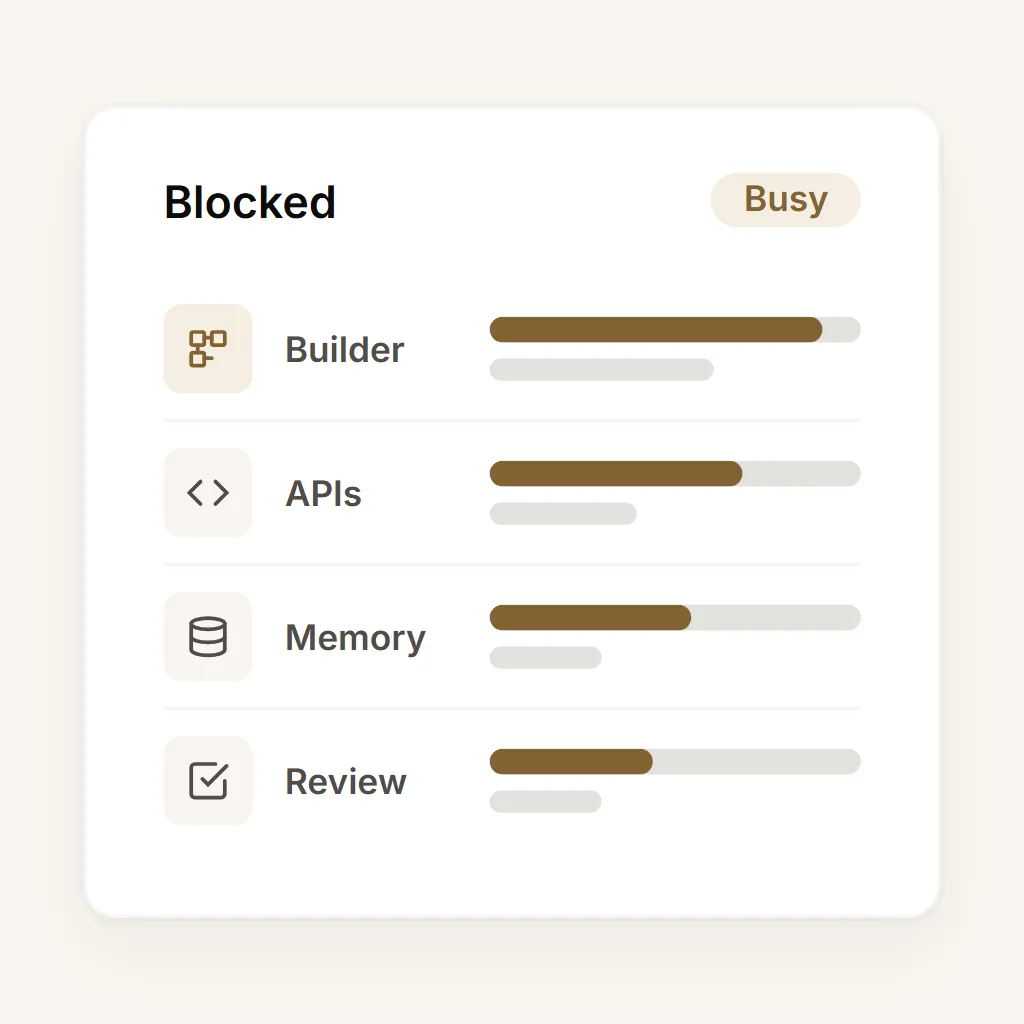
An AI agent platform your whole team can run — not just engineering.
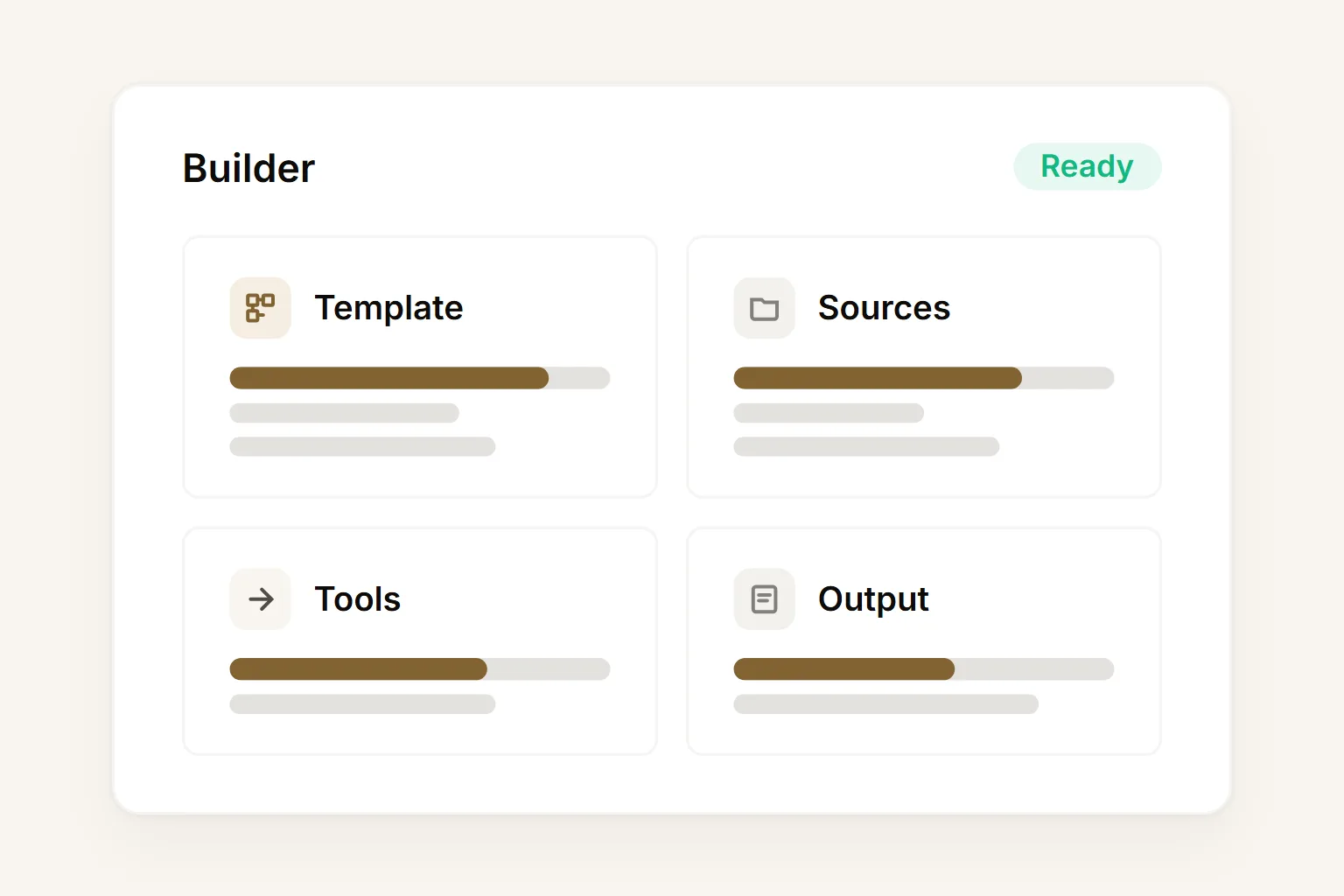
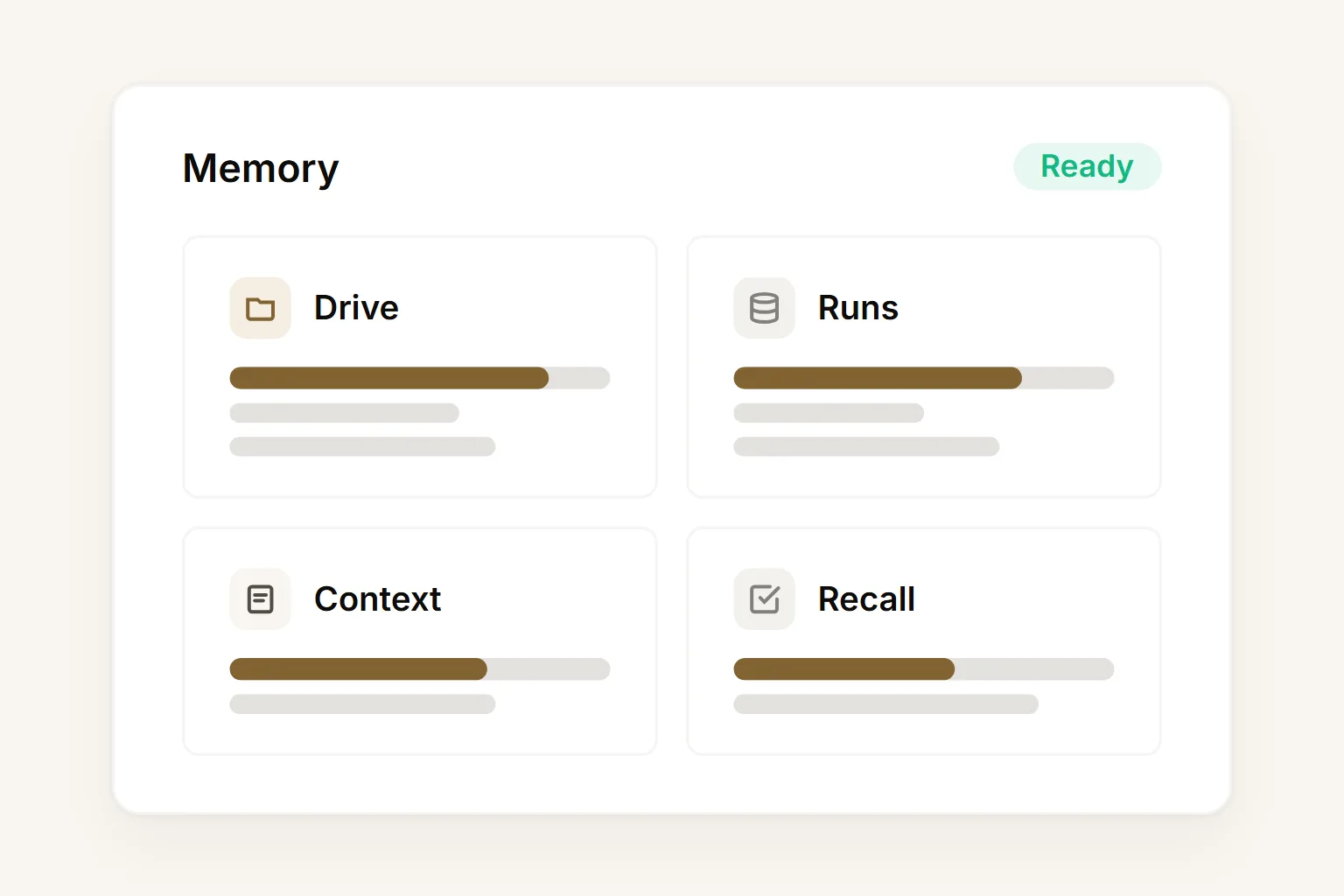
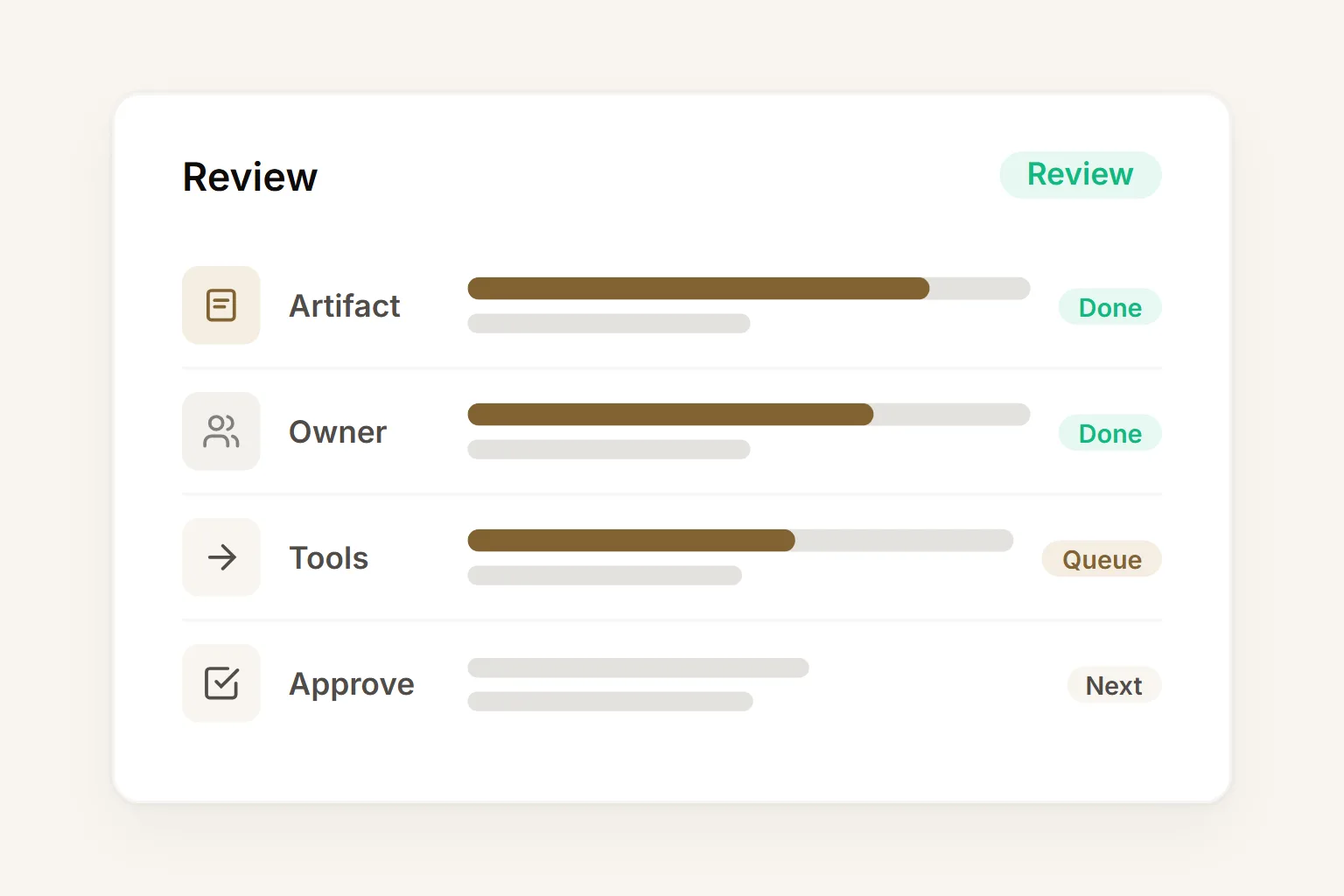
Six capabilities that let any team own their AI agents.
Buda gives business teams the building blocks to create, run, review, and improve AI agents without asking engineering to wire every workflow.
Visual workflow builder
Configure agent workflows with a visual interface — choose the trigger, set context sources, connect integrations, and define the output format. No prompt engineering required.
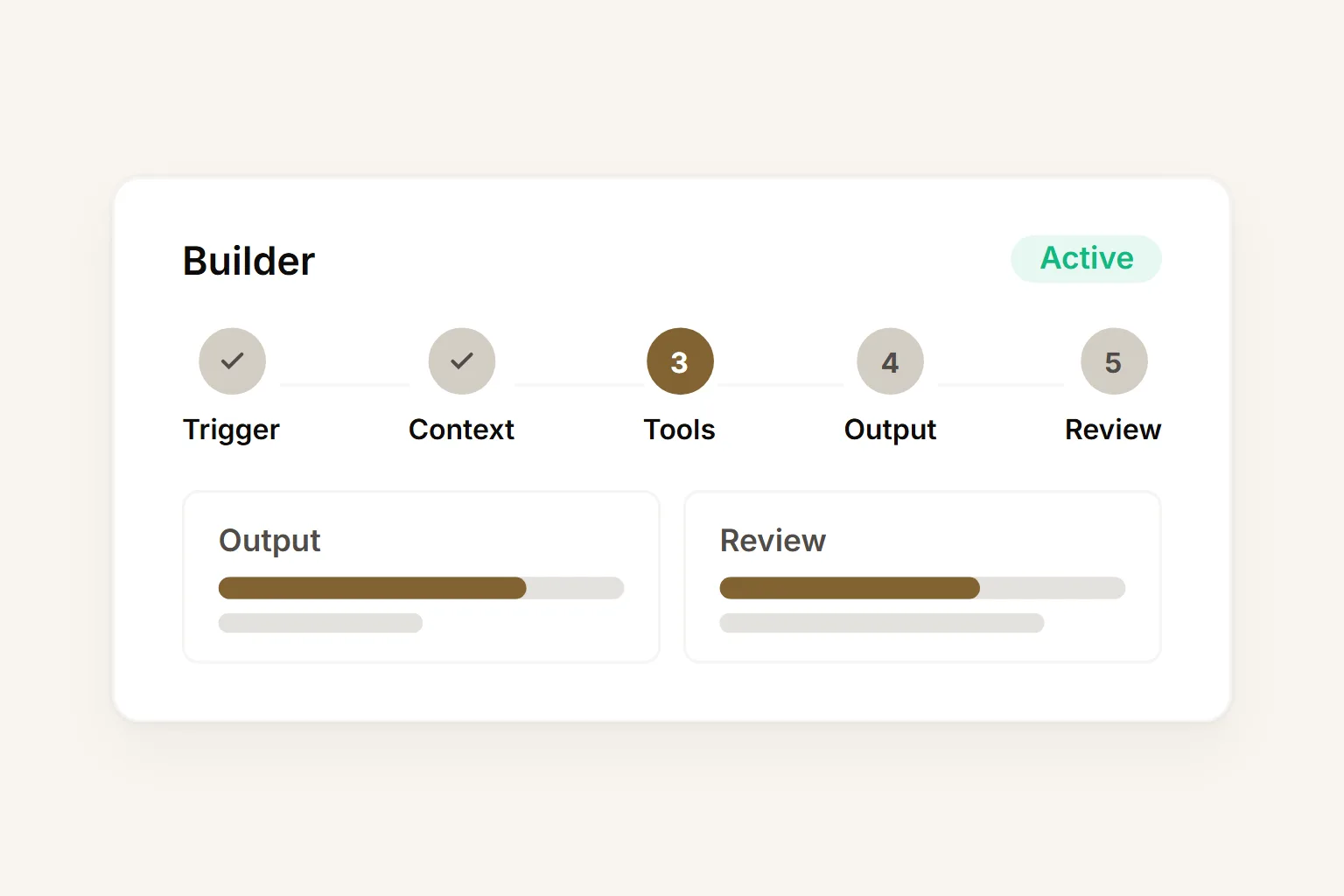
Agent template library
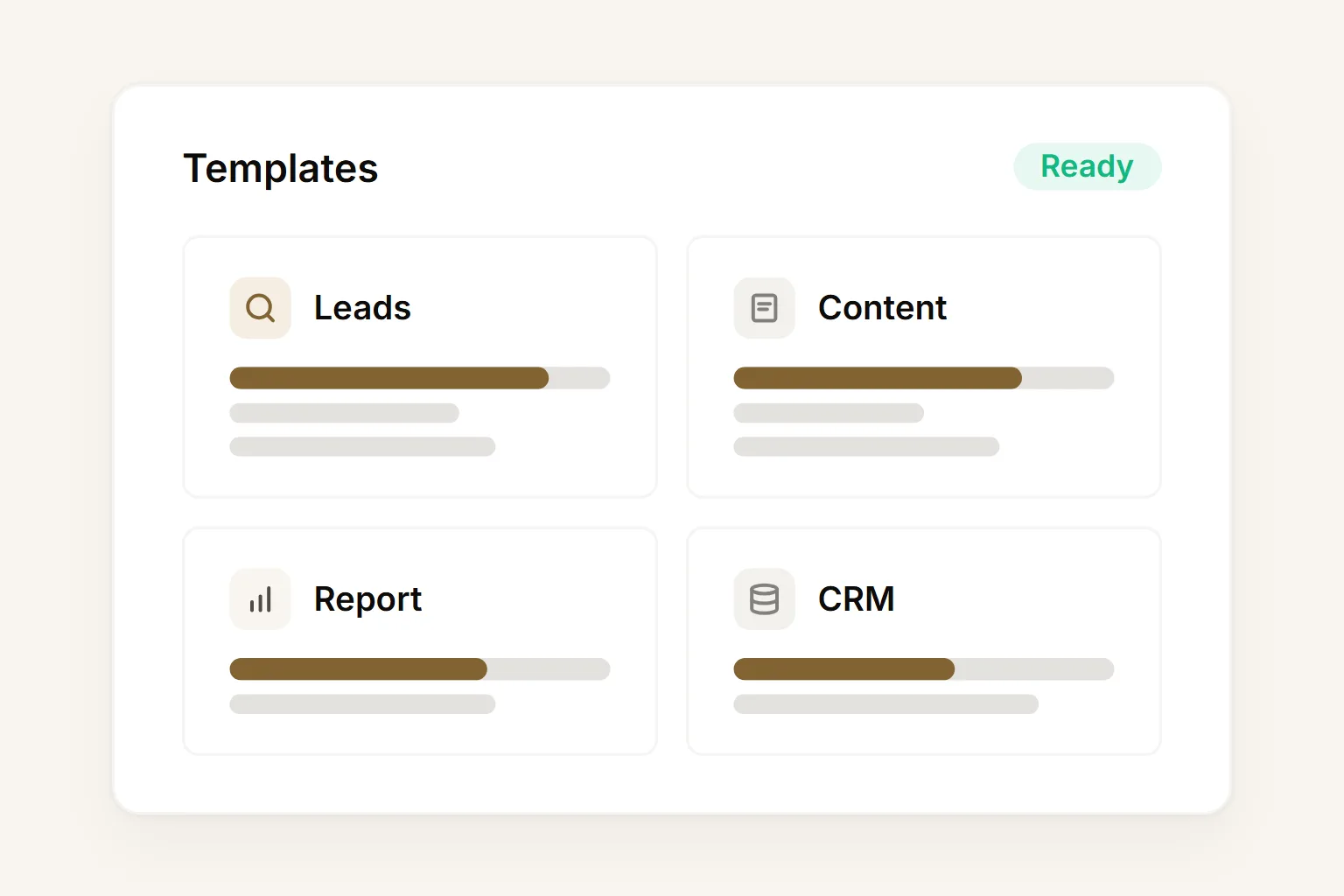
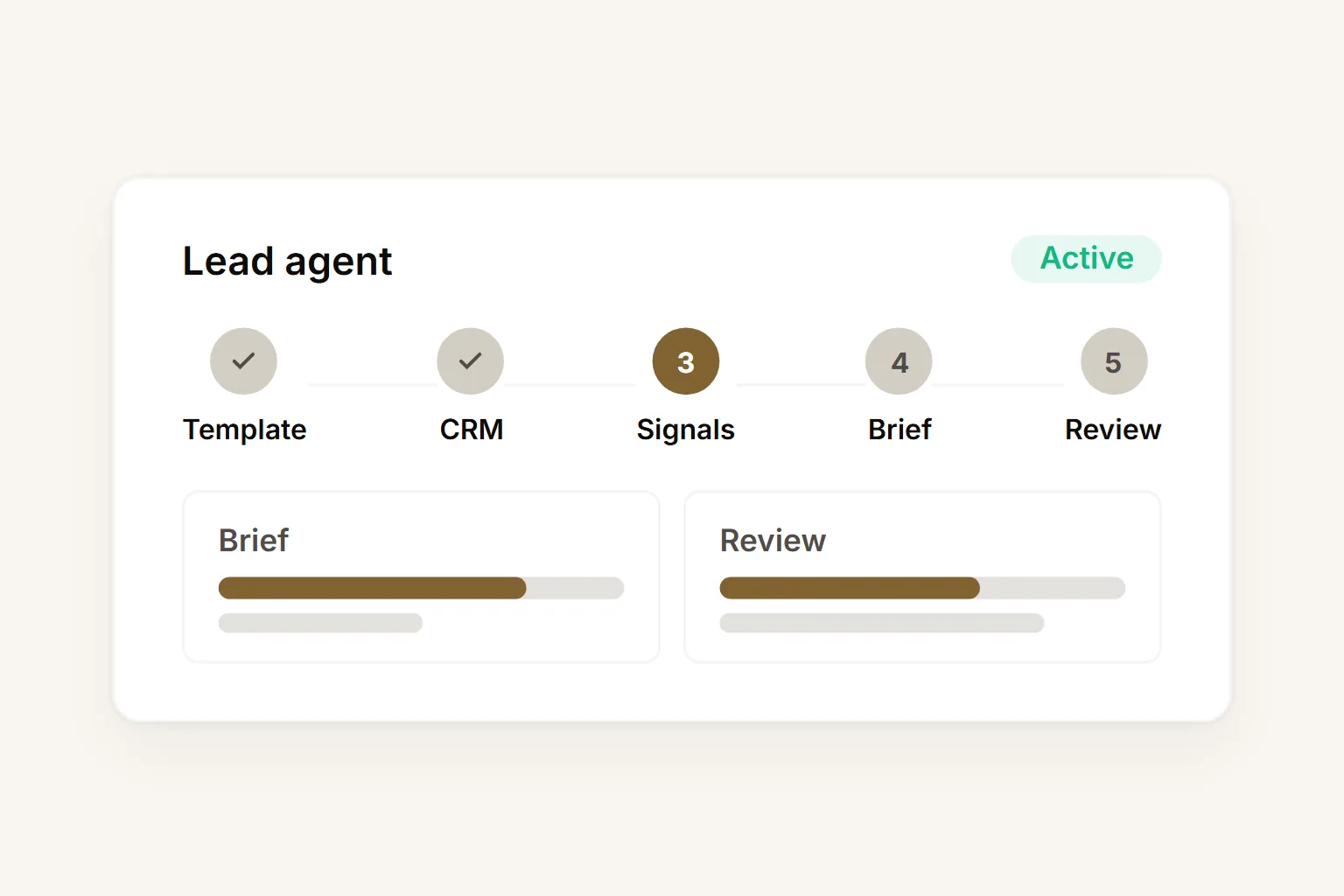
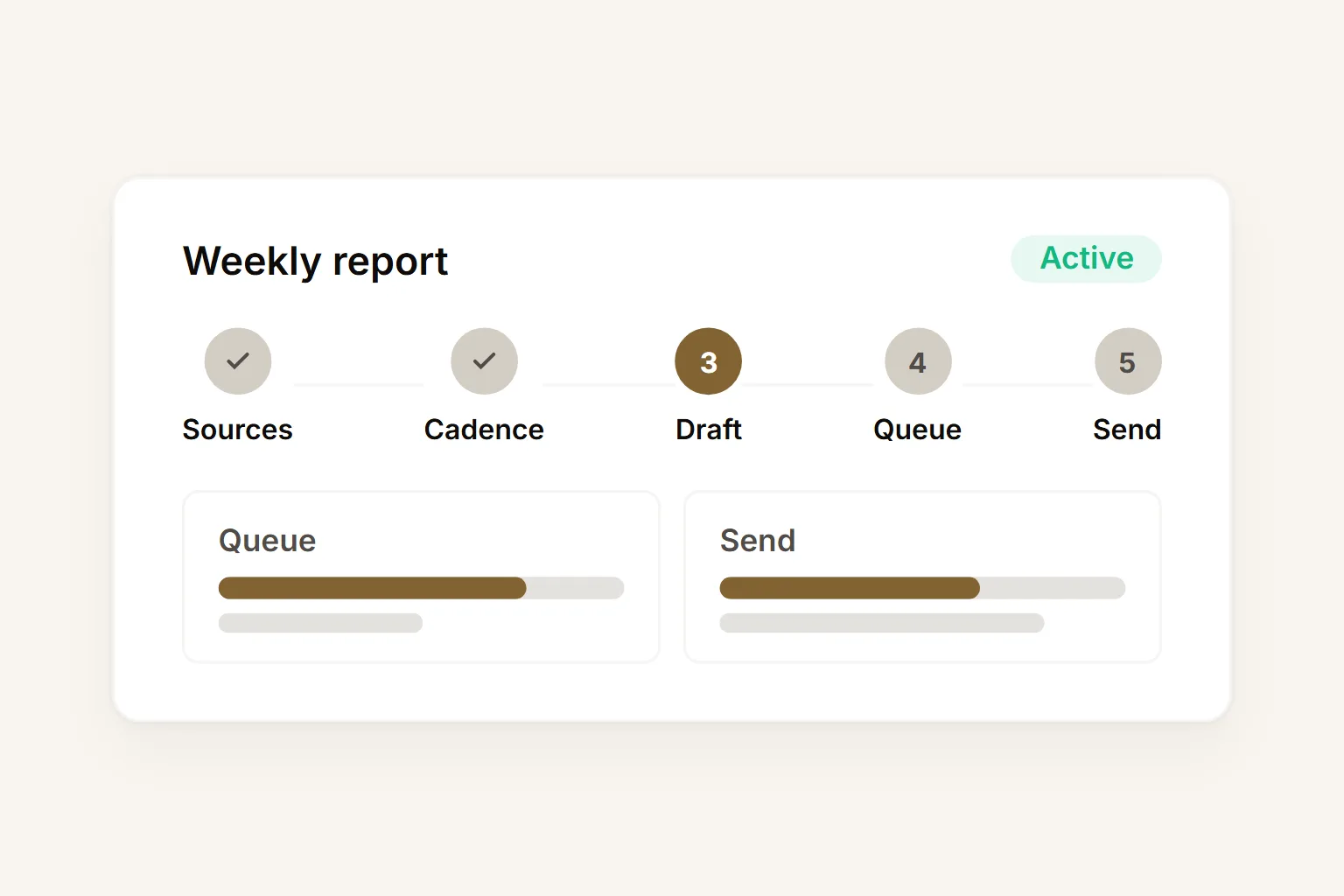
Start from pre-built templates for common business workflows — lead research, content drafting, weekly reports, CRM cleanup, onboarding flows, and more. Customize without starting from zero.
No-code integrations
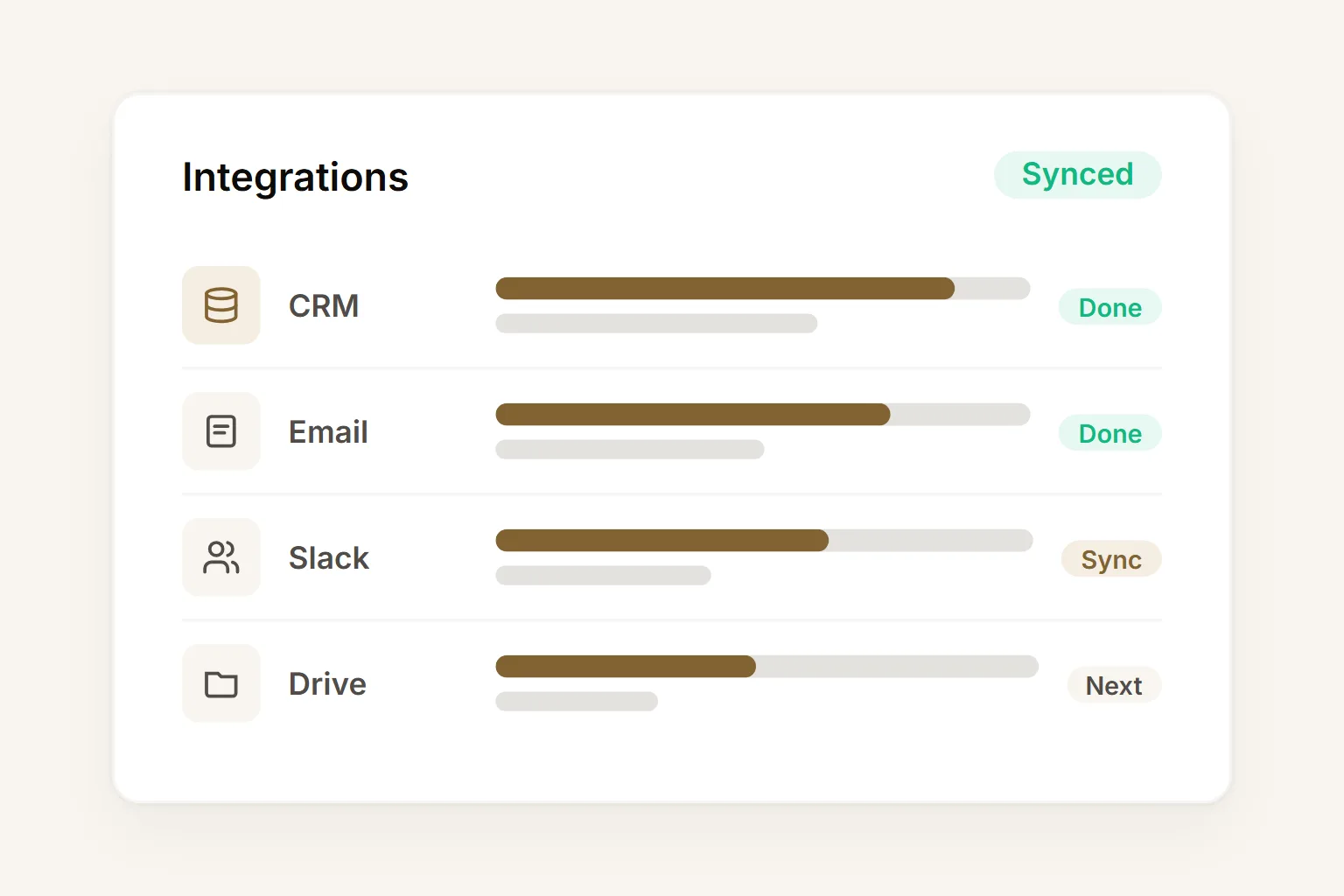
Connect agents to CRM, email, calendar, Slack, Google Drive, and Notion with click-to-connect integrations. No webhooks, no API tokens, no developer support needed.
Persistent agent memory
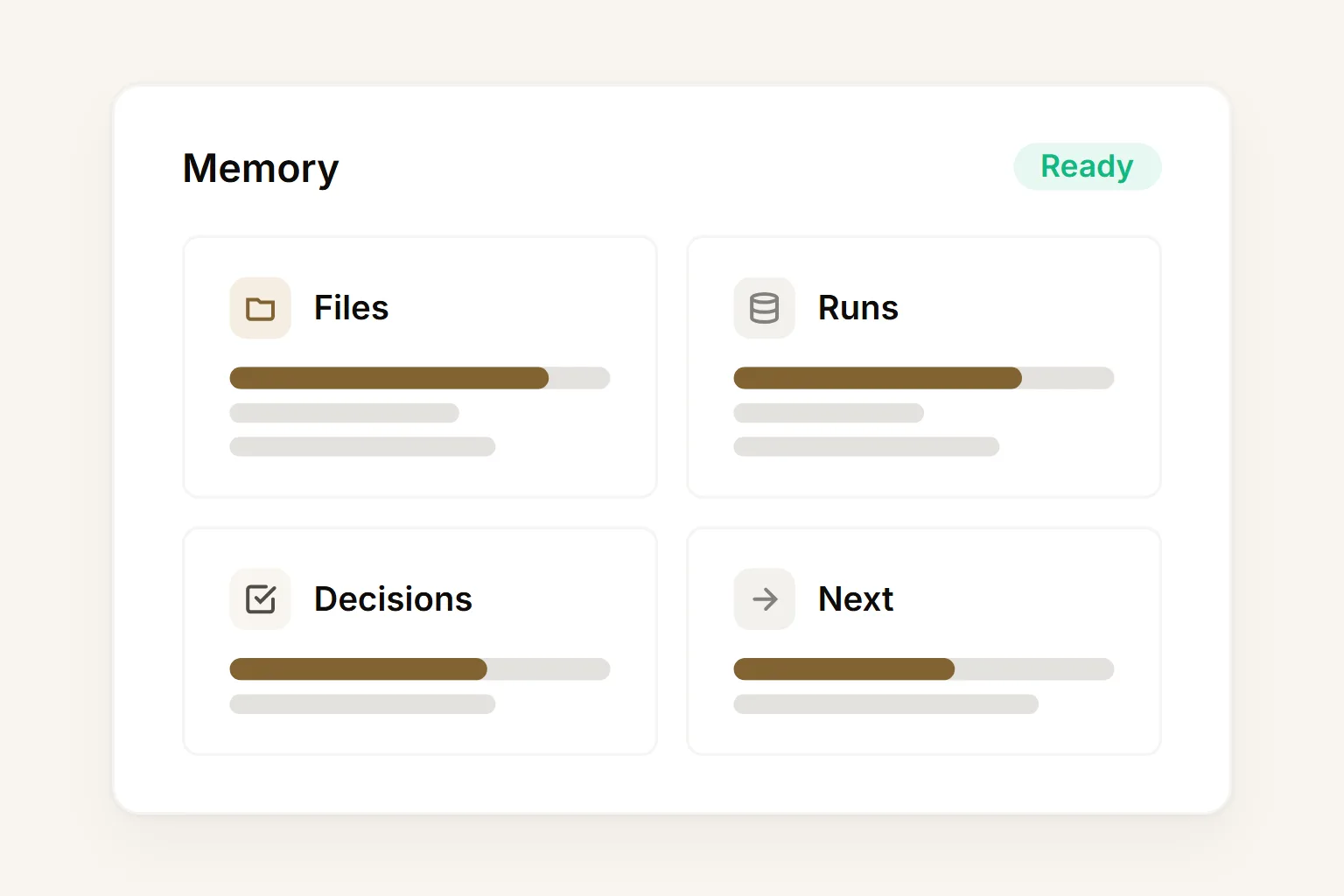
Every file, prior run, and decision is stored in the team's Buda Drive. Agents continue from where the last run ended — without losing context or needing a re-brief.
Team review and approval
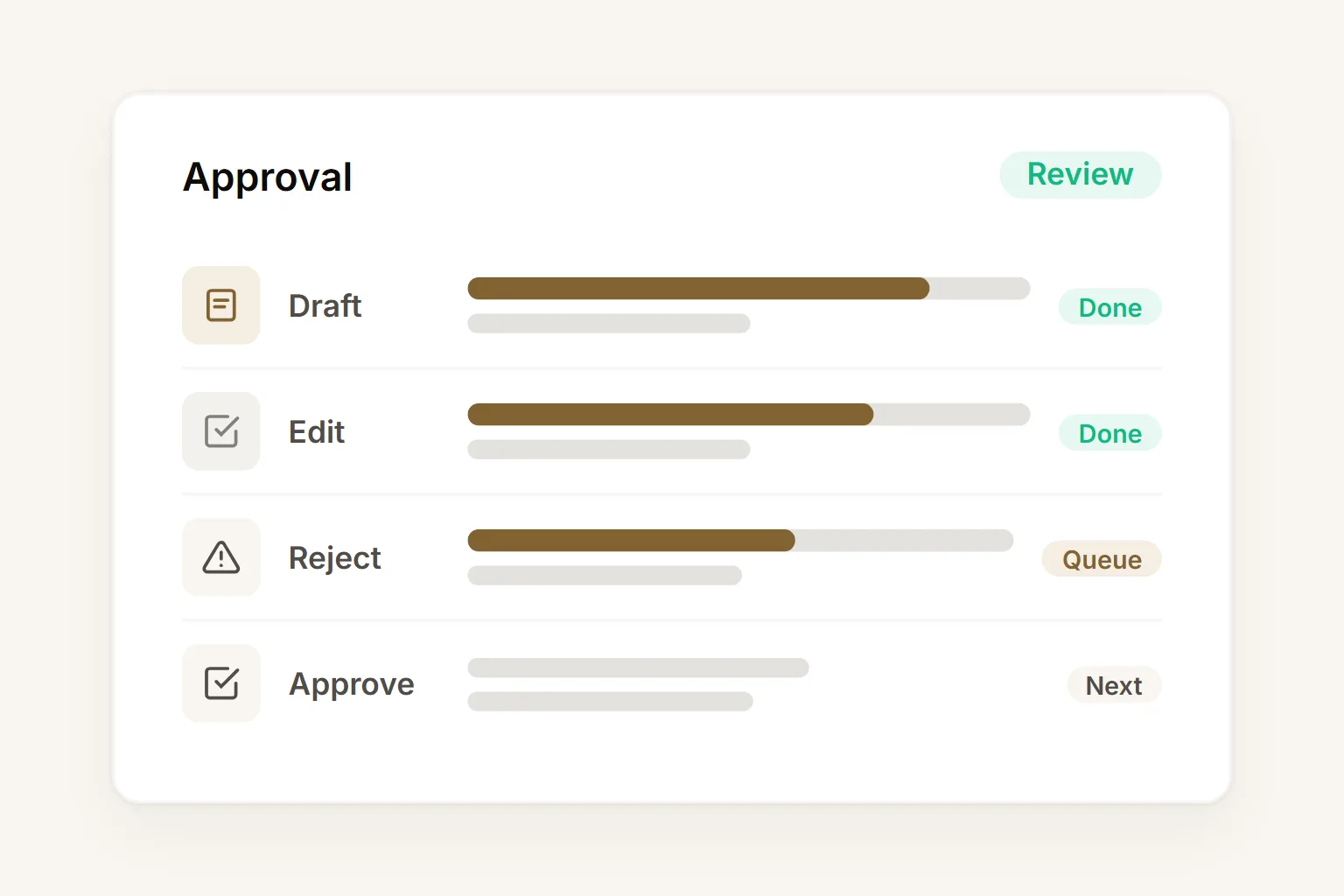
Every agent output lands in a shared review queue. The team approves, edits, or rejects each artifact before it goes to a customer, system, or stakeholder. Nothing ships without sign-off.
Cloud execution
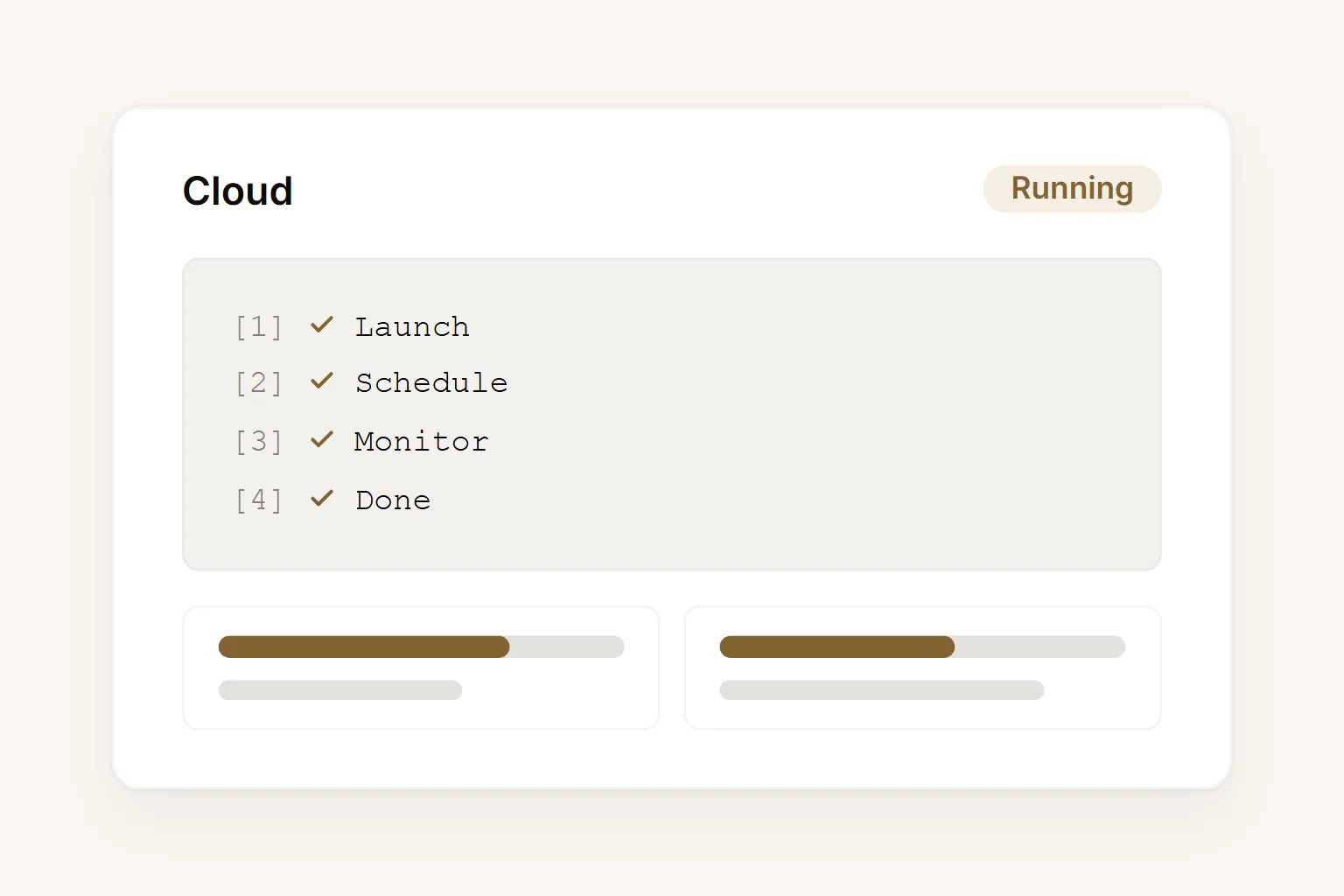
Agents run entirely in the cloud — no local machines, no servers, no IT tickets. Business teams launch, schedule, and monitor workflows from the browser on any device.
Build your first AI agent in under 10 minutes.
Choose a template, add real context, run the first output, and review it with your team before expanding.
Four workflows any team can build and own without engineering.
Start with a repeated workflow that has clear inputs and a reviewable output. Buda turns it into an agent your team can manage.
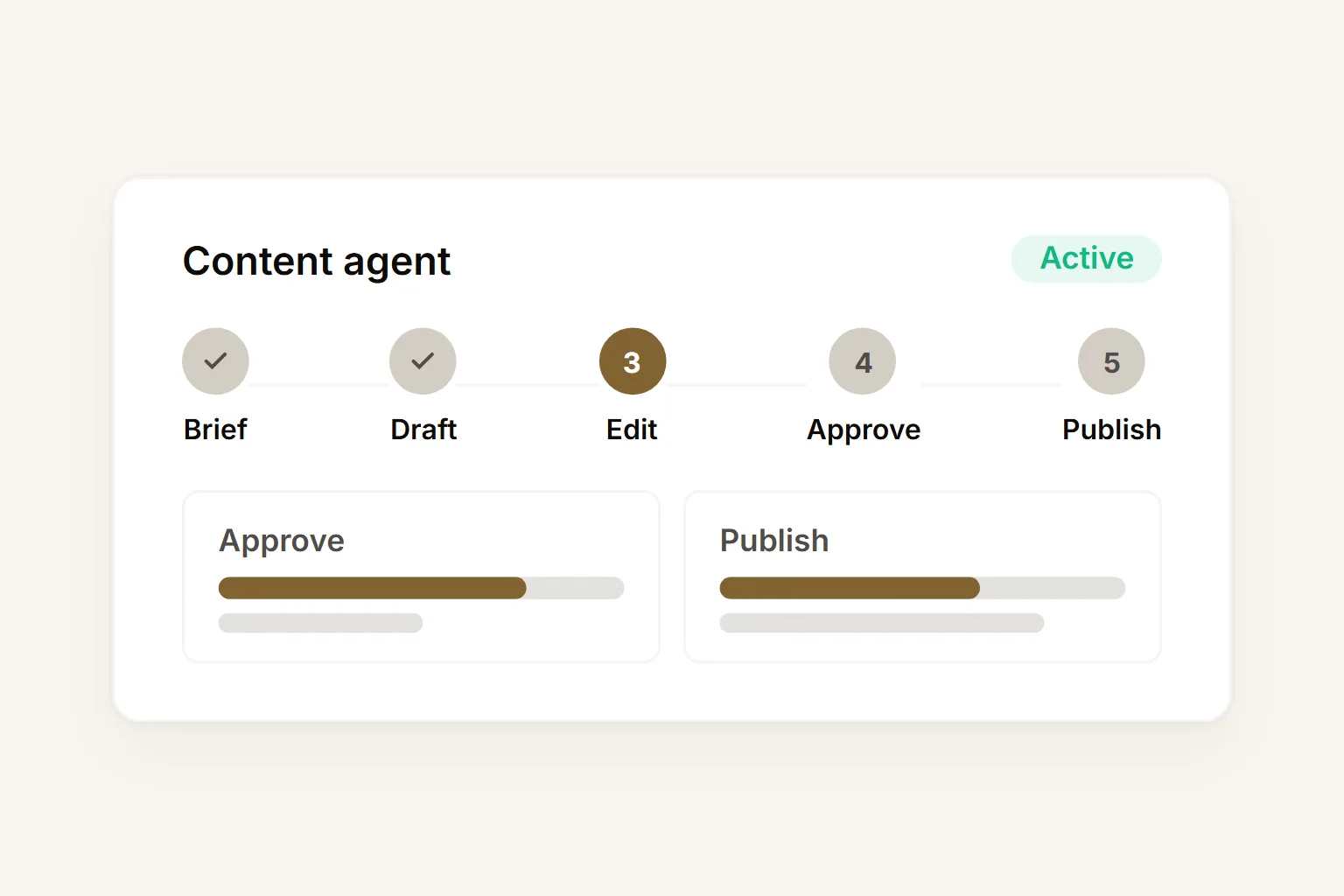
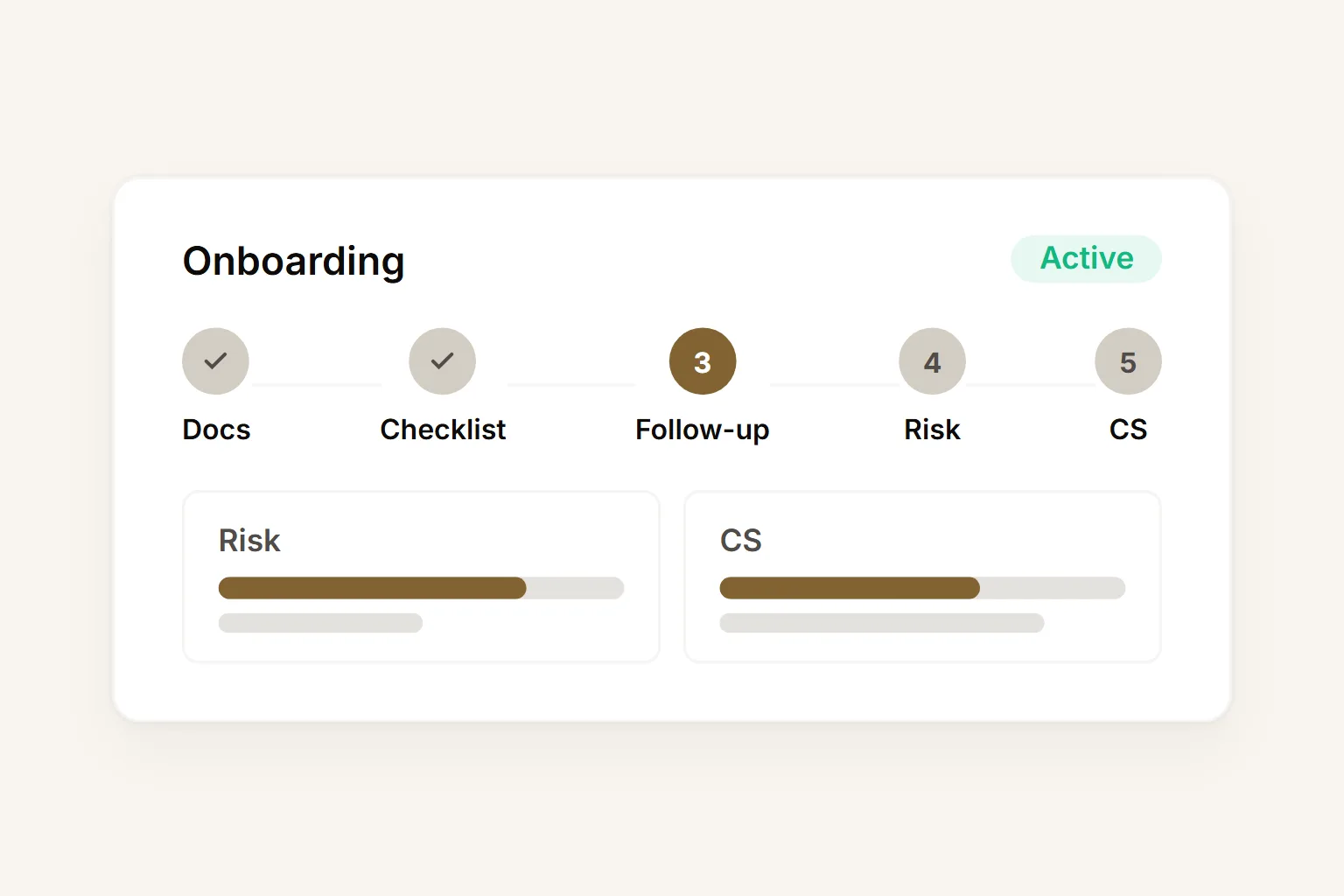
Build and deploy your first AI agent in four steps.
Start with one template, add your context, review the first output, then invite the team once the workflow is trusted.
Choose a template for your first workflow
Start with lead research, weekly reporting, content drafting, CRM cleanup, or onboarding. Pick a workflow with repeated inputs and a reviewable output.
Connect your tools and load your context
Add files, CRM data, docs, and integration access from the visual workspace. No API setup or server configuration required.
Run the agent and review the first output
Let the agent produce a brief, report, draft, or checklist. Your team reviews the artifact before anything reaches a customer or system.
Share the workspace and expand
Invite teammates, adjust cadence and permissions, then expand the agent to more workflows once the first one is trusted.
Your team can build and run AI agents. No engineering required.
Start from a template, connect your context, and review the first output in one shared Buda workspace.
✓ Buda gives business teams the claws to execute while humans keep judgment and approval.