Buda vs Cline: Where Coding Autonomy Hands Off to Team Operations
Cline keeps coding actions close to developer approval. Buda carries verified results into persistent, cross-functional team operations.

Buda vs Cline: Where Coding Autonomy Hands Off to Team Operations
Cline and Buda both let agents use files, a browser, a terminal, tools, and human control. The practical difference is not whether either product is “agentic.” It is the boundary of the work.
Choose Cline when the accepted result lives in a repository. Choose Buda when that result must continue through several roles, recurring tasks, shared business files, and a final human review. Use both when software work triggers company work.
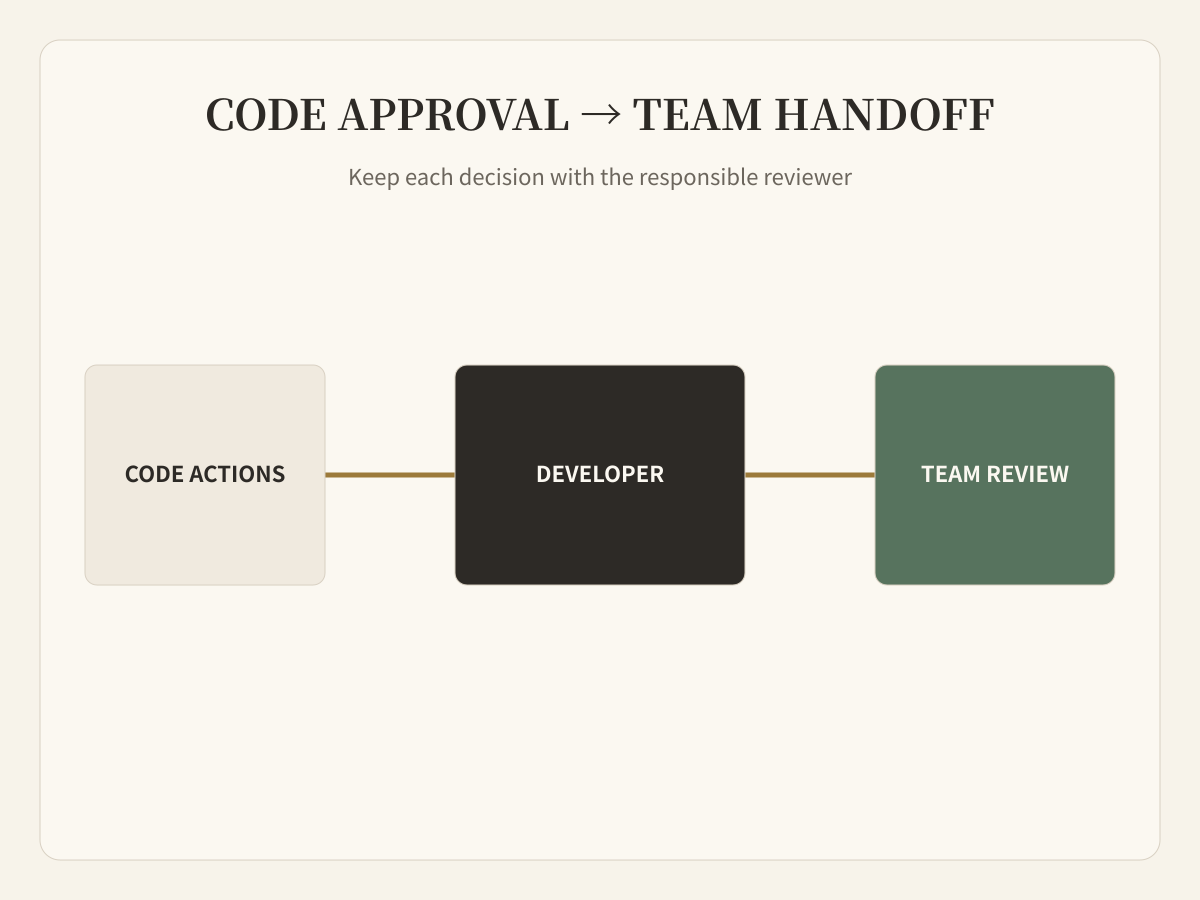
Cline is more than an editor autocomplete
Cline is an AI coding agent for editors and terminals. Its current product surface includes VS Code and JetBrains extensions, CLI automation, a Kanban board for parallel agents, Agent Teams, subagents, browser use, MCP, Skills, checkpoints, scheduling, and enterprise controls. Cline also documents SSO, role-based controls, team management, and observability integrations.
That breadth matters. A fair comparison cannot claim that Cline is local-only, single-agent, or missing human control. Cline's defining loop is still software work: inspect a codebase, plan a change, run commands, edit files, and let the developer approve consequential actions.
One production bug, two approval boundaries
Imagine a billing bug that affects a subset of customers.
Inside the repository, a coding agent needs permission to inspect files, run tests, modify code, and perhaps use a browser. Cline keeps those actions visible to the developer and supports checkpoints when the implementation needs to be rolled back.
After the patch is accepted, a different set of decisions begins:
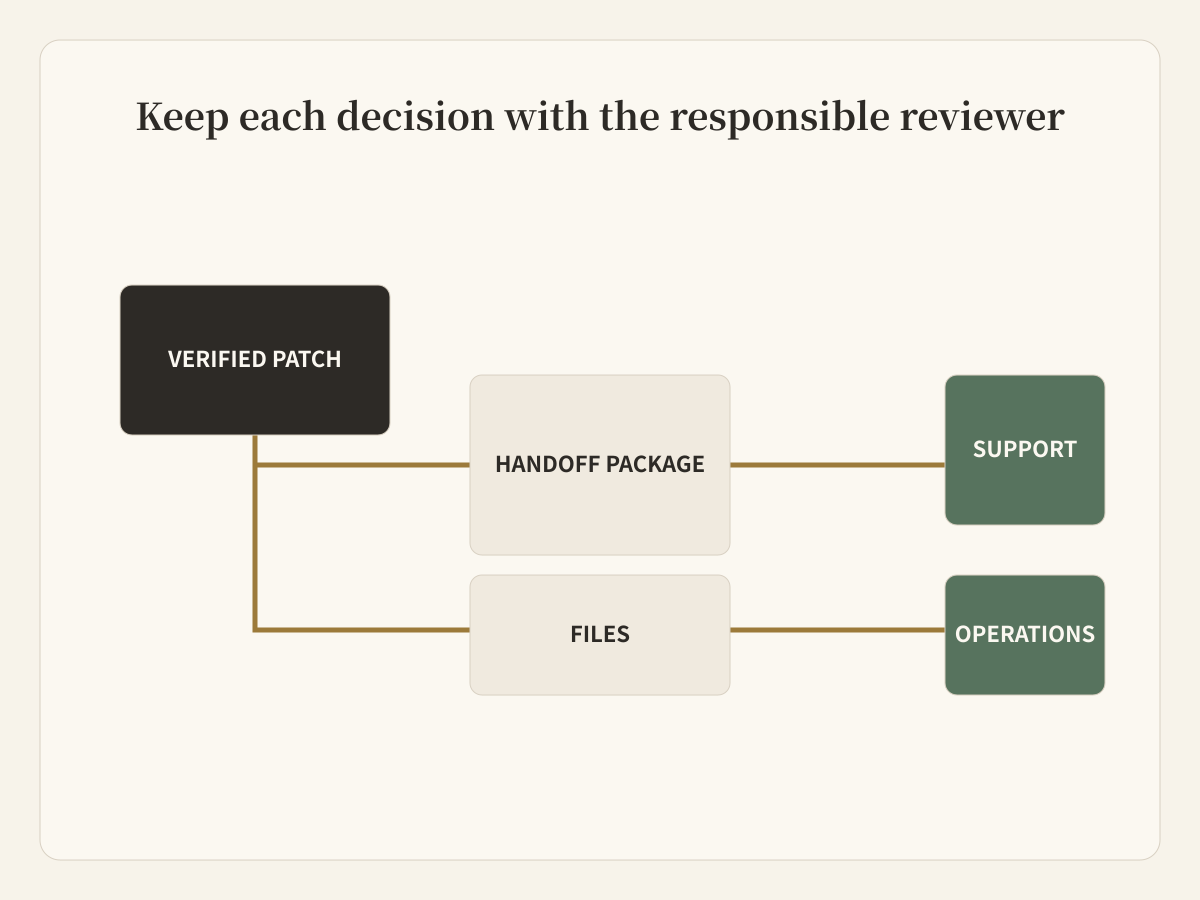
- Support needs a verified explanation of who was affected.
- Operations needs a list of records requiring correction.
- Documentation may need a behavior update.
- A customer message may need legal or product review.
- The team needs a follow-up check after deployment.
These are not extra coding steps. They are a handoff from repository authority to organizational authority.
Approval means different things in each system
In Cline, approval primarily controls what a coding agent may do in its working environment: read or modify files, execute commands, use tools, and proceed through a software task.
In Buda, review can sit around a longer delivery chain. Dedicated agents keep persistent Drives and workspaces, execute through browser and terminal, receive work from Channels or schedules, and produce artifacts that a person reviews before consequential downstream action.
| Question | Cline | Buda |
|---|---|---|
| What is being controlled? | Coding actions and software tasks | Cross-functional execution and deliverables |
| Where does context concentrate? | Repository, editor, terminal, rules, checkpoints | Agent Drive, memory, files, Sessions, Skills |
| What is the usual accepted output? | Patch, commit, test result, code review | Report, content package, operational record, coordinated handoff |
| Who normally reviews? | Developer or engineering team | Named business or functional reviewer |
| What repeats? | Development commands, agent tasks, CI/CD | Business procedures, channel work, scheduled operations |
The handoff should be a real artifact
Do not connect two agents with “continue from the previous chat.” Define a small handoff package:
- commit or pull request;
- test and verification evidence;
- affected behavior and known limits;
- files or records that downstream agents may use;
- actions that still require human approval;
- owner and follow-up date.
This package lets a Buda agent continue without reinterpreting the code change or inheriting unnecessary repository permissions.
Choose Cline when the developer remains the operating center
Cline is the better fit when the work begins and ends with engineering: implementing features, debugging, refactoring, running tests, handling repository tasks, or coordinating several coding agents from a development board. Its explicit approvals and checkpoints keep the developer close to execution.
Choose Buda when the workflow leaves engineering
Buda is the better fit when agents need persistent business context, different roles, recurring execution, team Channels, non-code files, and an accountable reviewer. Examples include release coordination, content production, customer-support preparation, research, and operations reporting.
Use both without duplicating responsibility
Let Cline own the verified software result. Let Buda own the downstream operating package. The human decides whether each stage is accepted. This avoids asking a coding agent to become the company's workflow system, while preserving Cline's strengths where code is the real object of work.
Questions teams should ask
Does Cline support multiple agents and team controls?
Yes. Cline documents Kanban parallel agents, Agent Teams, enterprise roles, controls, and observability. The comparison is about the primary work object, not a missing feature checklist.
Is Buda a replacement for Cline?
Not for teams whose main requirement is coding inside repositories. Buda is an alternative when the unmet requirement is a managed, persistent workspace for work across functions and schedules.
Which system should send customer-facing output?
Neither should do so merely because a patch passed. Define a separate reviewer and approval boundary for customer messages, trusted records, and other consequential actions.
What should a pilot measure?
Measure accepted outcomes: time from issue to verified patch, time from patch to completed release package, reviewer effort, missing evidence, reopened work, and failed handoffs.
Start where the authority changes
Map one workflow from code change to business outcome. The moment responsibility leaves the repository is the natural place to introduce a persistent team-agent workspace.
Explore Buda's Agent Workspace