Buda vs OpenCode: Price the Ownership Before Choosing the Features
OpenCode gives builders an open coding harness. Buda provides a managed workspace for persistent cross-functional agent work.

Buda vs OpenCode: Price the Ownership Before Choosing the Features
OpenCode gives builders an unusually broad open-source agent surface: terminal, desktop, IDE, Web, CLI, server, ACP, custom agents, permissions, MCP, plugins, Skills, and provider choice. That flexibility is real. So is the operating responsibility that comes with it.
This comparison is an ownership worksheet. It separates license cost, model usage, runtime maintenance, policy, credentials, support, and downstream review before asking which system fits.
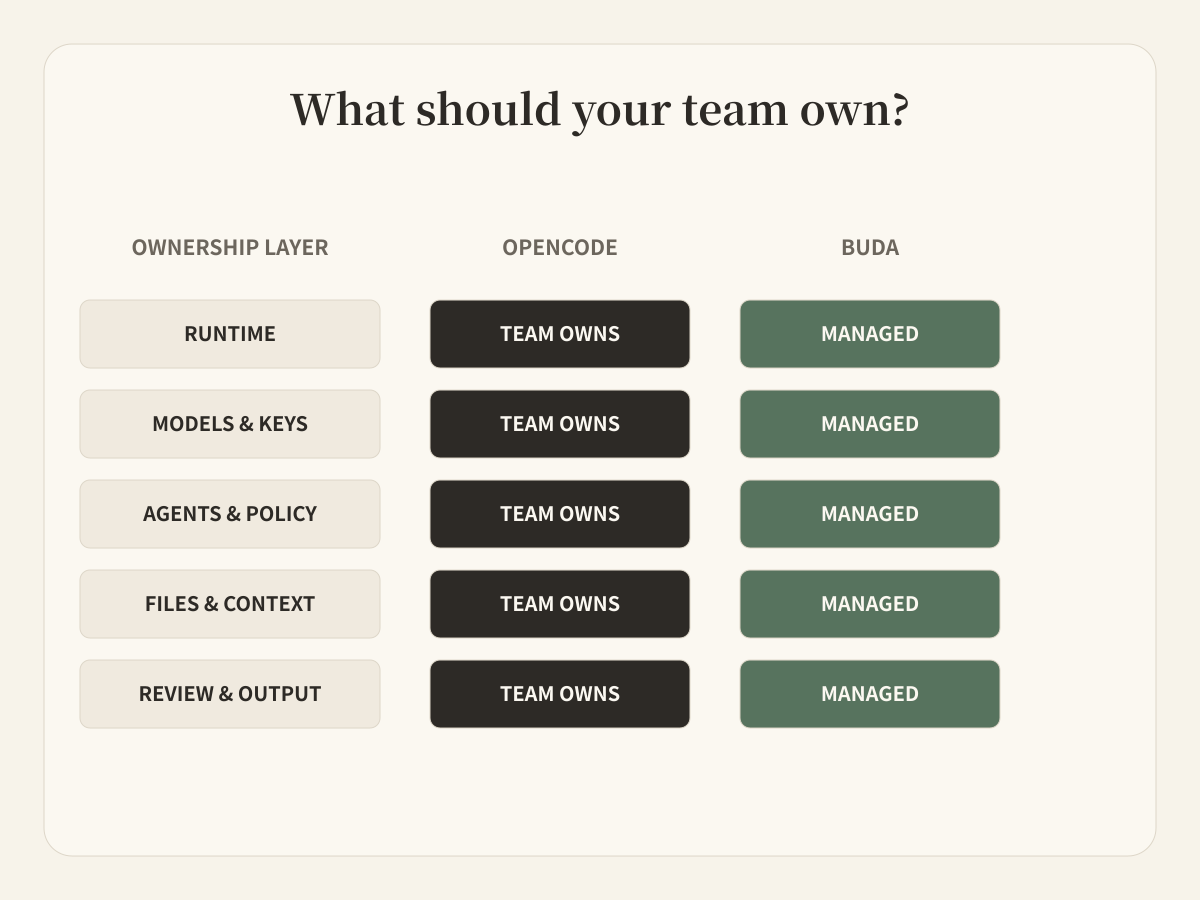
Write down the ownership bill first
With an open coding harness, “Can the agent do this?” is only one question. Teams also decide:
- who installs and upgrades the runtime;
- which model providers and credentials it may use;
- which permissions, MCP servers, plugins, and agents are allowed;
- where servers, sessions, configuration, and project data run;
- how accepted results move to people outside engineering.
For a platform team or individual builder, that control can be exactly the value. The organization can inspect the code, choose providers, enforce managed configuration, run the server, and adapt the harness to its environment.
The cost is not necessarily a license line. It is ownership: someone must keep the operating choices coherent and support the people using them.
Compare three operating models
Choose OpenCode when a technical owner wants provider choice, local execution, inspectable source, custom server topology, ACP integration, bespoke plugins, or exact permission rules. It is also a direct choice for developers who want a capable coding agent in the terminal or editor without adopting a broader operations platform.
The official configuration supports remote organization defaults and admin-managed settings, so self-managed does not mean every developer must improvise. It means the organization remains responsible for the policy and runtime it chooses.
Choose Buda when the same recurring job must arrive from a Channel or schedule, use persistent business files and websites, continue across sessions, and return an artifact to a named reviewer. The relevant users may be in product, support, content, operations, research, or management rather than only engineering.
Here the value is not hiding technical choices. It is giving non-engineering work a stable place to run and be reviewed.
Audit the harness you would actually own
OpenCode is available through a terminal interface, desktop app, IDE integration, Web interface, CLI, headless server, and ACP-compatible editors. It supports many model providers, local and remote MCP servers, custom tools, plugins, Skills, rules, commands, LSP integration, and granular permissions.
Its agent model includes Build and Plan as primary agents, plus General, Explore, and Scout subagents. Teams can create more agents with different prompts, models, tools, and permission boundaries. General can execute parallel units of work; Explore and Scout provide read-only code or dependency research.
It would be wrong to describe OpenCode as single-agent, terminal-only, or unable to use remote tools. Its flexibility is the point.
Complete the ownership worksheet
| Layer | OpenCode | Buda |
|---|---|---|
| Runtime | Team installs or runs the client/server | Managed Agent cloud computer |
| Models | Team selects providers, models, credentials, policies | Models and Credits available through the product |
| Agent configuration | JSON/Markdown agents, rules, permissions, plugins, Skills | Dedicated Agents, persistent context, Skills, workspace settings |
| Tools | Built-ins, custom tools, local/remote MCP | Browser, terminal, files, Git, integrations, MCP-capable tools |
| Primary artifact | Code change, plan, investigation, session output | Business file, report, content package, recurring operational result |
| Team intake | CLI, TUI, Web/IDE, GitHub/GitLab workflows | Chat, team Channels, attached files, schedules |
| Review | Permission prompts and team-defined software review | Functional owner reviews the produced artifact |
Buda's main object is a persistent Agent workspace, not a configurable coding runtime. Each Agent receives a cloud computer and Drive. The user can see chat, files, browser, terminal, Git, and previews in one workbench. Teams can connect messaging Channels, install reusable Skills, and schedule Automations.
This does not offer the same source-level control as an open-source harness. It reduces the amount of runtime setup a functional team must own before agents can produce and return visible work.
The decision therefore is not open versus closed in the abstract. It is which layer the team wants to own.
Define the evidence contract between systems
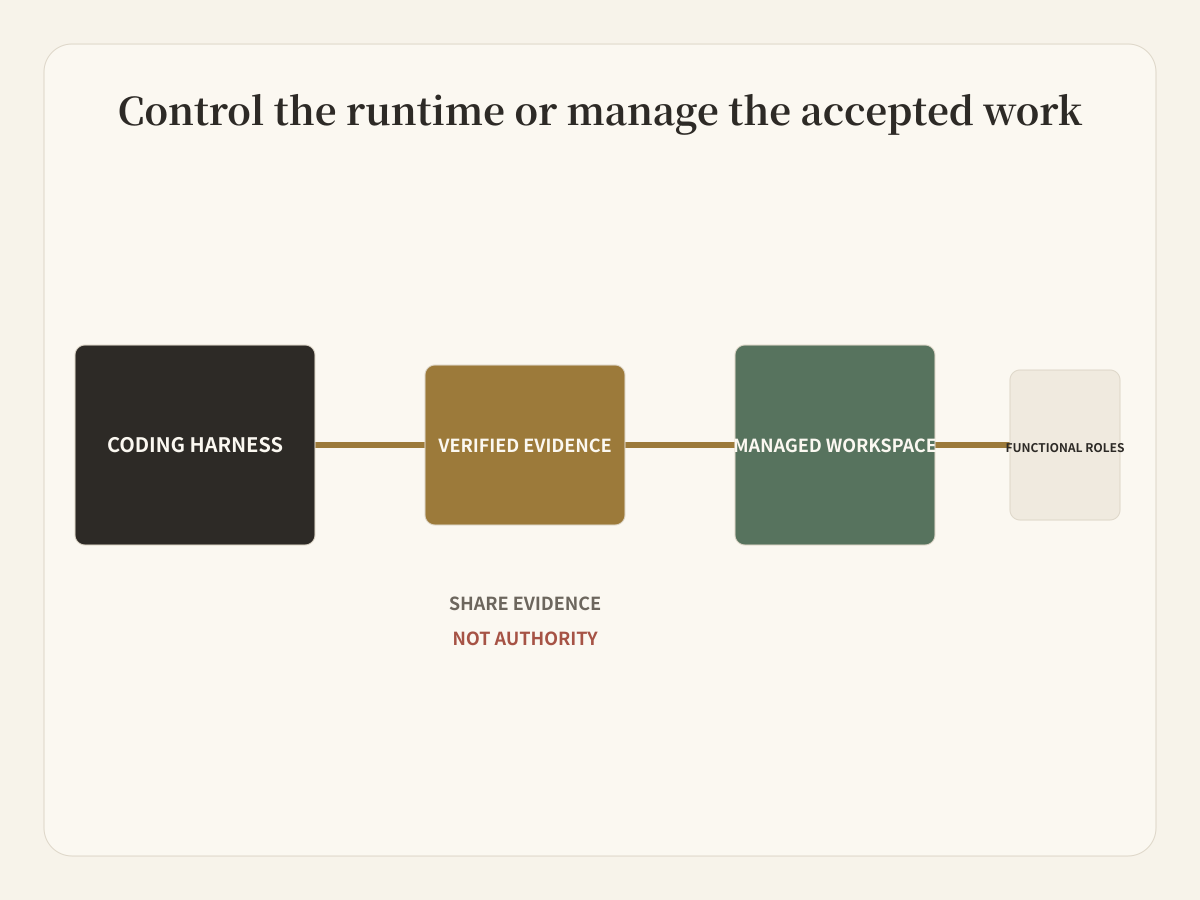
An engineering team can use OpenCode to inspect a repository, implement a change, run tests, or prepare a technical report. The accepted output can then enter a Buda workflow as a deliberately small evidence package:
- commit, patch, or technical report;
- verification output and known limits;
- approved files that downstream Agents may use;
- owner and actions that still require review.
Do not pass provider credentials, unrestricted repository access, or the entire agent configuration to a downstream content or operations Agent. Share evidence, not authority.
Questions for a self-managed pilot
Is OpenCode limited to the terminal?
No. Official documentation covers TUI, CLI, Web, desktop, IDE and ACP integrations, a headless server, GitHub and GitLab workflows, and session sharing.
Does OpenCode support multiple agents and MCP?
Yes. It has primary agents and subagents, configurable custom agents, task permissions, parallel work through General, and both local and remote MCP servers.
Is OpenCode automatically safer because it is local or open source?
No deployment model removes the need for permission design, credential hygiene, trusted project instructions, dependency review, and human acceptance. OpenCode provides granular controls; the team must configure and operate them.
What should a pilot measure?
Measure setup and maintenance effort, time to accepted coding result, time to accepted downstream deliverable, reviewer effort, permission exceptions, and failed handoffs. Separate runtime cost from model usage and human operating cost.
Choose the layer, then choose the product
Builders may want control of the harness. Functional teams may want a managed place for work. The clean architecture keeps those decisions separate and passes only verified evidence between them.
Explore the Buda Agent Workspace